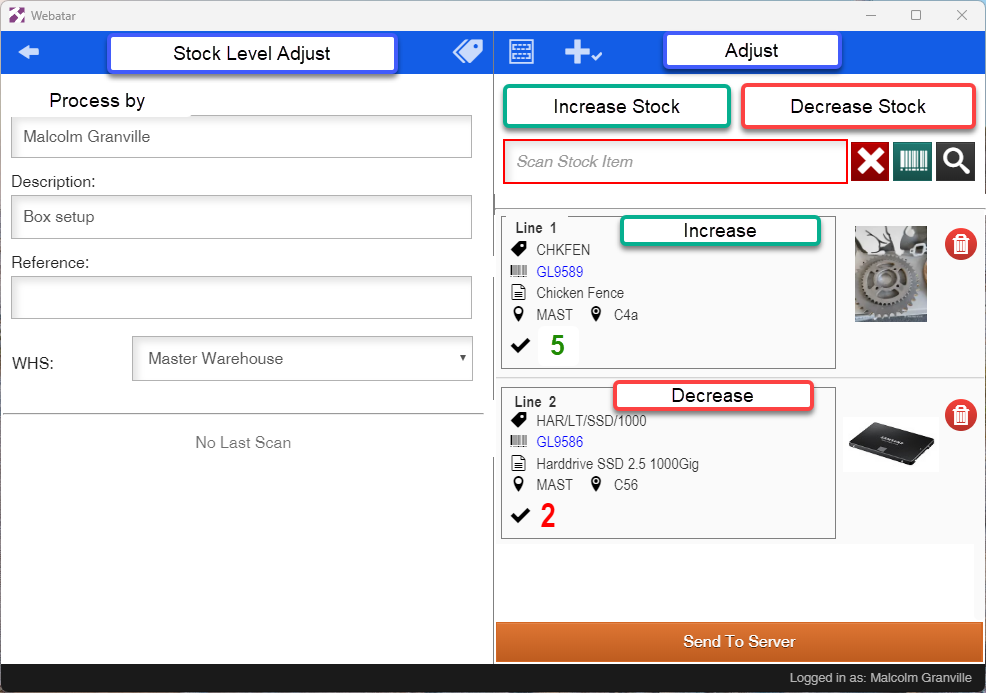
Stock Level Adjust
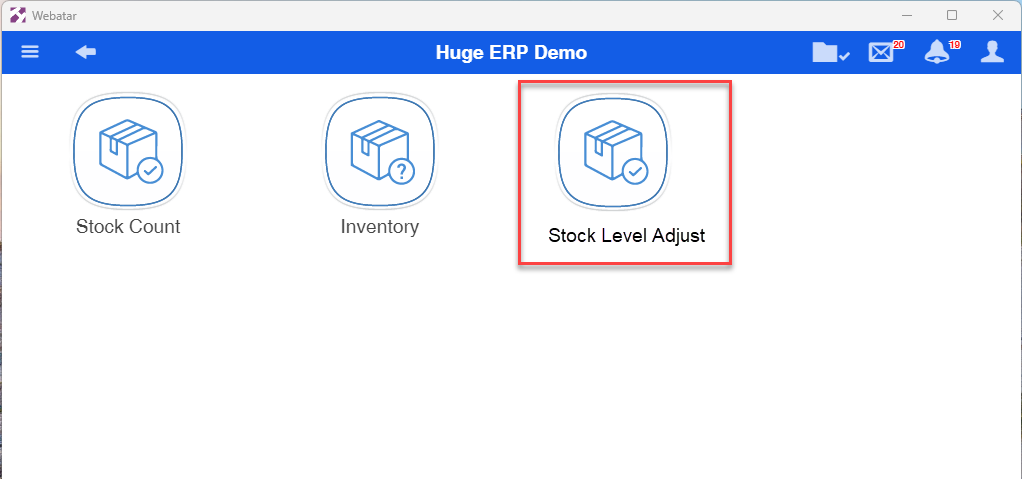
Adjusting stock levels from Webatar app
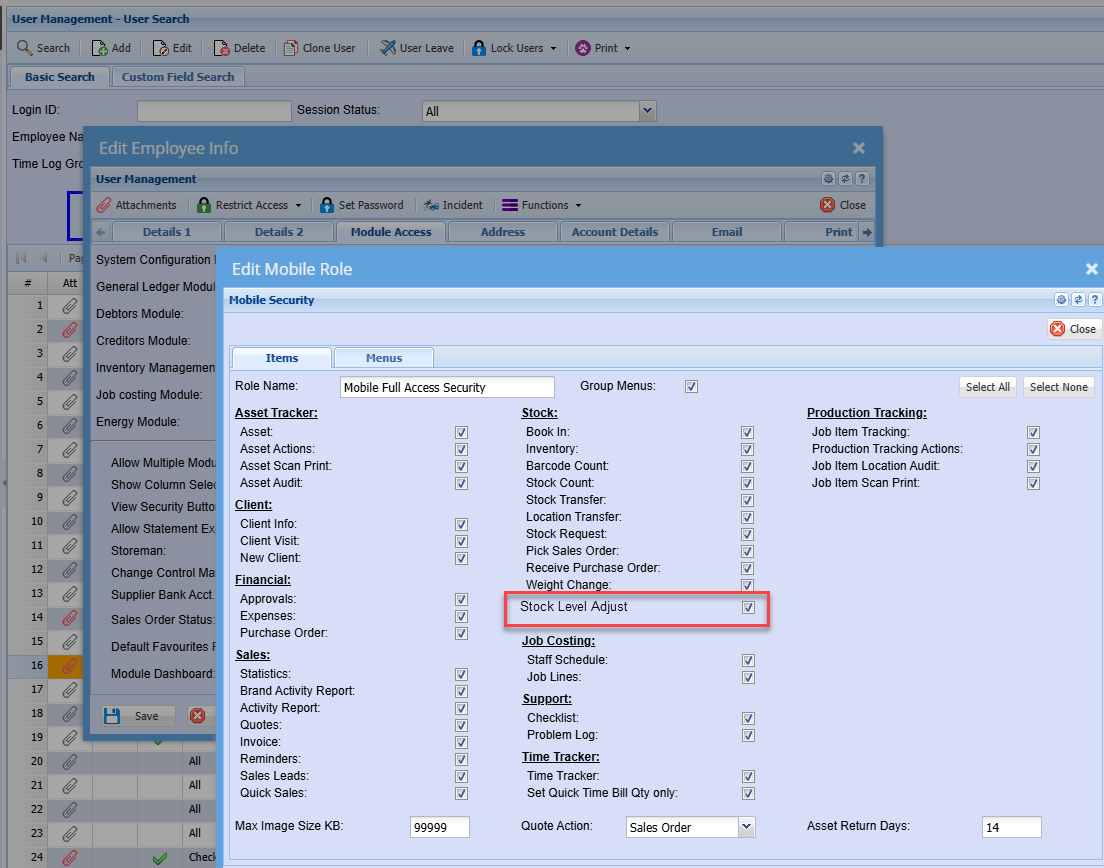
Module access setup
New module falls under the Stock Group
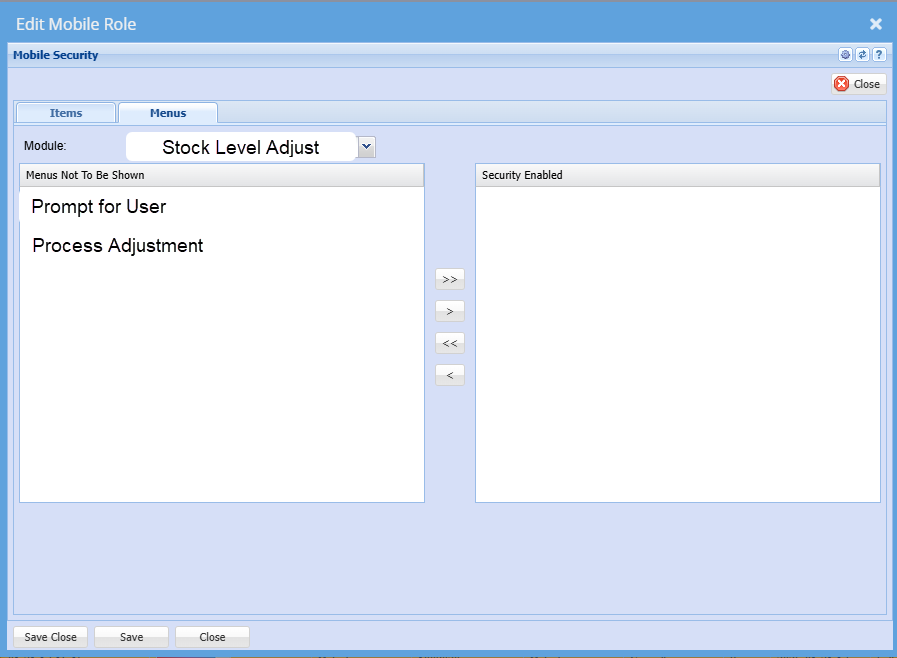
Additional security setups
| Prompt for User | Logs which user captured the stock level and processes this user as the posted user |
| Process adjustment |
Means that when we sync to server you process the adjustment at the same time
It processes adjustment is off, then only save the adjustment.
|
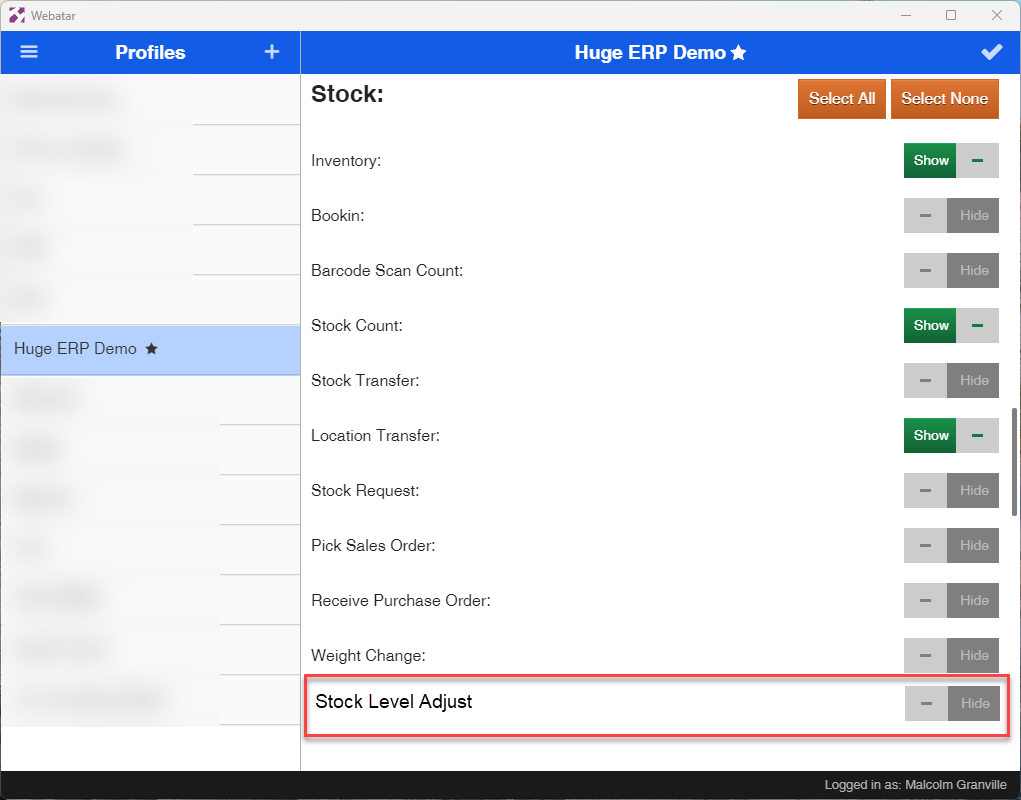
Webatar Security setup
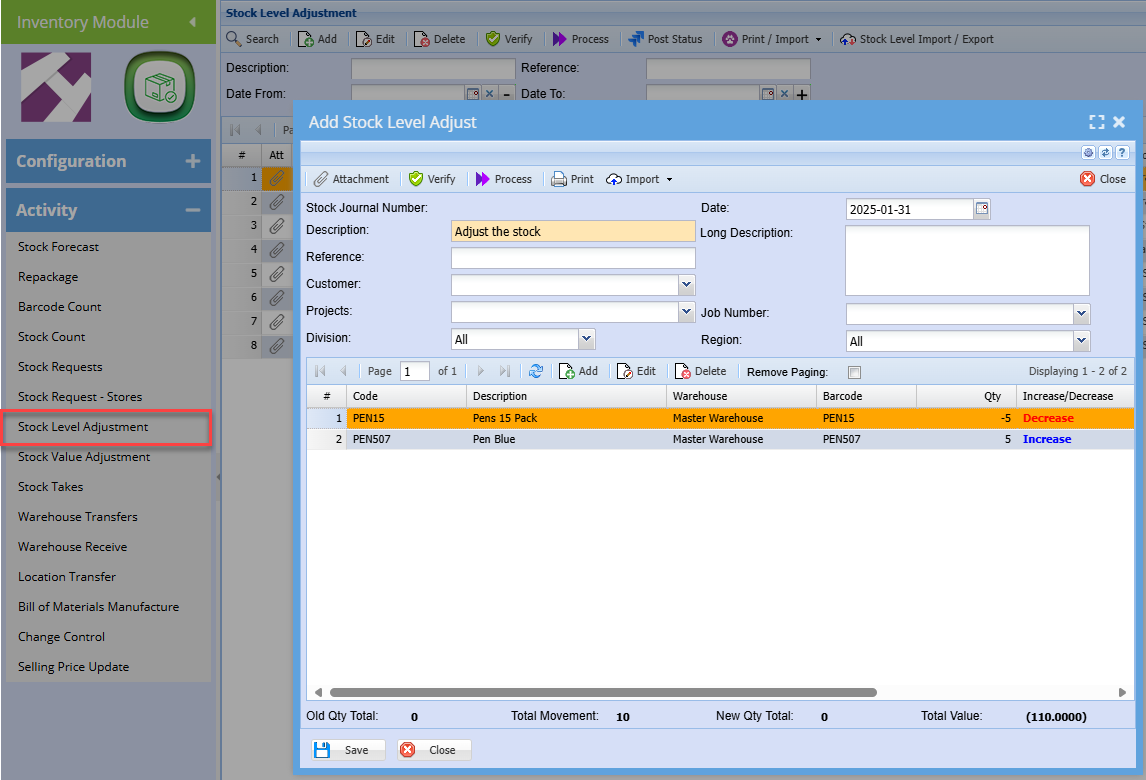
Main system stock level adjustment
The main system used is the stock level adjustment journal
Webatar stock adjust document
Increase stock button |
This is the default setting, when this is active all scanned stock is assigned Increase |
Decrease stock button |
When clicking on Decrease stock and it is active, any stock scanned will be marked as decrease |
Warehouse |
|
to the new scanned items |