Account Data Analyse
Log into the General Ledger Module > Reports > Financial Performance (Profit and Loss)Position
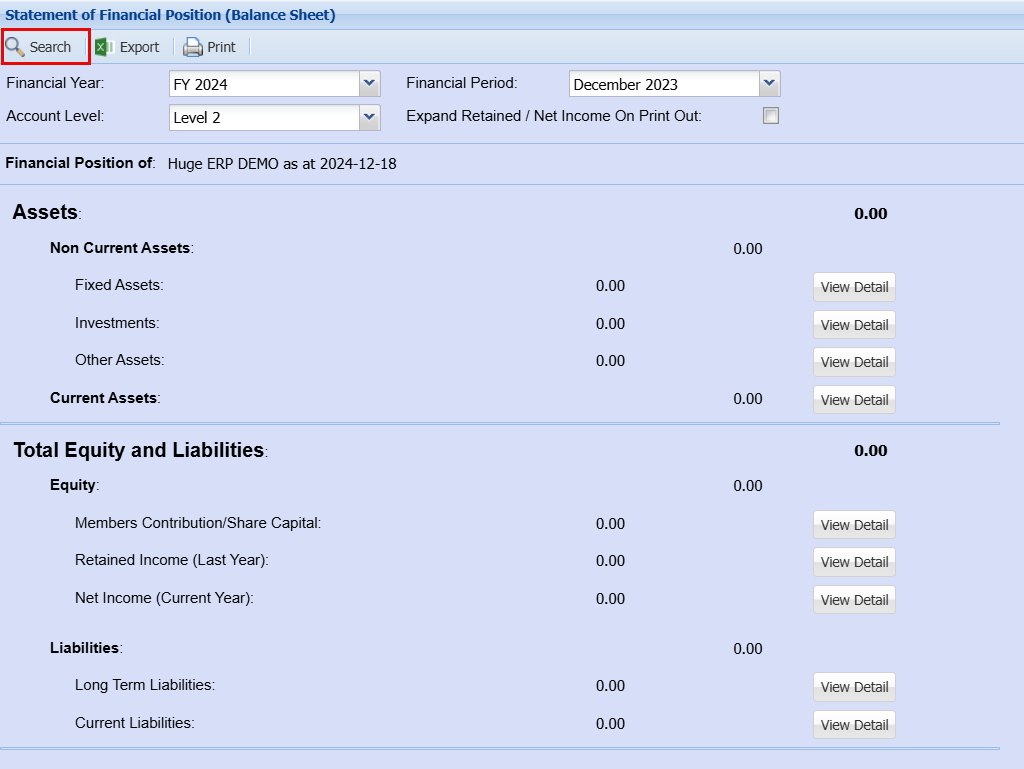
Search
| Financial Year | Select the financial year you would like to pull the report for |
| Financial Period |
Select the months you would like to pull the report for |
| Account Level | These levels each have more or less information in the report |
| on it you would like to include Net Income on Print | Out |

Click Search once you are happy with your select criteria, this will populate the figures as shown below.
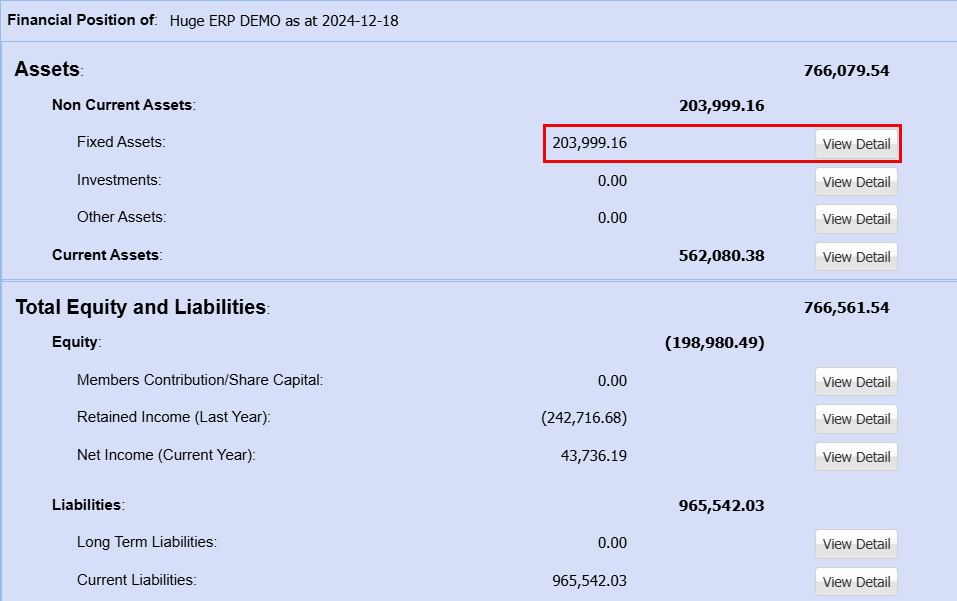
By clicking on "View Details" this will open a new window which will show you a breakdown of what these amounts are made up of.
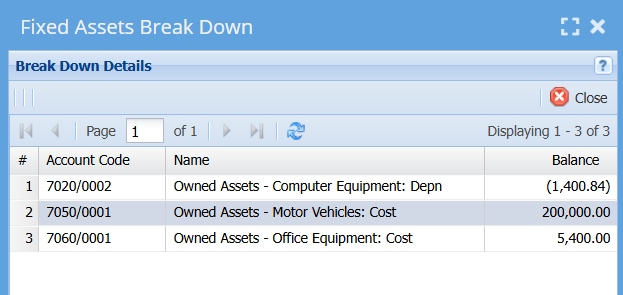

You can Print your Statement of Financial Position
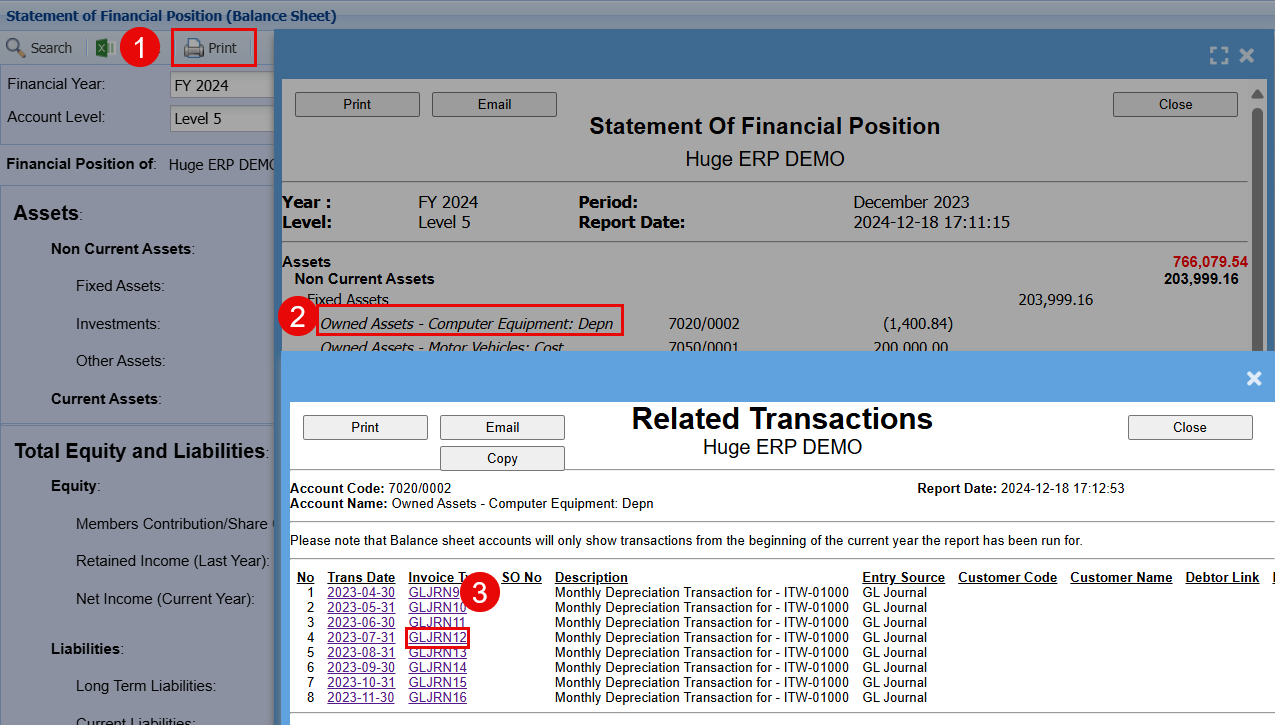
- Click Print - This will open another window showing a further breakdown of the initial screen
- If you click on any of the transaction this will open another window that will expand on the information for all transactions associated with this amount.
- You can then click on the individual Invoice Type to see each transaction in details.