
Stock Take
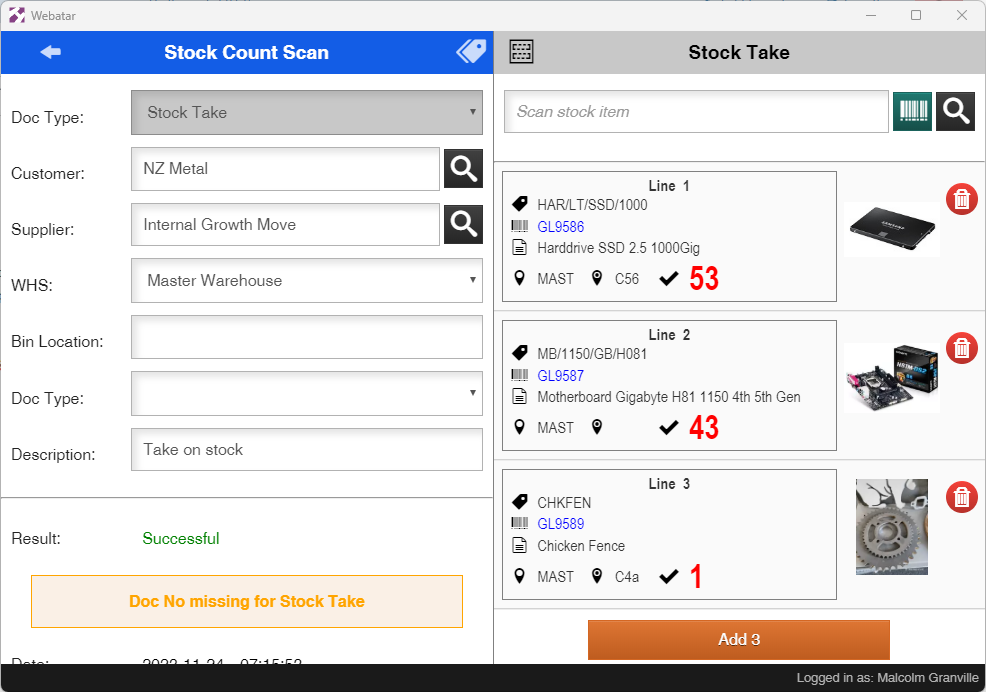
Running a Stock Take with the Webatar app
View more details on stock take - Click Here
Some basic steps are required
- Create and activate a stock take
- Open up the Webatar app and sync
- Scan and count stock
- Complete stock take
- Close and Open the Webatar app and sync
{{@1328#}}