
Expense Window Search
Search Button
To search for an existing expense
Go to Financial> Expenses then click on the search icon
As shown below:

After clicking on the search icon the screen below will appear
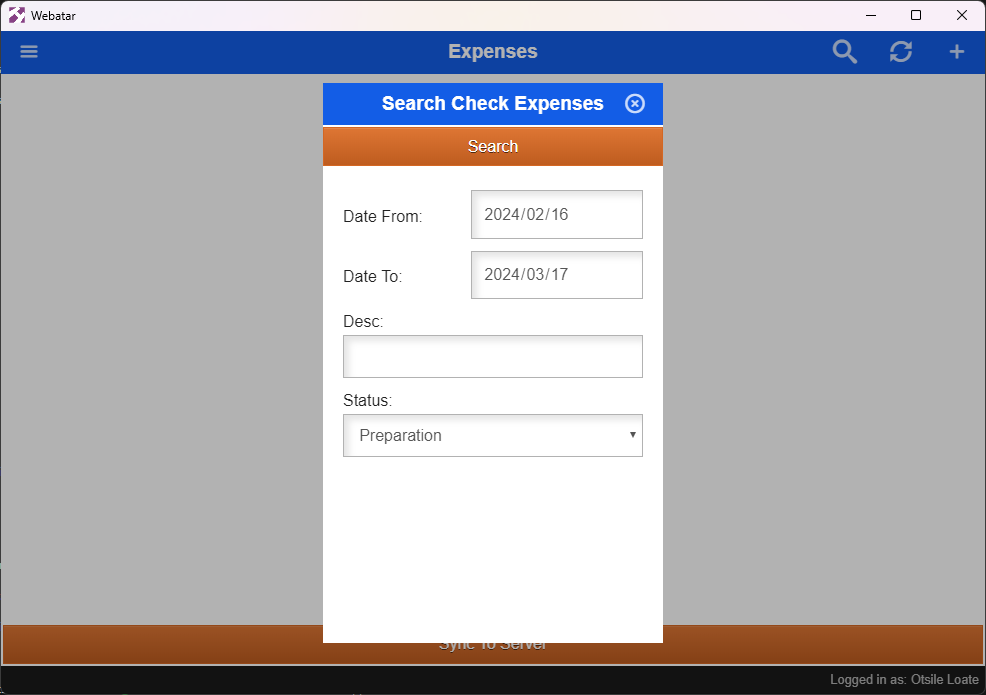
| Date From | |
| Date To | |
| Description | |
| Status | |
| Search Button |
1.Plus
+ button
2.Refresh
button
3.Search button
.png)
Add a new expense
Search for specific expense
.png)