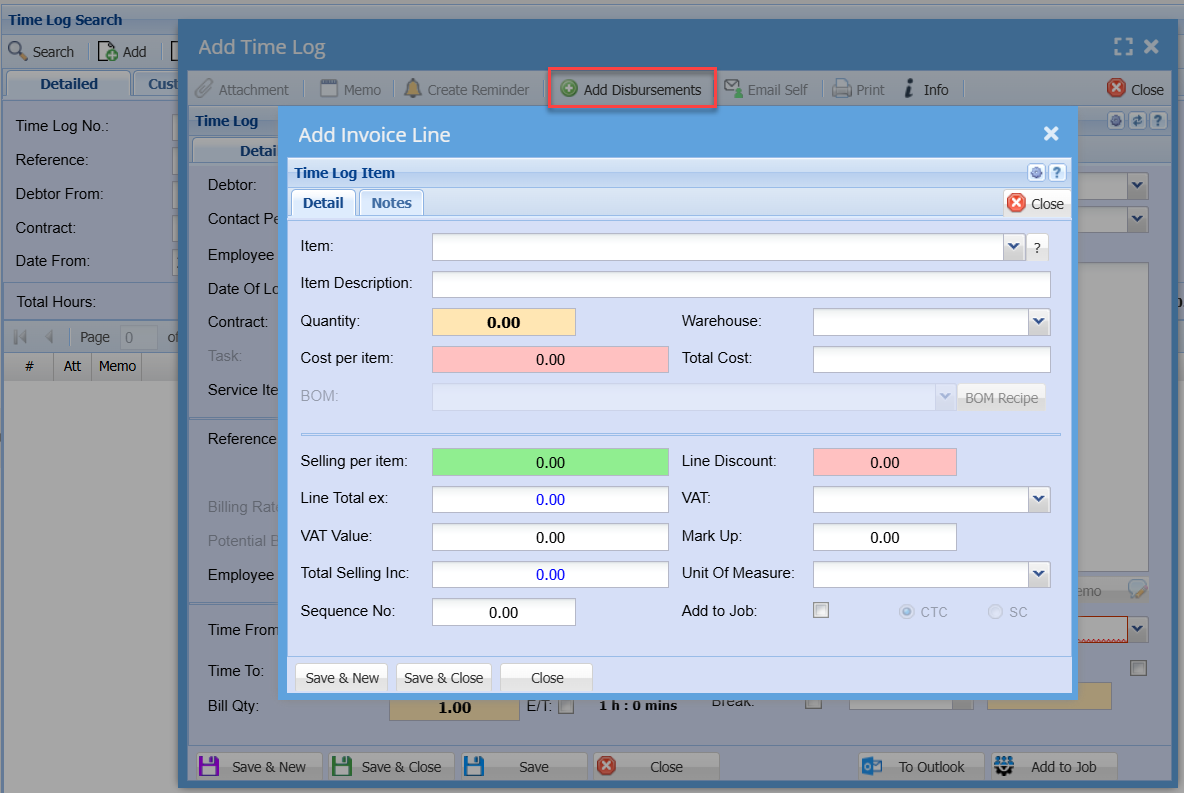
Add or Edit Time Log
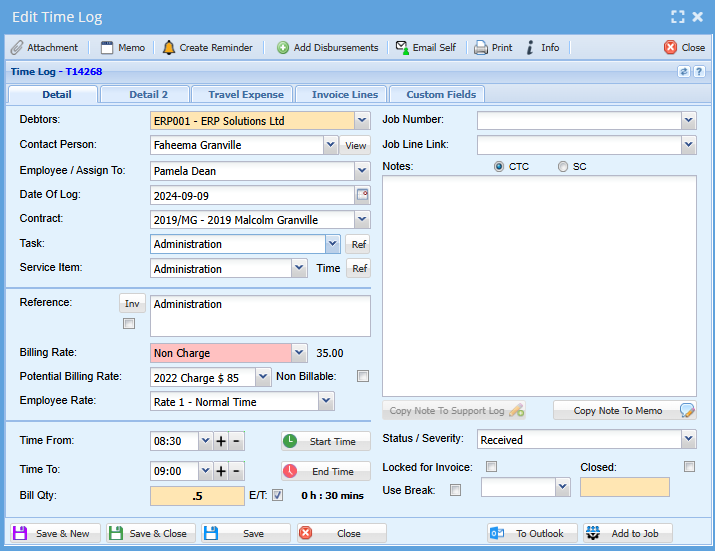
Details:
|
Details |
|
|
Debtor |
Select the debtor |
|
Contact Person |
Your Superior/Manager |
|
Employee |
Select the employee responsible for the Time Log |
|
Date Of Log |
Select/enter the date for the Time Log |
|
Contact |
|
|
Task |
Select the desired task or type of work you are doing at this time |
|
Service Item |
Select the desired Service Item for the Time Log |
|
Reference |
Enter a brief description/reference (The tick box next to the Reference field, when tick will automatically copy the contents of the Reference field to the Notes field and add it to the beginning of the notes in the Notes field if there are already any notes entered there.) |
|
Billing rate |
Select the desired task |
|
Potential Billing Rate |
What you could charge for this task |
|
Non-Billable |
Tock box you could tick if this is not a chargeable task |
|
Employee Rate |
What this time spent costs the company (Employee hourly rate) |
|
Service Level Agreement |
Select the desired SLA. Only SLA that are related to this Debtor will be available for selection. |
|
Time From |
Time when the Time Log was started |
|
Time To |
Time when the Time Log was ended / finished |
|
Bill Qty |
This will auto populate the house when you have added your to and from time |
|
Job Number |
To allocate this time to a specific job |
|
Job Line Link |
To link this time to a specific task |
|
Notes |
To add notes to a job |
|
Status / Severity |
This refers to the status of the job completed at this time (Closed, pending etc) |
|
Locked for invoice |
This time log is locked as its being invoiced |
|
Use Break |
|
Details 2
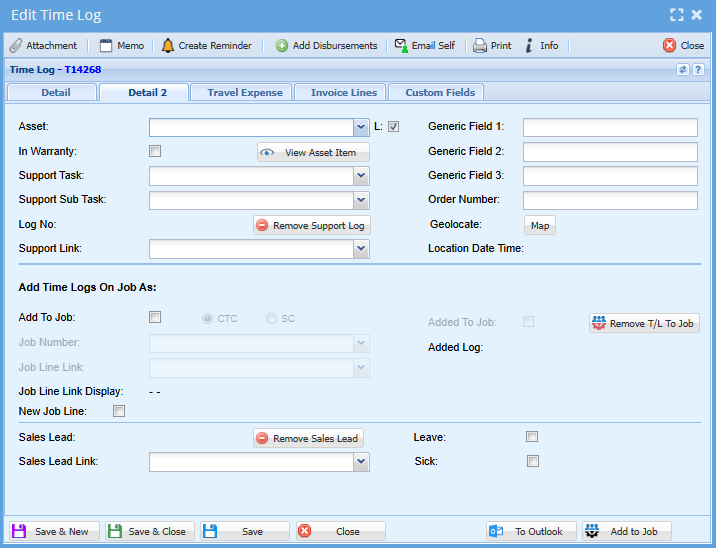
| Details 2 | (This is where you add your sick leave or annual leave) |
| Asset | |
| In Warranty | |
|
Support Task |
|
| Support Sub Task | |
| Log No. | |
| Support Link | |
| Generic Field 1-3 | Text field to add your own note |
| Order Number |
Should you have received an order number for the task you are doing at this time |
| Geolocation | Maps to add where you were |
| Location Date and Time | |
| Add Time Logs on Job as: | |
| Sales Lead Link | You can add a link here form a sales lead that has lead to this time being done |
| Leave | Tick the tick box if you had annual leave on this specific day |
| Sick | Tick the tick box if you were sick on this day |
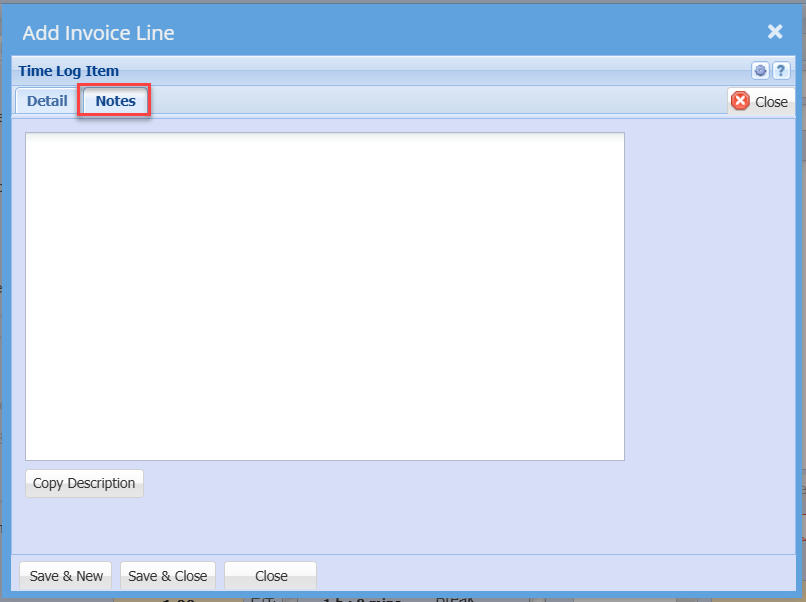
Add Disbursements