Add or Edit Time Log
.png)
|
Details Tab |
|
|
Log No |
Time log number |
|
Debtor |
Select the debtor |
|
Service Item |
Select the desired Service Item for the Time Log |
|
Service Level Agreement |
Select the desired SLA. Only SLA that are related to this Debtor will be available for selection. |
|
Task |
Select the desired task |
|
Billing rate |
Select the desired Billing Rate |
|
Reference |
Enter a brief description/reference (The tick box next to the Reference field, when tick will automatically copy the contents of the Reference field to the Notes field and add it to the beginning of the notes in the Notes field if there are already any notes entered there.) |
|
Date Of Log |
Select/enter the date for the Time Log |
|
Employee |
Select the employee responsible for the Time Log |
|
Time From |
Time when the Time Log was started |
|
Time To |
Time when the Time Log was ended / finished |
|
Duration |
Calculated time spend on the Time Log |
|
Invoice |
Tick the box for this Time Log to be Invoice when processed |
|
Archive |
Tick the box to archive this time log |
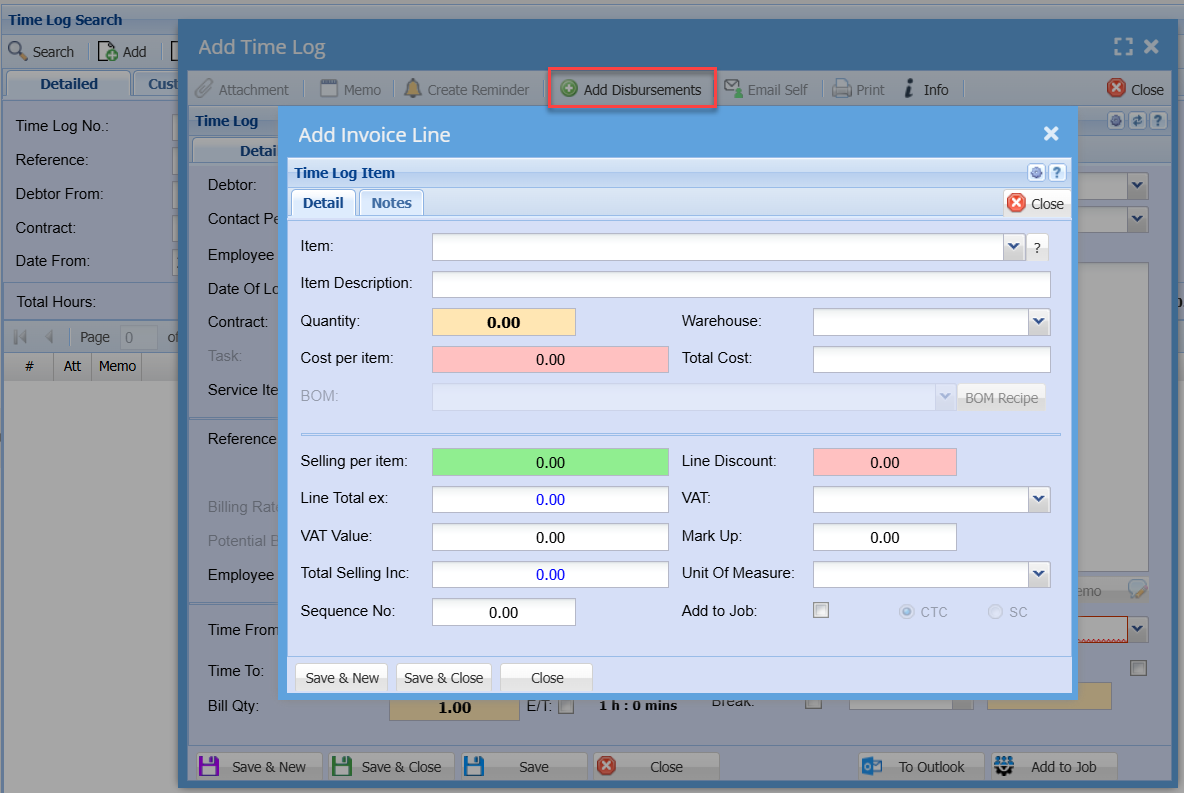
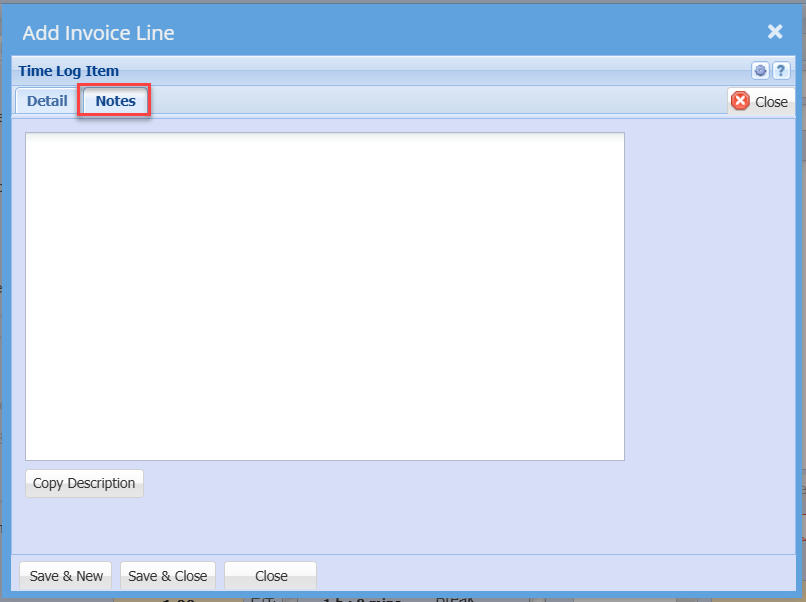
Add Disbursements