
10. Job Grouping Report
Job Costing>Reports>Reports List
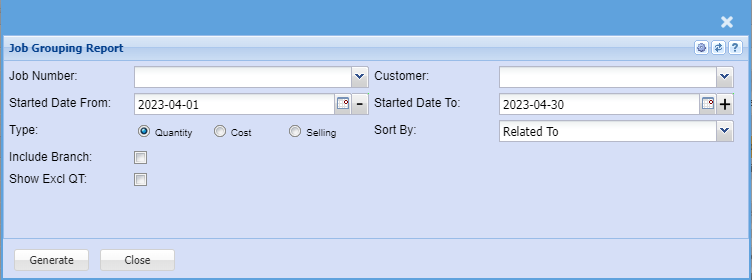
Job grouping report allows a selection to view quantity, cost or selling of jobs and compares
quote, usage and invoiced values with balance.
To run the report, select the customer, job number or the date.
Select the type of the report. (Quantity, Cost or Selling)
Sort the report by selecting any from the drop down arrow.
Generate button – to run the report
Close button – to close the form