
10. Job Grouping Report
Job Costing>Reports>Reports List
Job grouping report allows a selection to view quantity, cost or selling of jobs and compares
quote, usage and invoiced values with balance.
To run the report, select the customer, job number or the date.
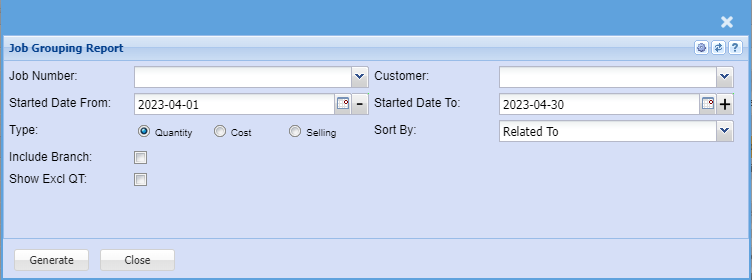
| Job Number | |
| Customer | |
| Started Date From and To | |
| Type | Select the type of the report. (Quantity, Cost or Selling) |
| Sort By | Sort the report by selecting any from the drop down arrow. |
| Include Branch | |
| Show Excl QT |
No Comments