
Inventory Costs
Inventory module>Reports> Reports List
This shows the pricing level indicated against the stock item, what cost is being utilized as well as the markup or amount on the item.
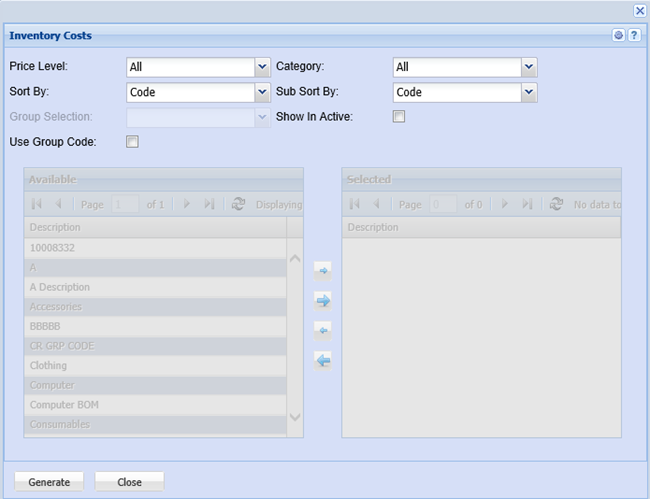
This report shows the pricing level indicated against the stock item.
To run the report, ensure that the Price Level selected is ”ALL” so that all price level categories will appear on the report.
Sort By – select one option from the drop down arrow to sort out the report
Select the category and the sub sort by, from the drop down arrow
Group Codes – when selecting this option, group codes will be visible and allow the user to manipulate them by using the arrows for selection
Show Inactive – this option will include inactive group codes on the report when selected
Generate button – to run the report
Close button – close the form