
Transactions Report
Debtors >Reports > Report list
Full transactional history of all postings in debtors with opening and closing balance per debtor and movement between dates specifiedspecified.
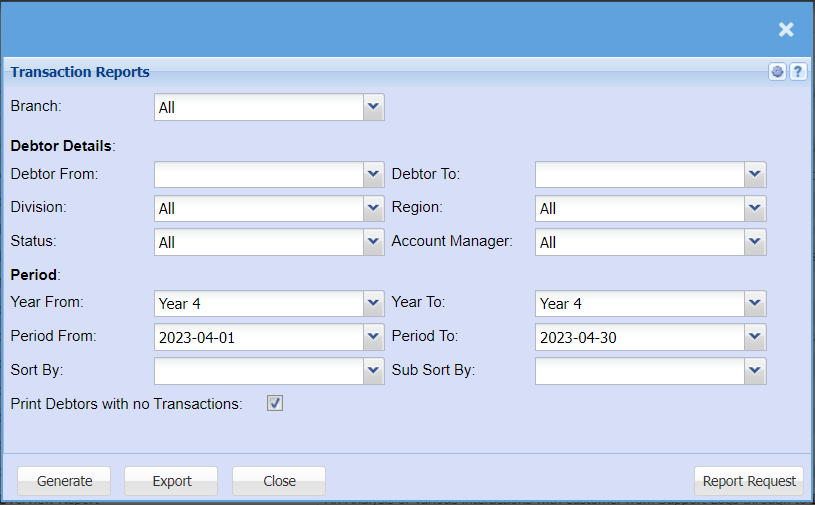
This is a debtor’s full transactional history of posted documents
| Branch | to select the branch from the drop down arrow |
| Debtor From | to select the debtor from which the transaction report will run from |
| Division | to select the division from the drop down arrow |
| Status | to select the report status from the drop down arrow |
| Debtor To | to limit debtors report by selecting the debtor to |
| Region | to select the region from the drop down arrow |
| Account Manager | to select the account manager from the drop down arrow |
| Year From | to select year from and Year To from the drop down arrow |
| Period From | to select the period from and the period To from the drop down arrow |
| Sort By | to sort the report by selecting from the drop down arrow |
| Print |
to tick the box in order to include debtors with no transactions |
| Year To | to |
| Period To | to |
| Sub Sort By | to select sub sort from the drop down arrow |