
Status Age Analysis
Debtors > Report list >Status Age Analysis
Age analysis grouped by status
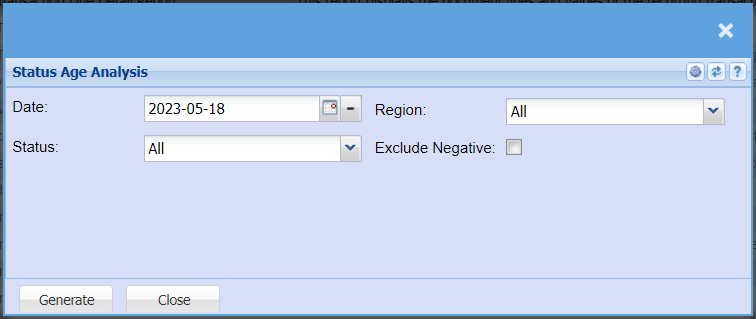
The report on status age analysis
Date – to select the date for running the report
Region – to select the region from the drop down arrow
Status – to select the report status from the drop down arrow
Exclude Negative – by ticking the box means that the report will exclude negative amounts
Generate button – to run the report
Close button – to close the report