
Sales Orders
Debtors >Reports >Report list
The report displays the different status of sales orders which includes what has been ordered, received, processed and the balance
Criteria can be run by debtors or date or stock.
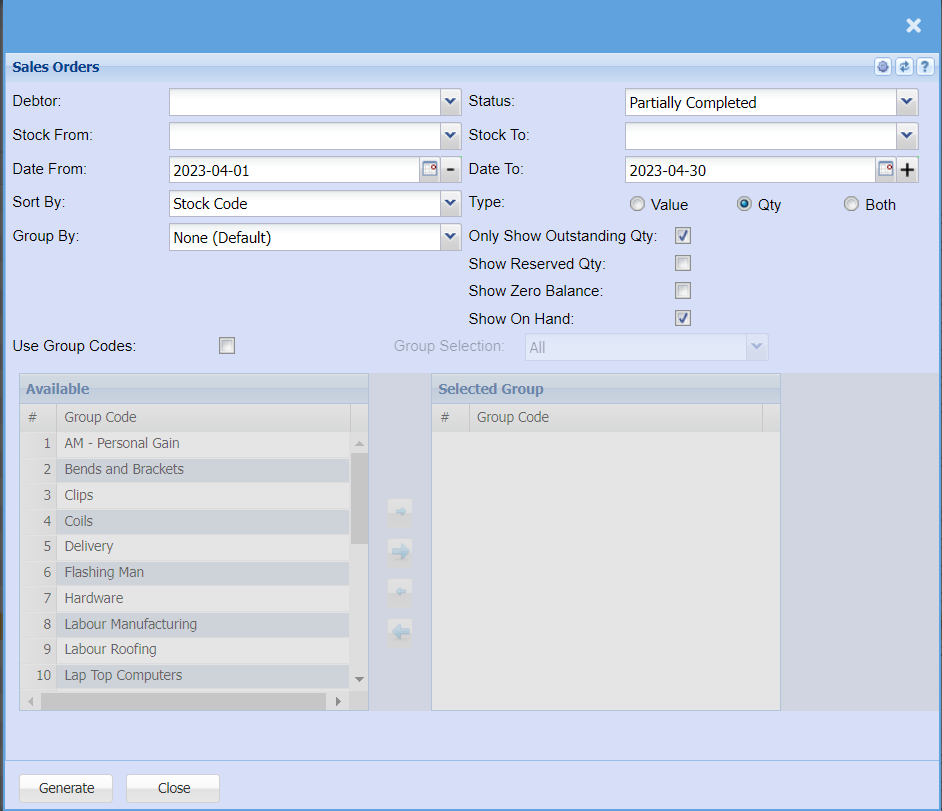
The report shows a detailed debtor’s sales orders
Debtor – to select the debtor
Status – to select the status from the drop down arrow
Stock From – to select the stock from which the stock will run from
Stock To – to select the stock to limit sales orders report run
Date From – to select the date from which the report will run from
Date To – to select the date to limit the report run
Sort By – to sort the report by selecting from the drop down arrow
Type – to select either value or quantity for a report
Generate button – to run the report
Close button – to close the form