
Sales Order Back Order
Debtors >Reports >Report list
The report gives the value or quantity outstanding on sales orders in different status levels.
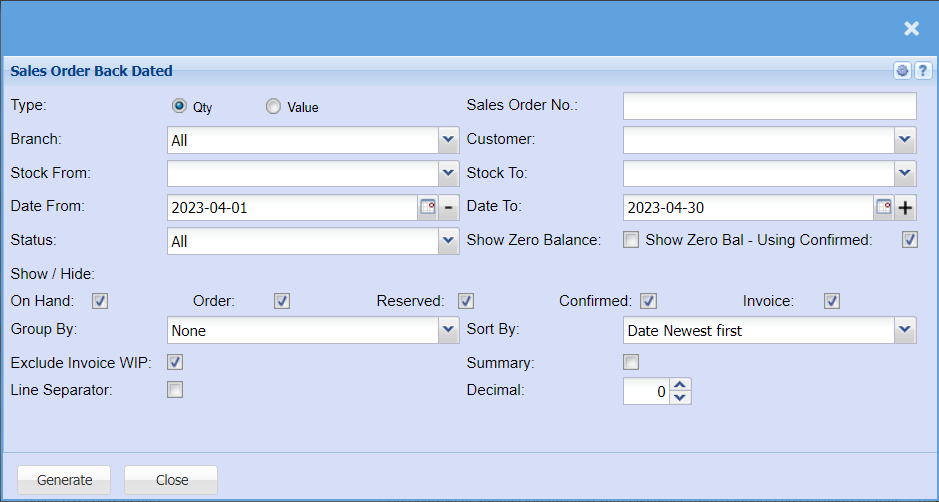
The report that gives the value or quantity outstanding on sales orders in different status levels
Type – to select either quantity or value report
Branch – to select branch from the drop down arrow
Customer – to select the customer
Stock From – to select stock from which the report will run from
Stock To – to select the stock to, in order to limit the stock run report
Date From – to select the date from which the report will run from
Date To – to select the to limit the report run
Status – to select the report status from the drop down arrow
Show Zero Balance – by ticking the box, the sales order back dated report will include zero
balance
Group By – to select group by from the drop down arrow
Sort By – to sort the report by selecting from the drop down arrow
Exclude Invoice – by ticking the box, the report will exclude invoice WIP
Summary – by ticking the box, the report will include the summary
Generate button – to run the report