
Debtors Allocation Report
Debtors> Reports> Report List
Shows all detailed allocations of payments of invoices per Debtor.
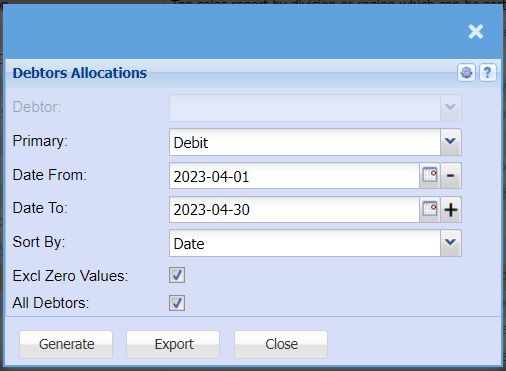
Allows a user to generate debtor’s allocation report
| Debtor | shows the selected debtor |
| Primary | select the primary source from the drop-down Menu |
| Date From and To | select the date from and the Date To, to run the allocation report |
| Sort By | Select a sort criteria on the drop-down menu |
| Excl Zero Values | if the box is ticked, the allocation will exclude zero values. If not ticked, it will include zero values |
| All Debtors | |
| Generate button | to generate debtor’s allocation |