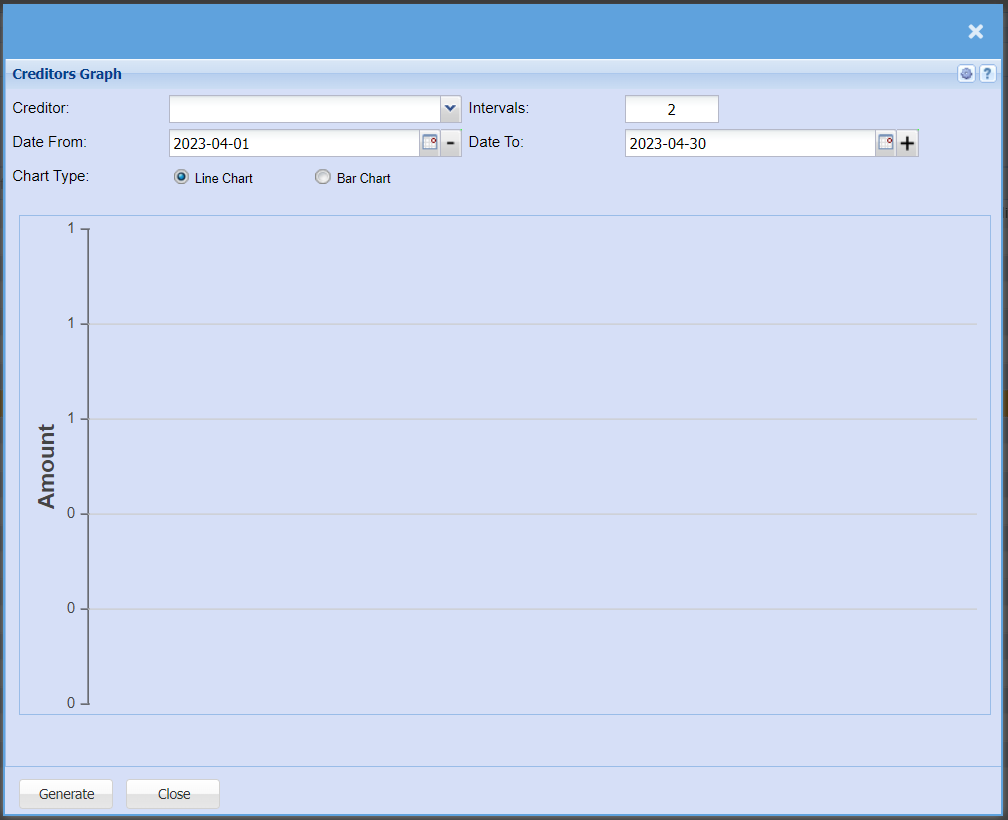
Creditors Graph
Creditors >Reports > Report List
Shows a line or bar graph of all GRVs less Stock Returns for a specific Creditor. Daily intervals can be specified.
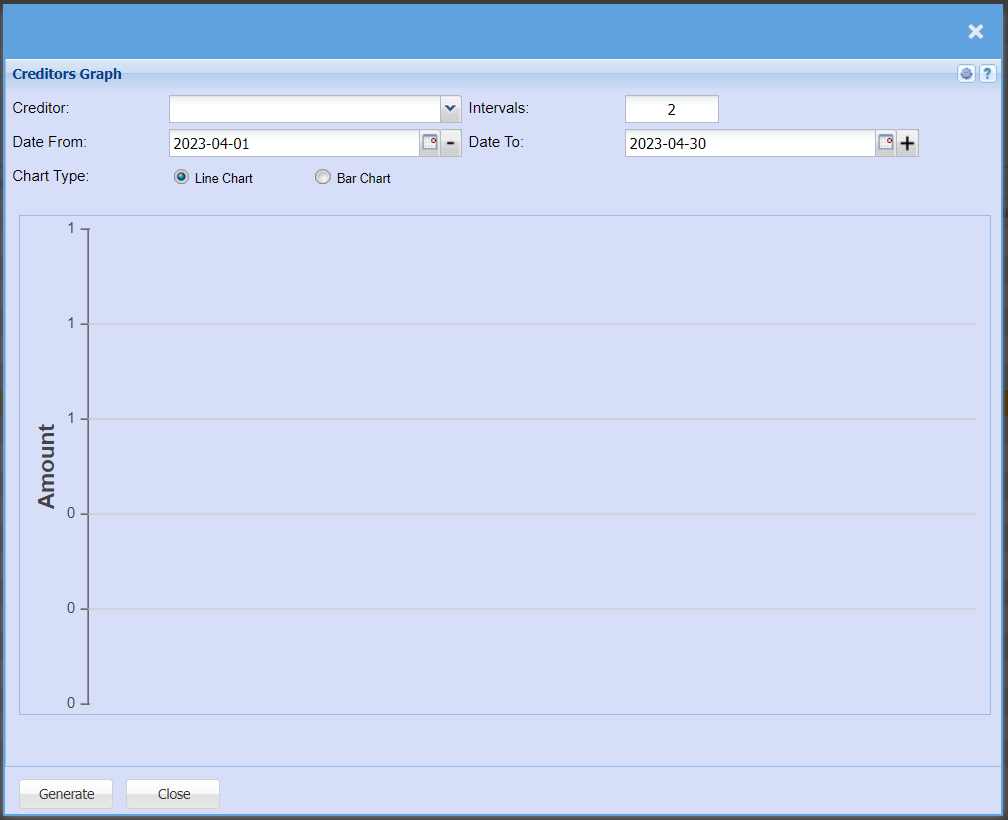
| Creditor |
to selectSelect a creditorcreditor/supplier from the drop-down menu that you would like to pull a report for. |
| Intervals |
Intervals refers to enter the numberdays ofbetween intervalseach figure |
| Date From | to/ select date. It allows the user to back date |
Date To |
to enterChoose the date range for which willyou stopwant to view the report from / Select a date range of when you want to see up to on the report. |
| Chart Type |
to select chart type by clicking on the dot |
| Generate button |
toSelect runif theyou reportwould like your graph in a line graph or bar graph |