
User Management – User Search
Video training manual 2016 - Click Here
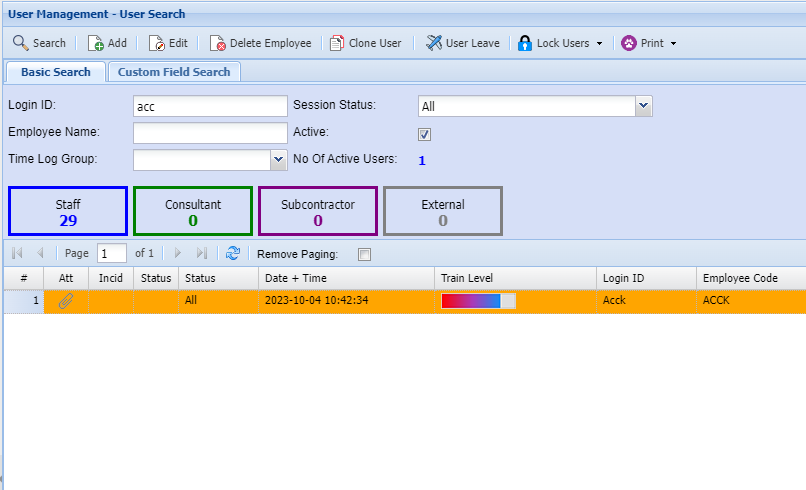
To add a new user to the system, click on Add.
Note the various Tabs on the top of the screen.
You will need to complete details on each tab.
E.g. User Details 1 will require you to insert
a user Id, The user’s name, etc.
| User Leave | Shows the leave allocated to that specific User. |
| Log User Off | Logs the currently selected Employee out. |
| Lock User | Locks the currently selected Employee. |
| Unlock User | Unlocks the currently selected Employee. |
| Lock All Users | Locks all Employees. |
| Unlock All Users | Unlocks all Employees. |