Skip to main content
Manage Job Functions Tab Explained - Detailed
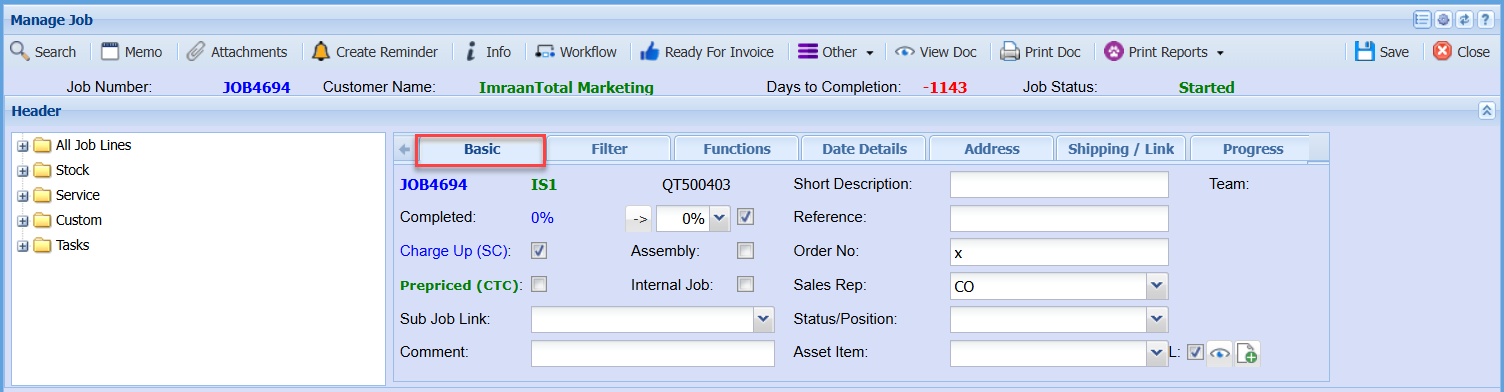
Basic Tab
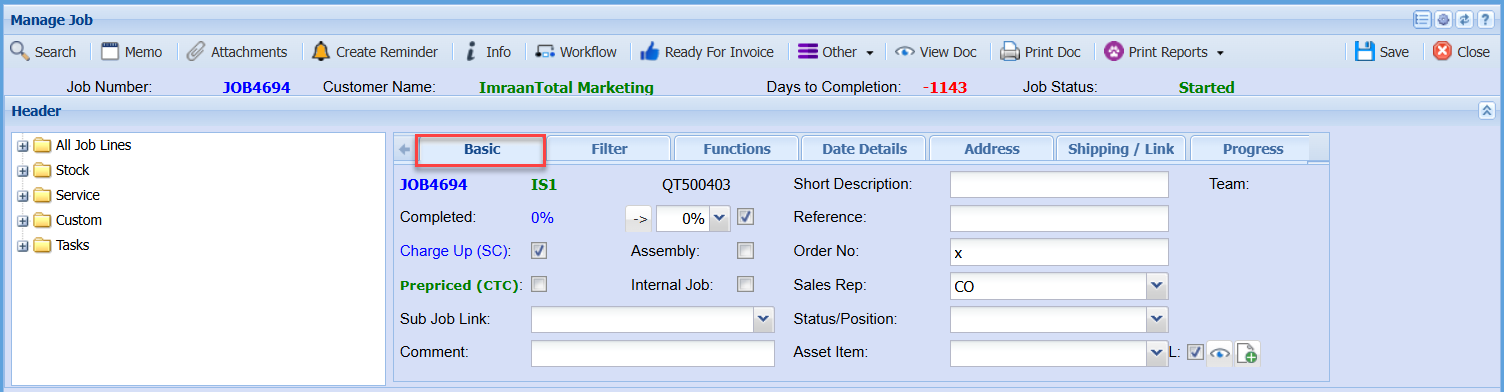
Completed |
|
Charge Up (SC) Tick |
|
Assembly Tick |
|
Prepriced (CTC) Tick |
|
Internal Job Tick |
|
Sub Job Link |
|
Comment |
|
Short Description |
|
Reference |
|
Order No |
|
Sales Rep |
|
Status/Position |
|
Asset Item |
|
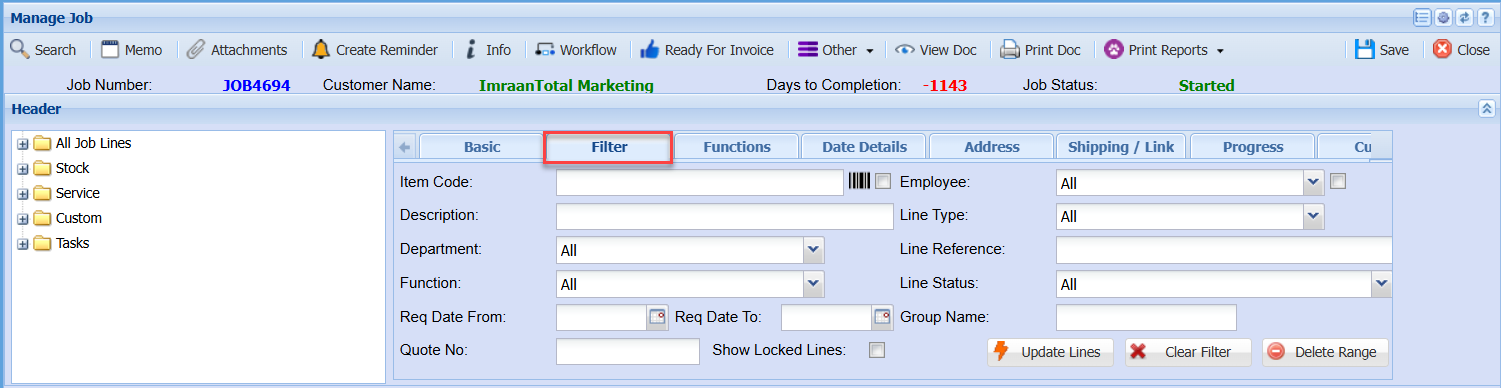
Filter Tab
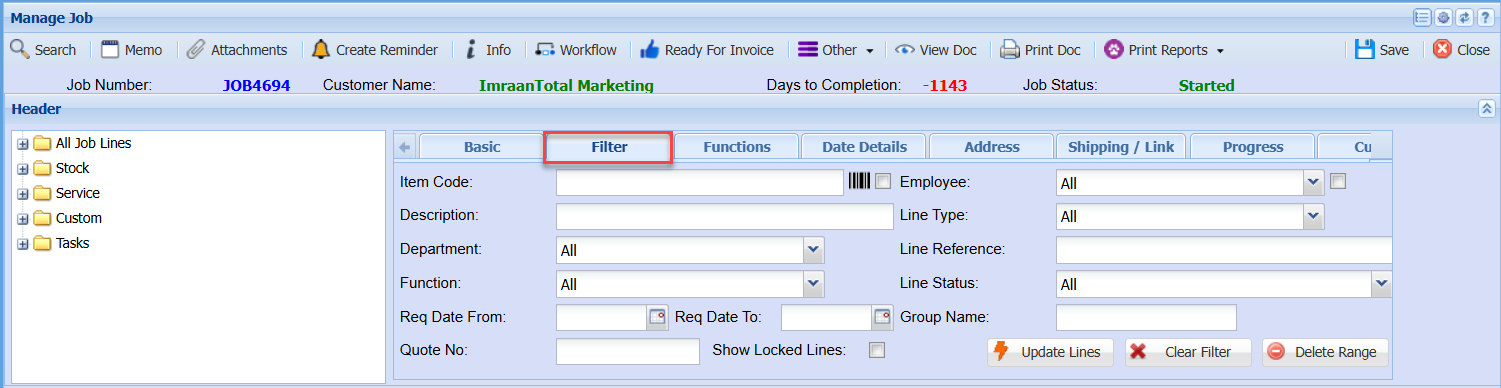
Item Code |
|
Description |
|
Department |
|
Function |
|
Req Date From and To |
|
Quote No |
|
Show Locked Lines Tick |
|
Employee |
|
Line Type |
|
Line Reference |
|
Line Status |
|
Group Name |
|
Update Lines |
|
Clear Filter |
|
Delete Range |
|
Functions Tab
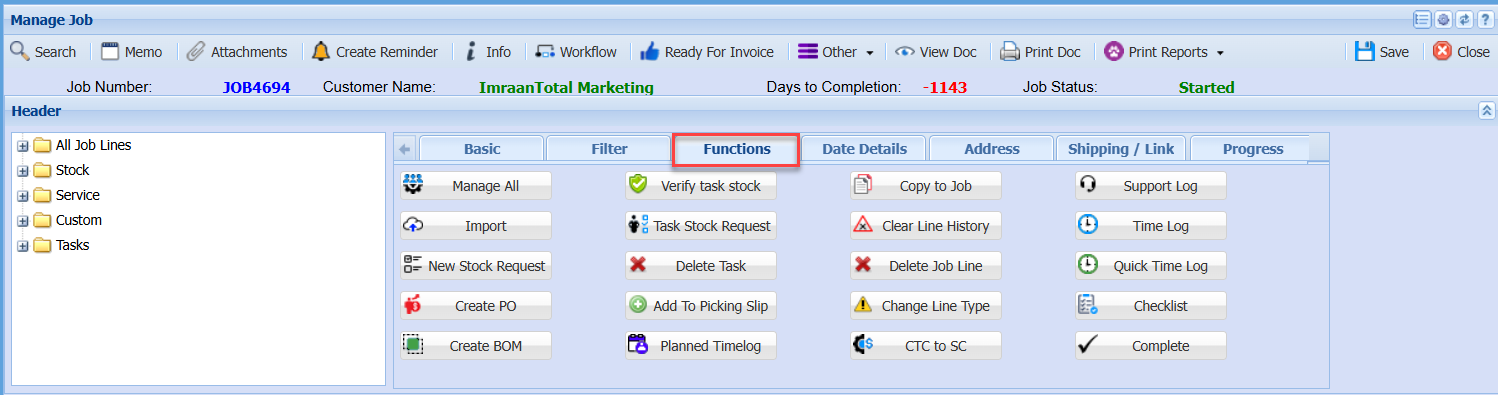
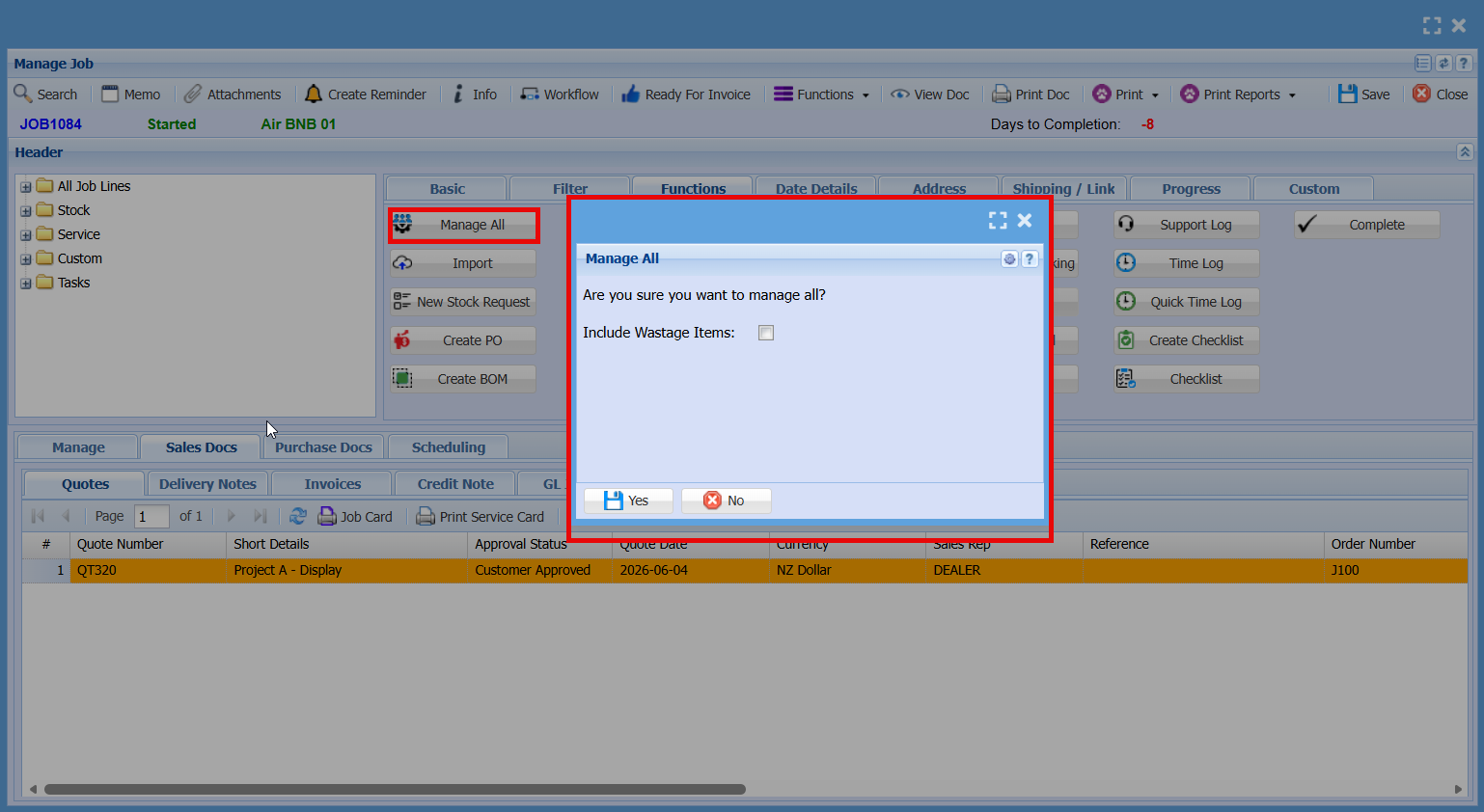
| Manage All |
|
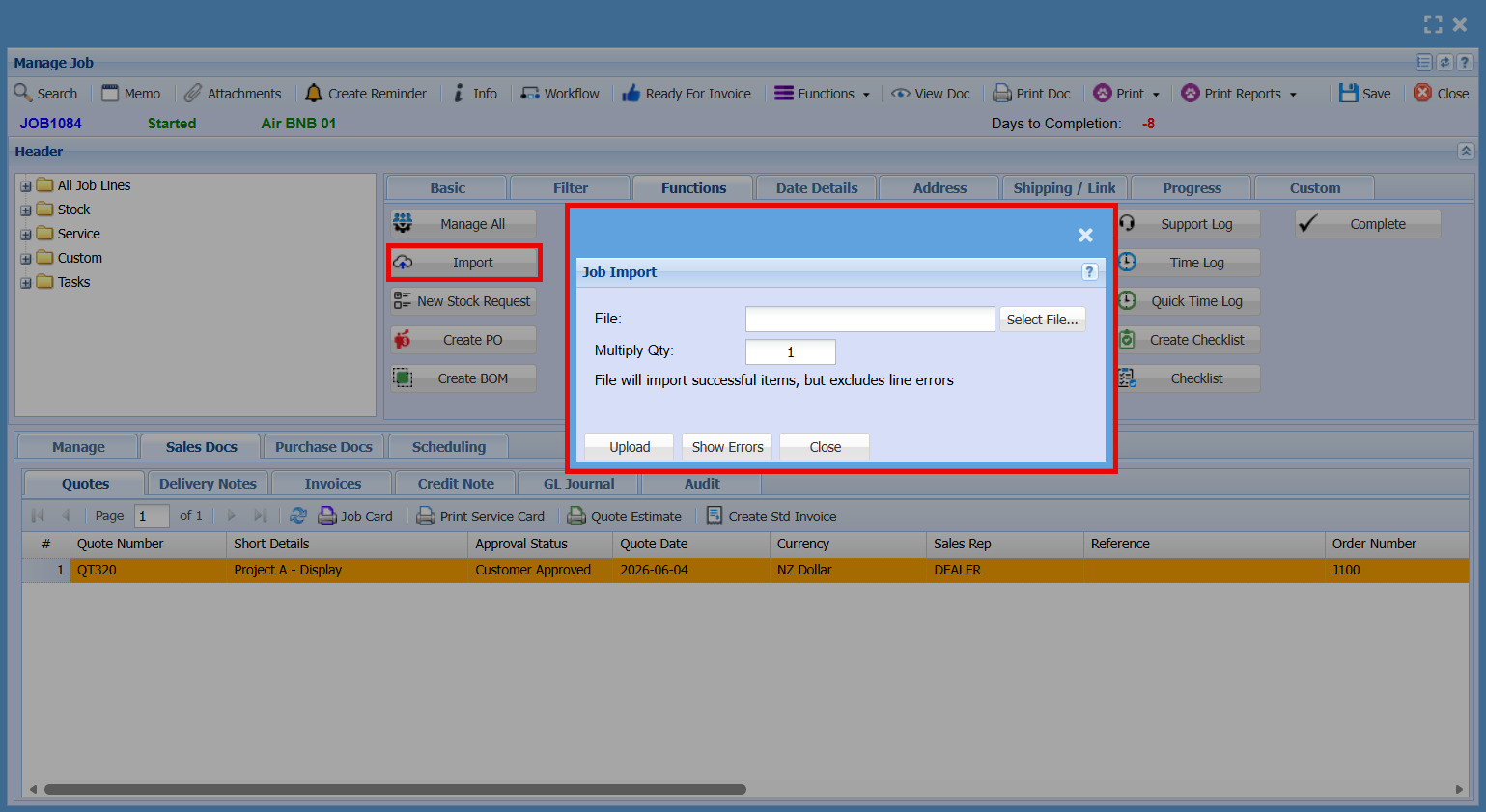
| Import |
|
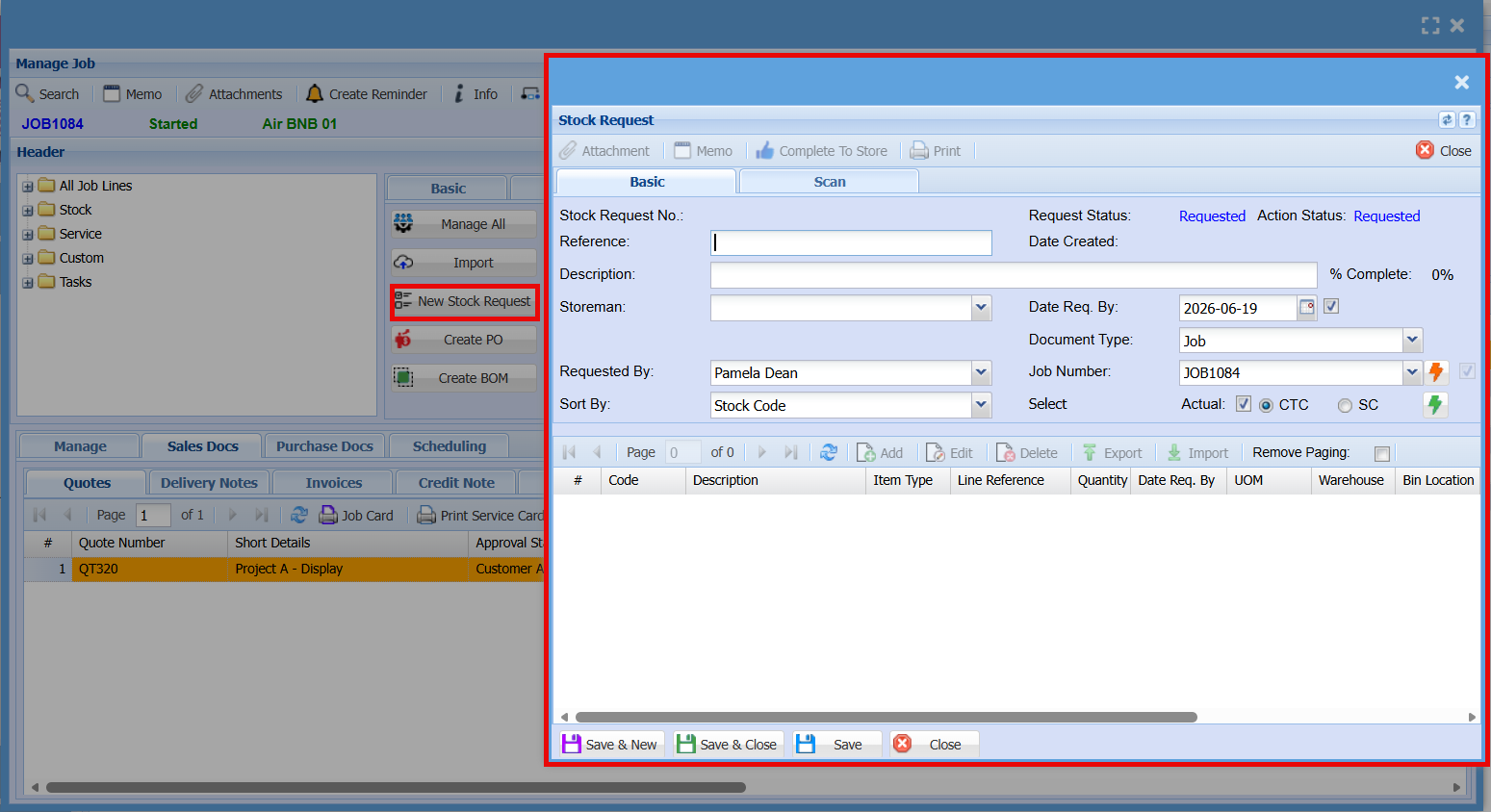
| New Stock Request |
|
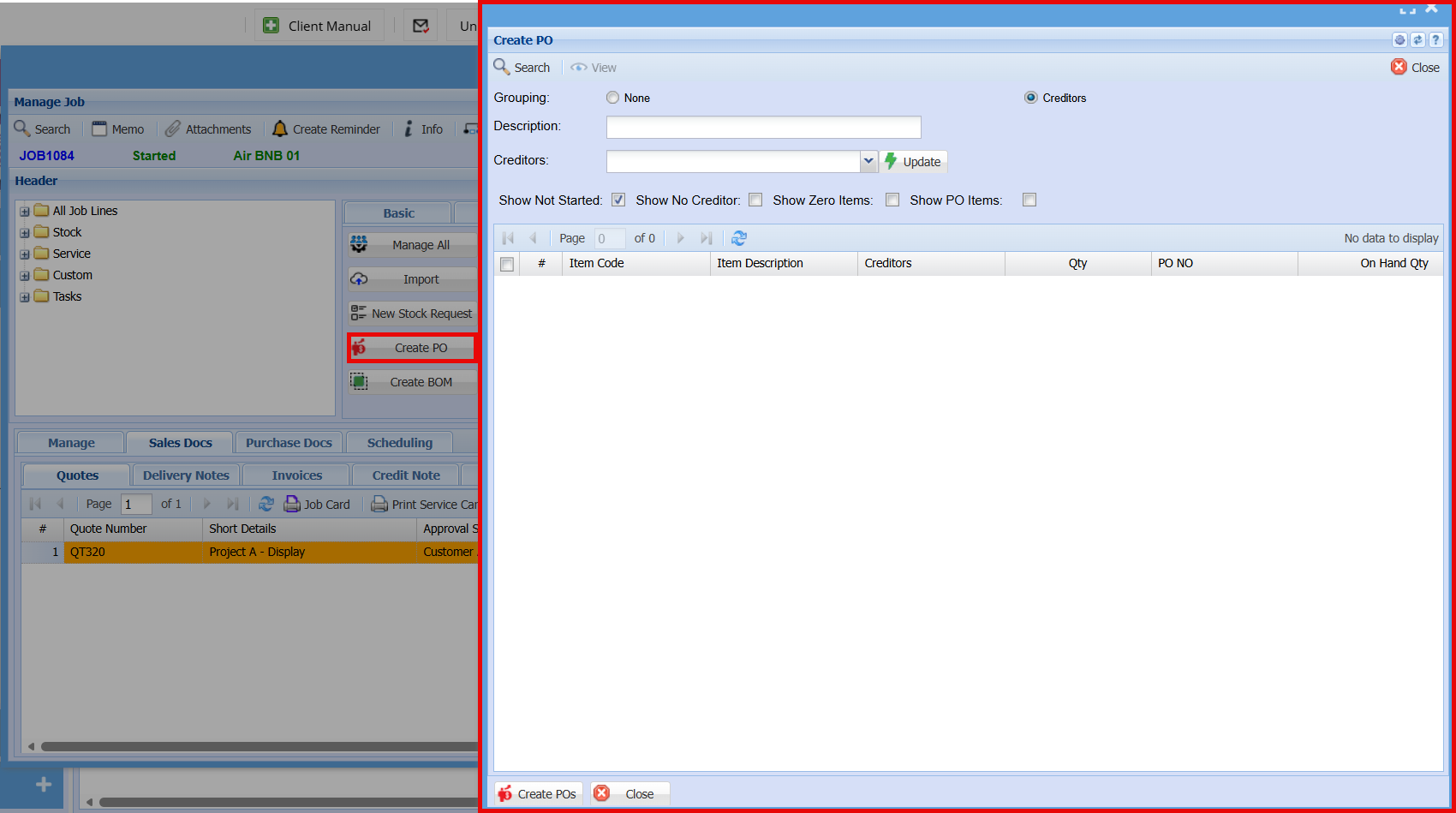
| Create PO |
|
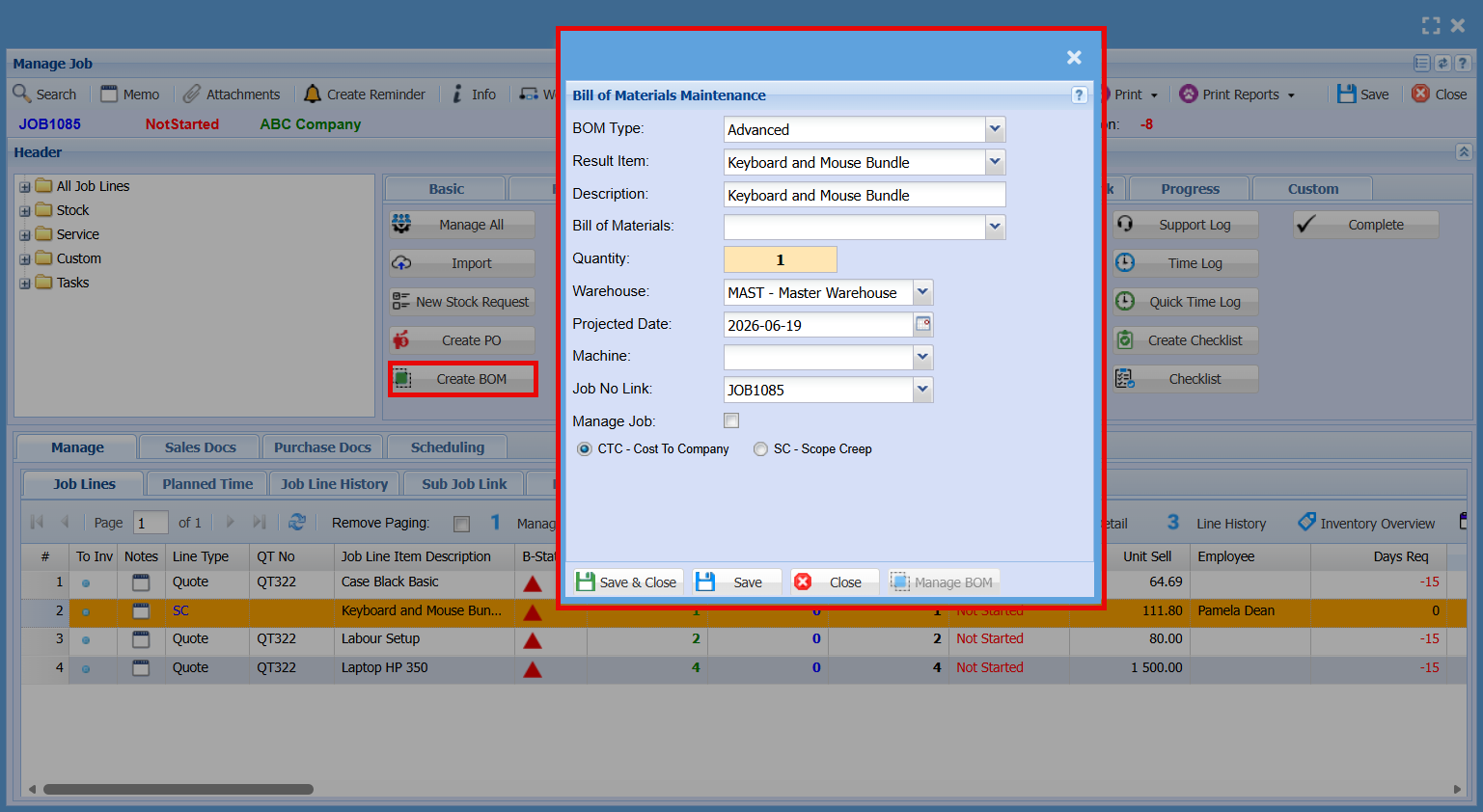
| Create BOM |
|
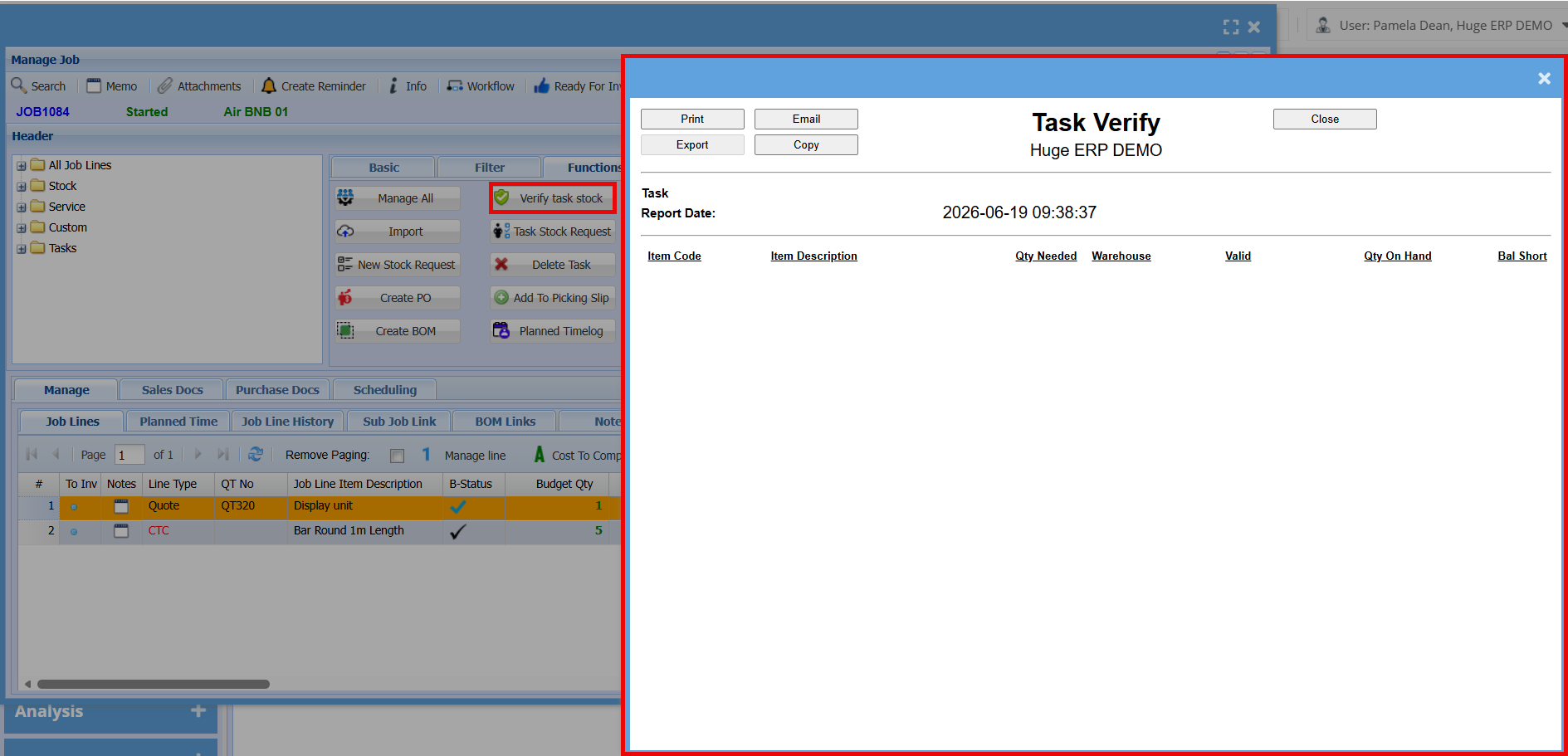
| Verify task stock |
|
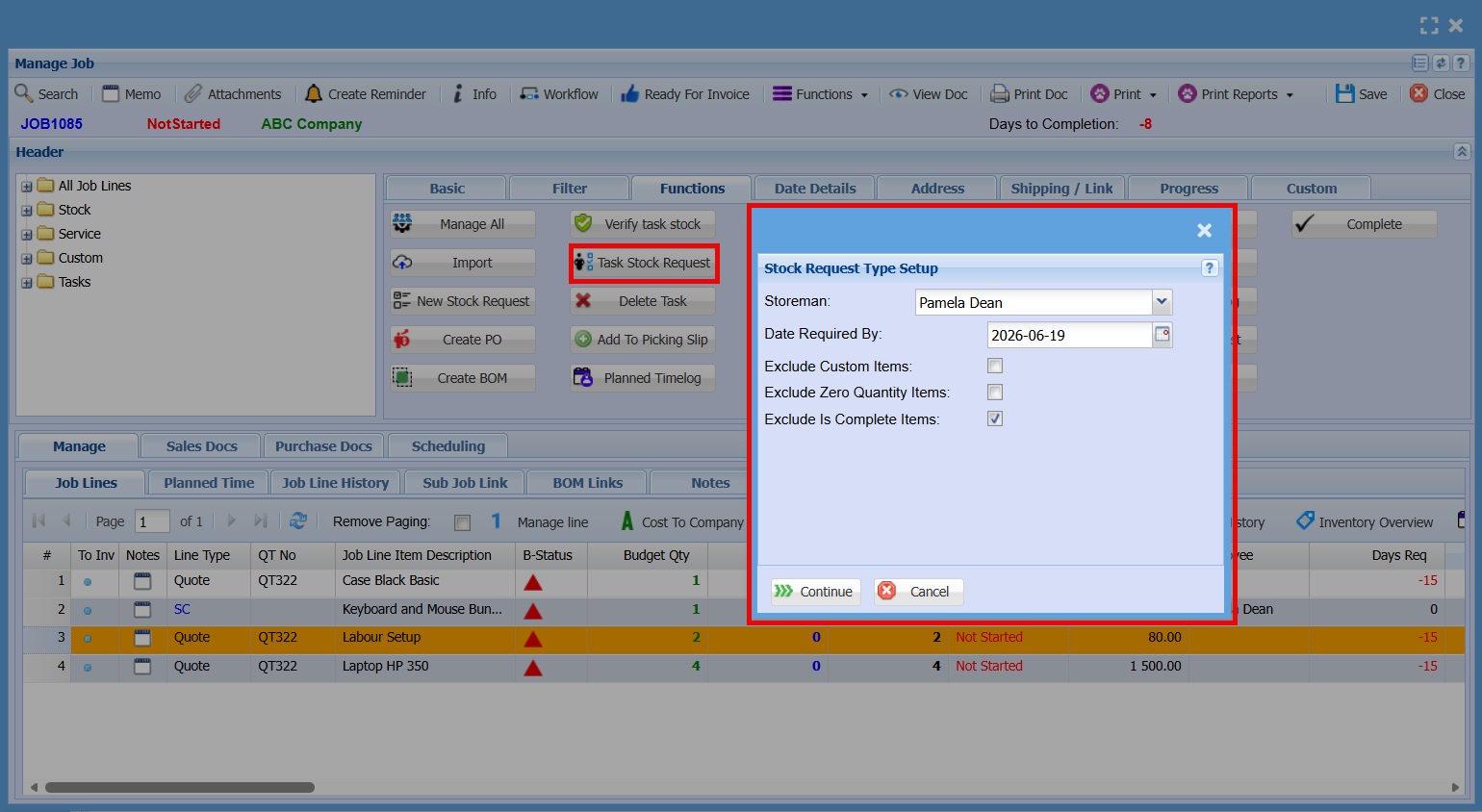
| Task Stock Request |
|
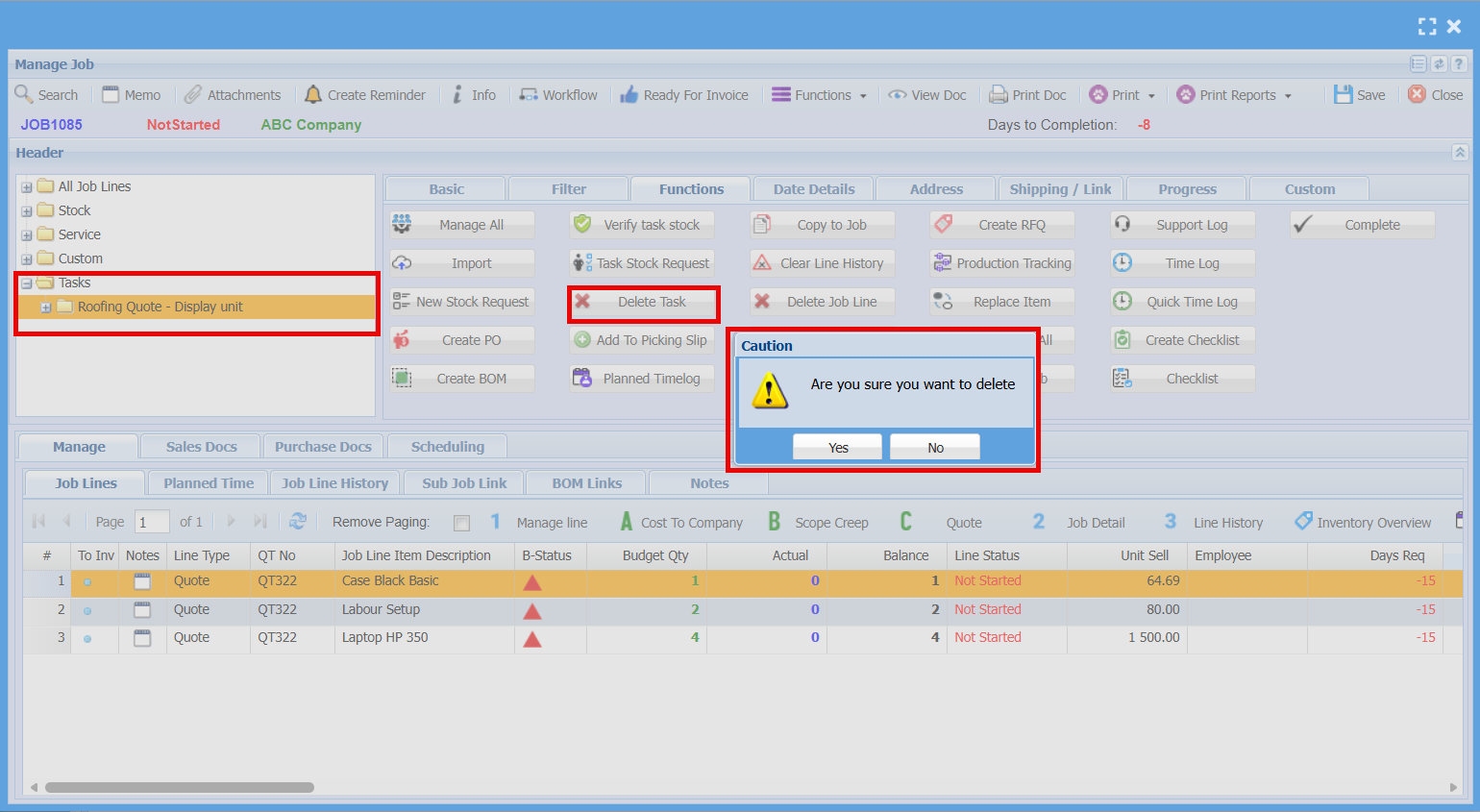
| Delete Task |
|
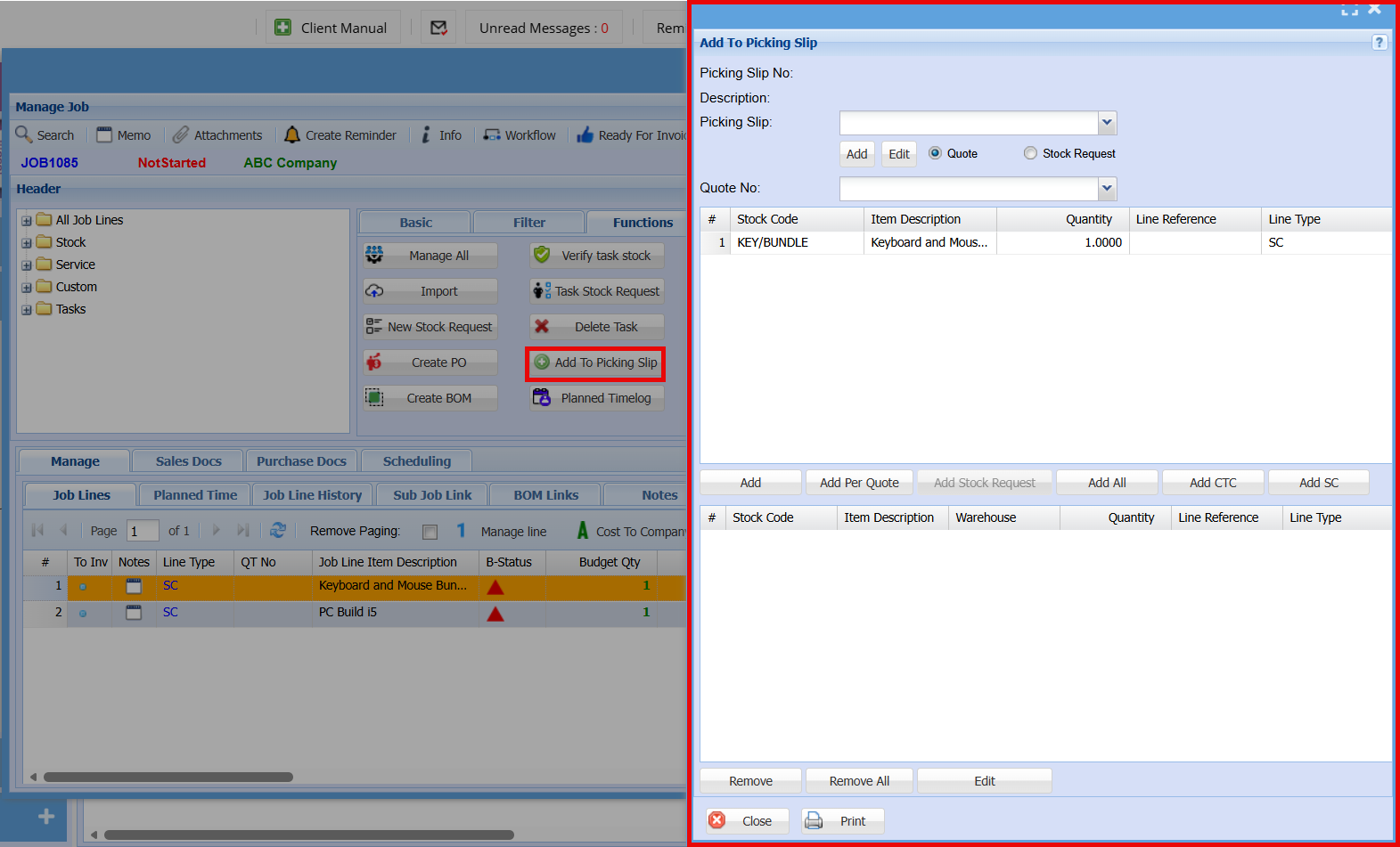
| Add to Picking Slip |
|
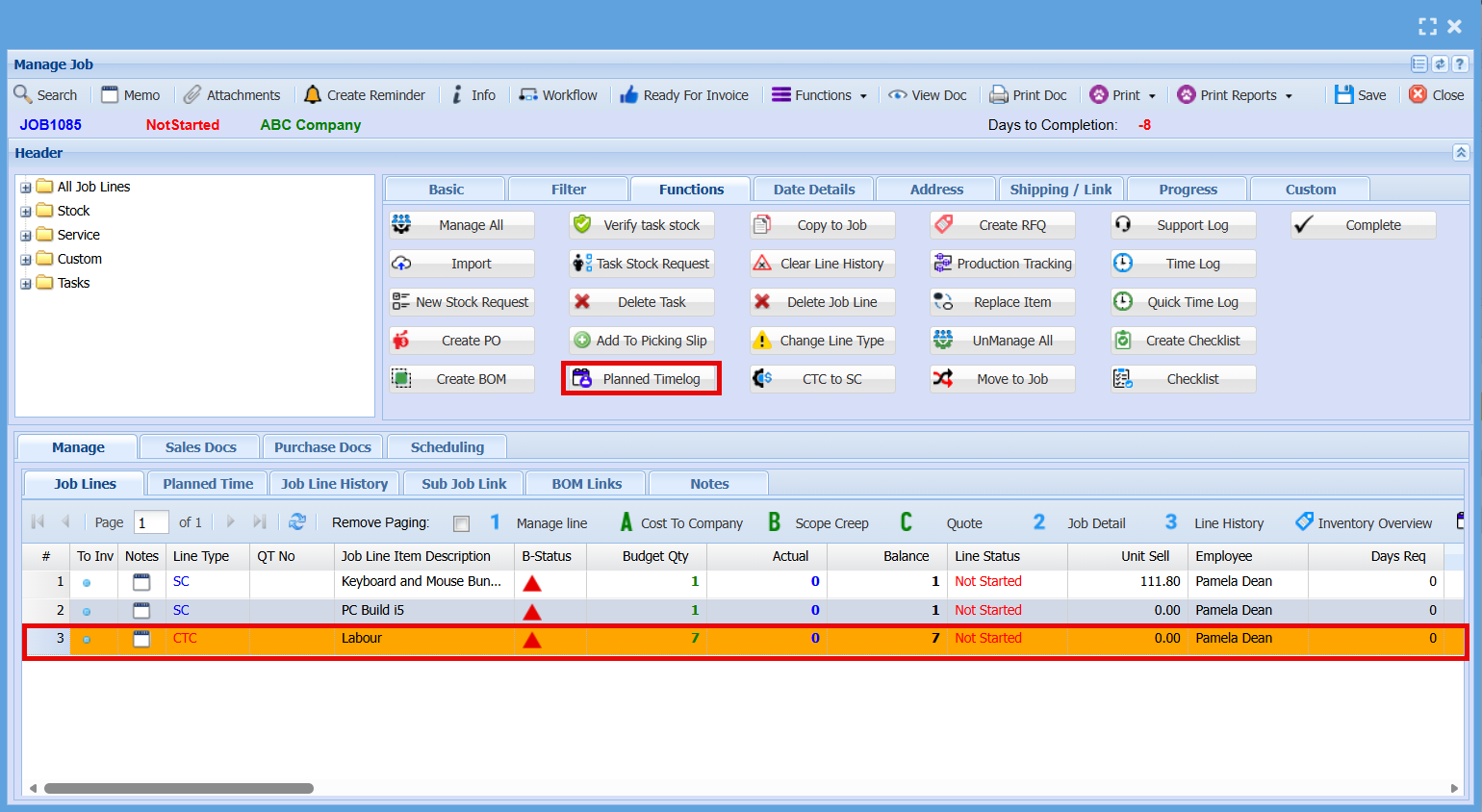
| Planned Timelog |
|
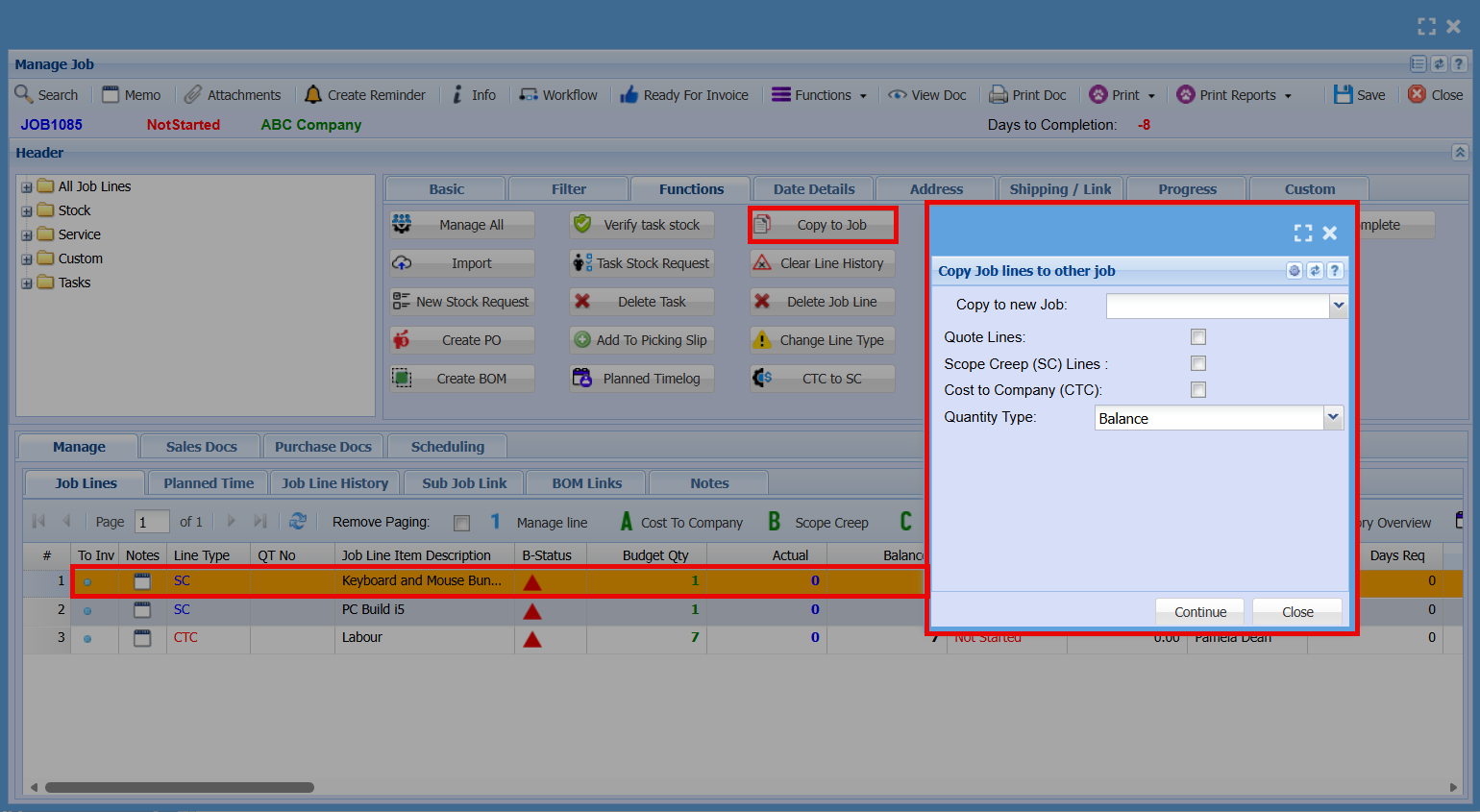
| Copy to Job |
|
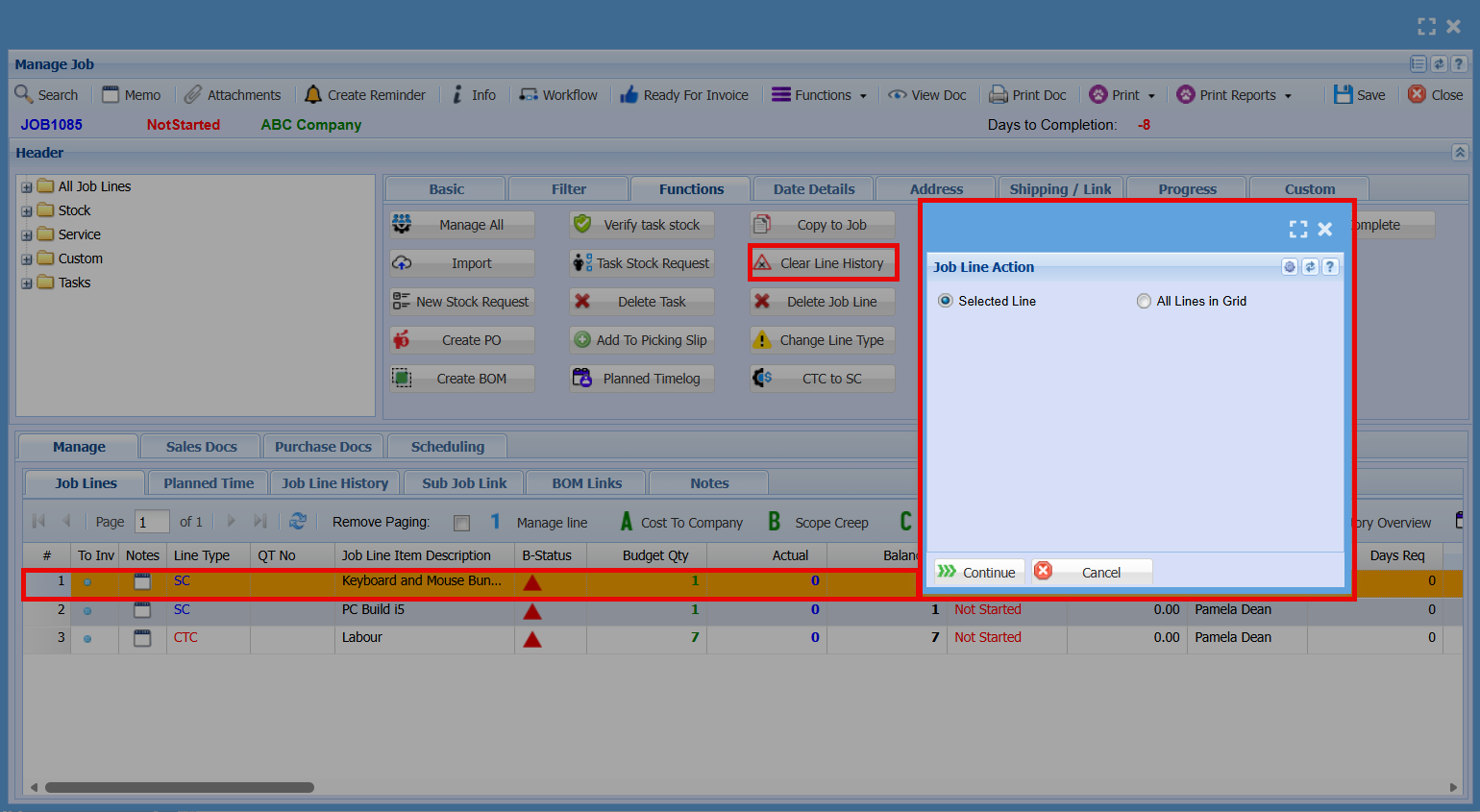
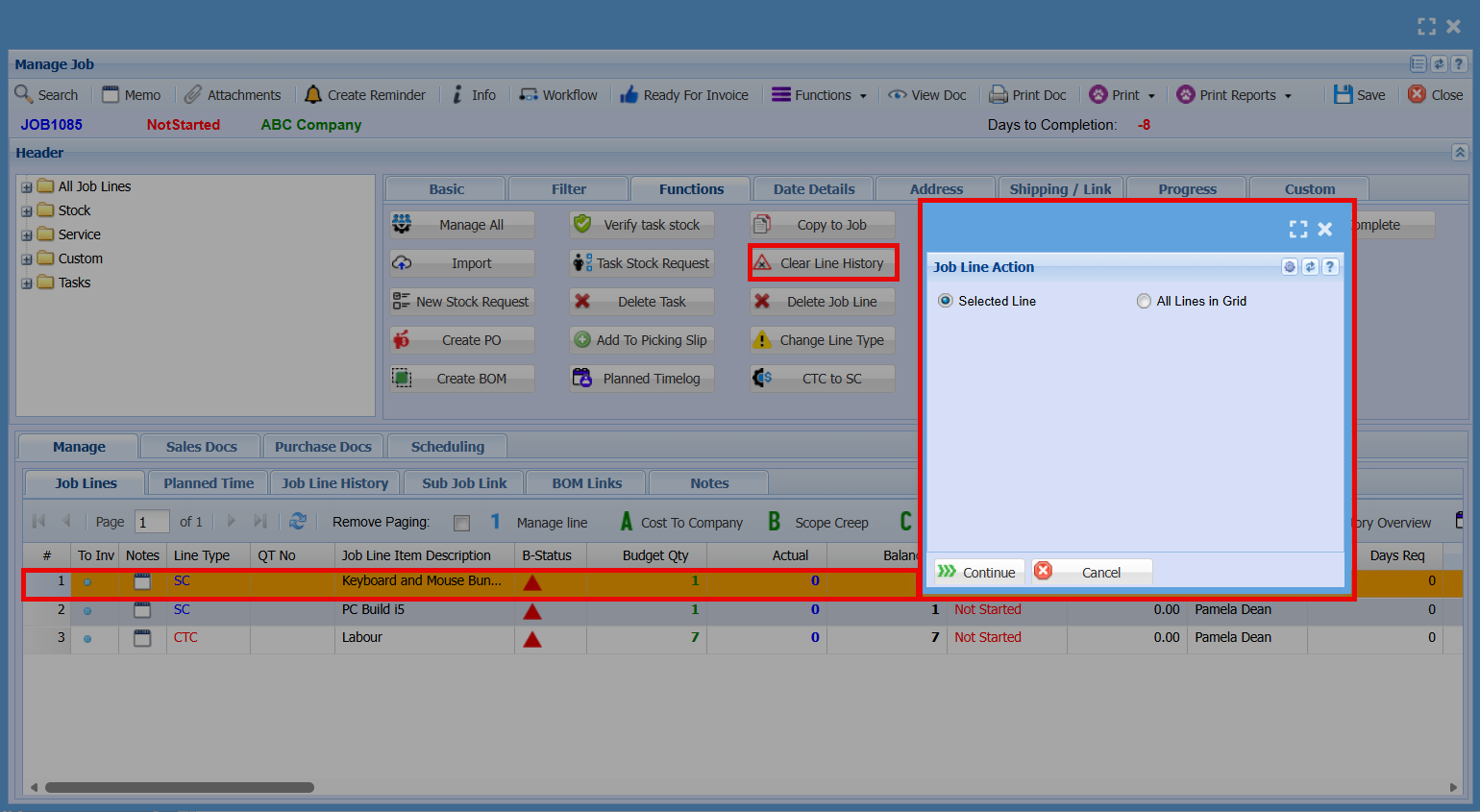
| Clear Line History |
|
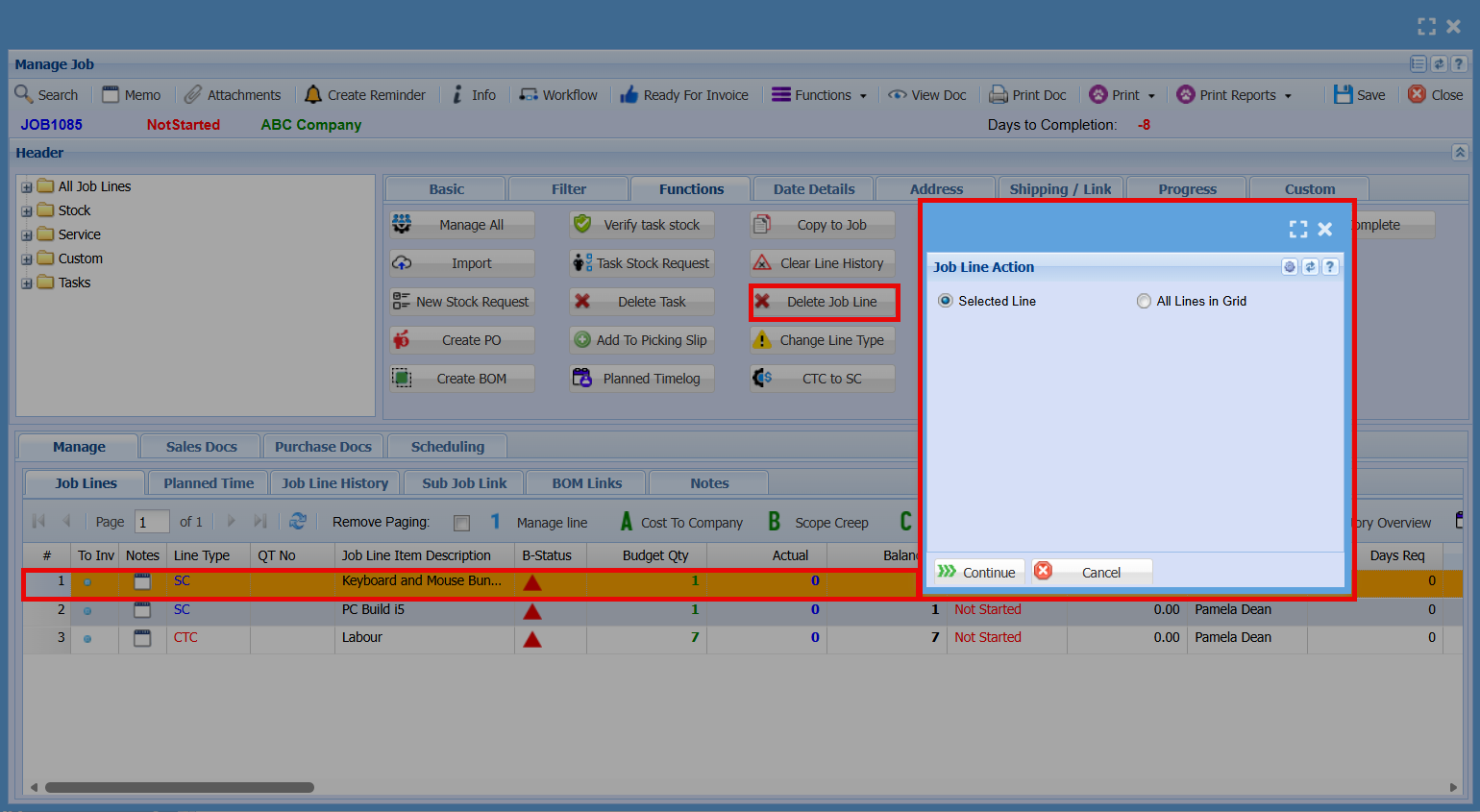
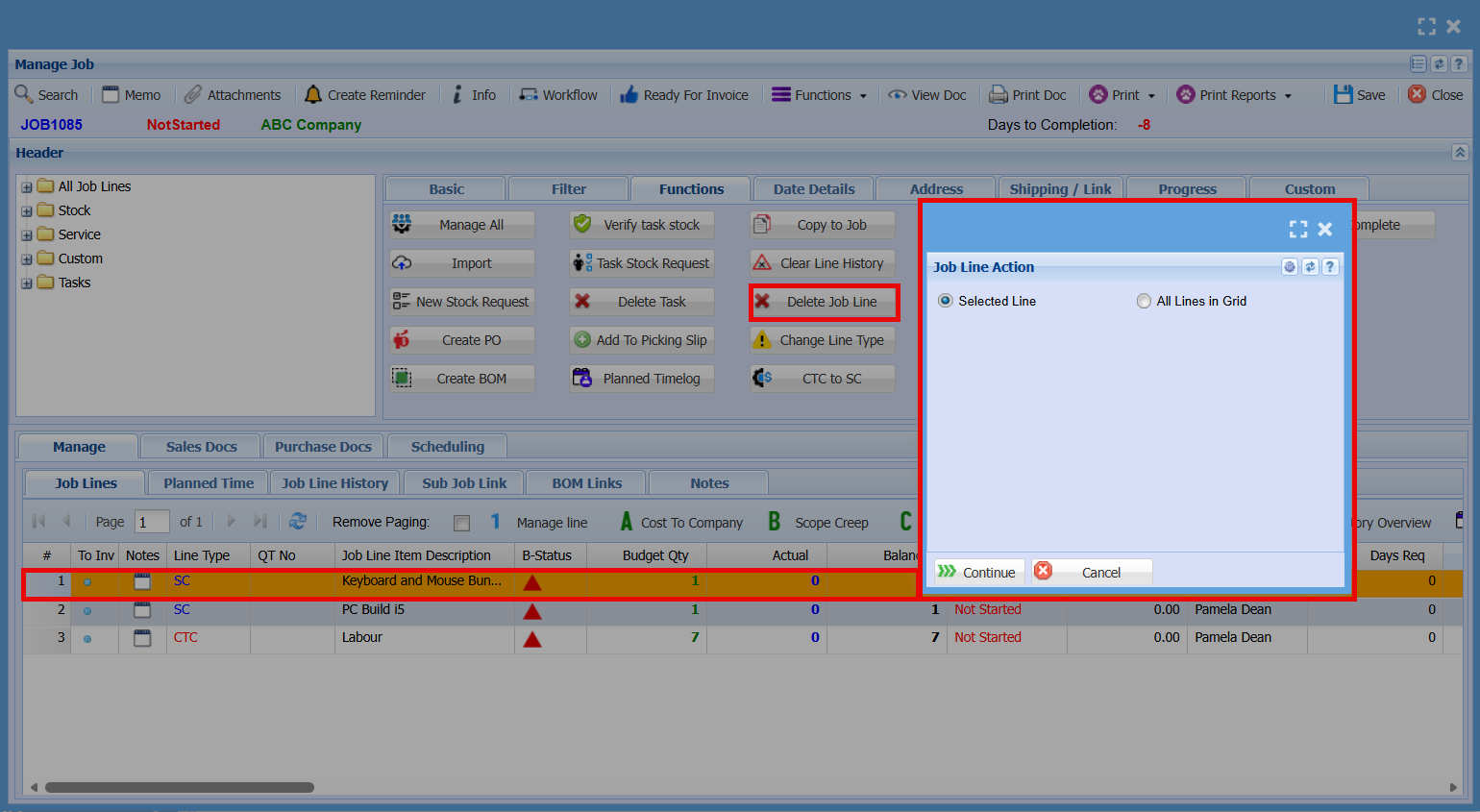
| Delete Job Line |
|
| Change Line Type |
|
| CTC to SC |
|
| Support Log |
|
| Time Log |
|
| Quick Time Log |
|
| Checklist |
|
| Complete |
|
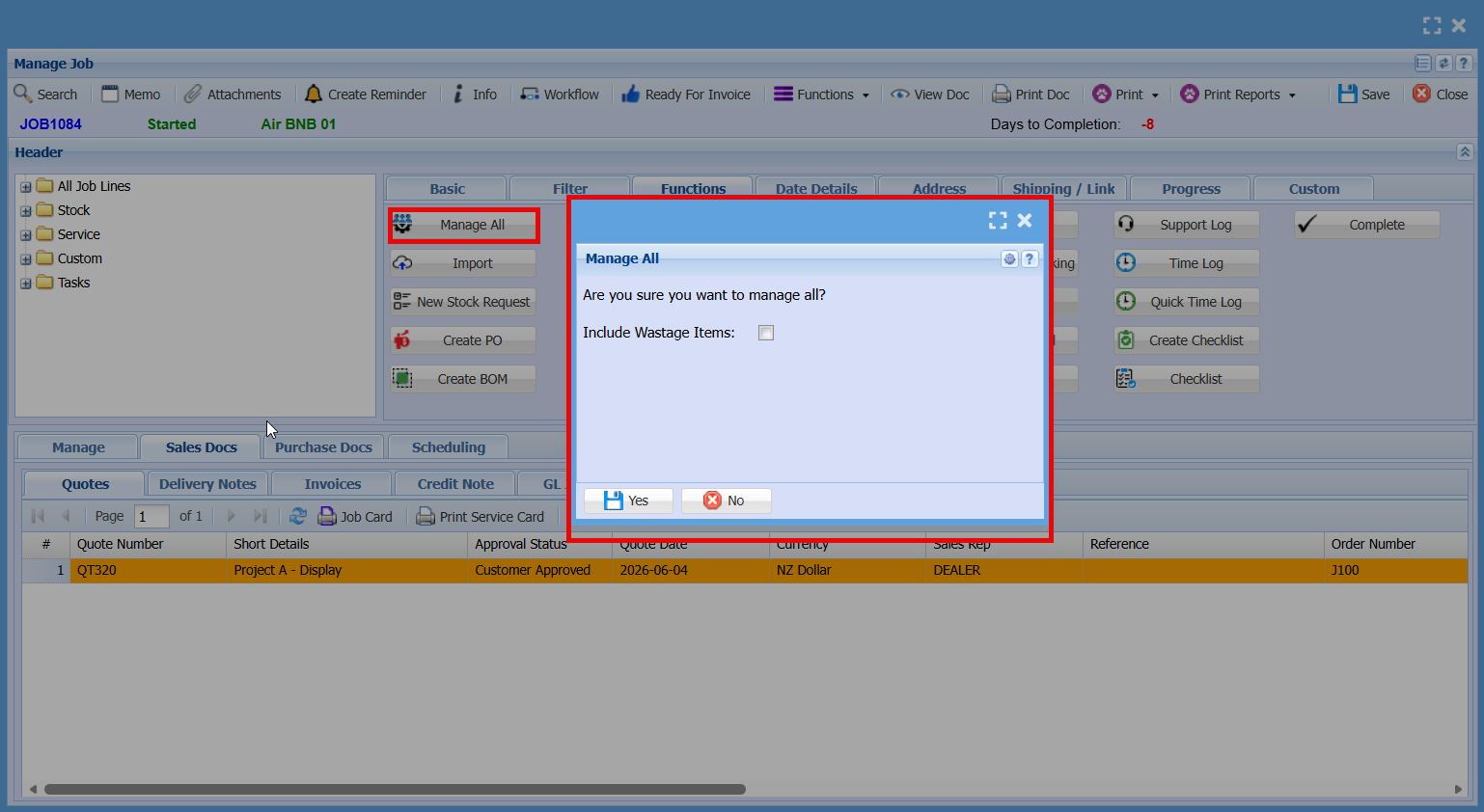
Manage All
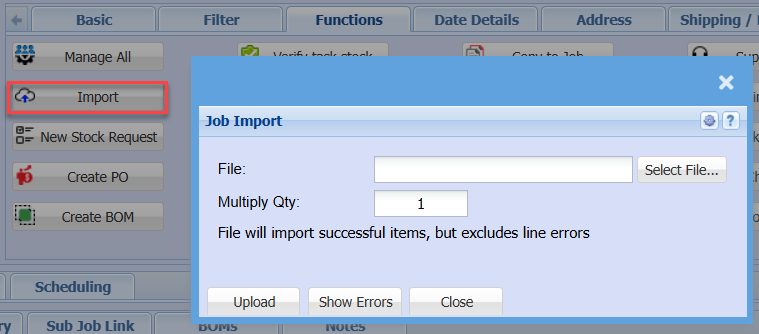
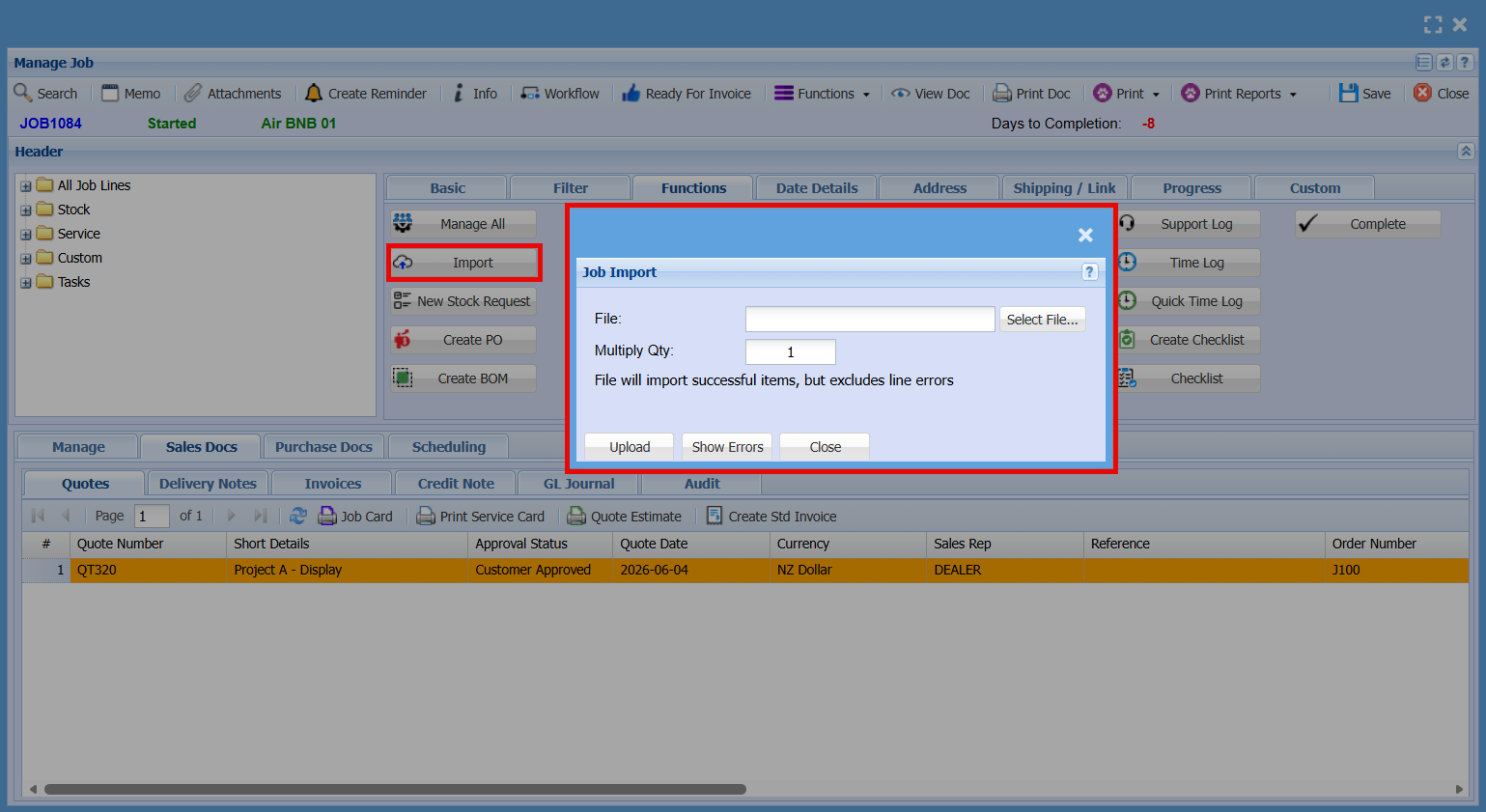
| File |
|
| Multiply Qty |
|
| Upload |
|
| Show Errors |
|
New Stock Request
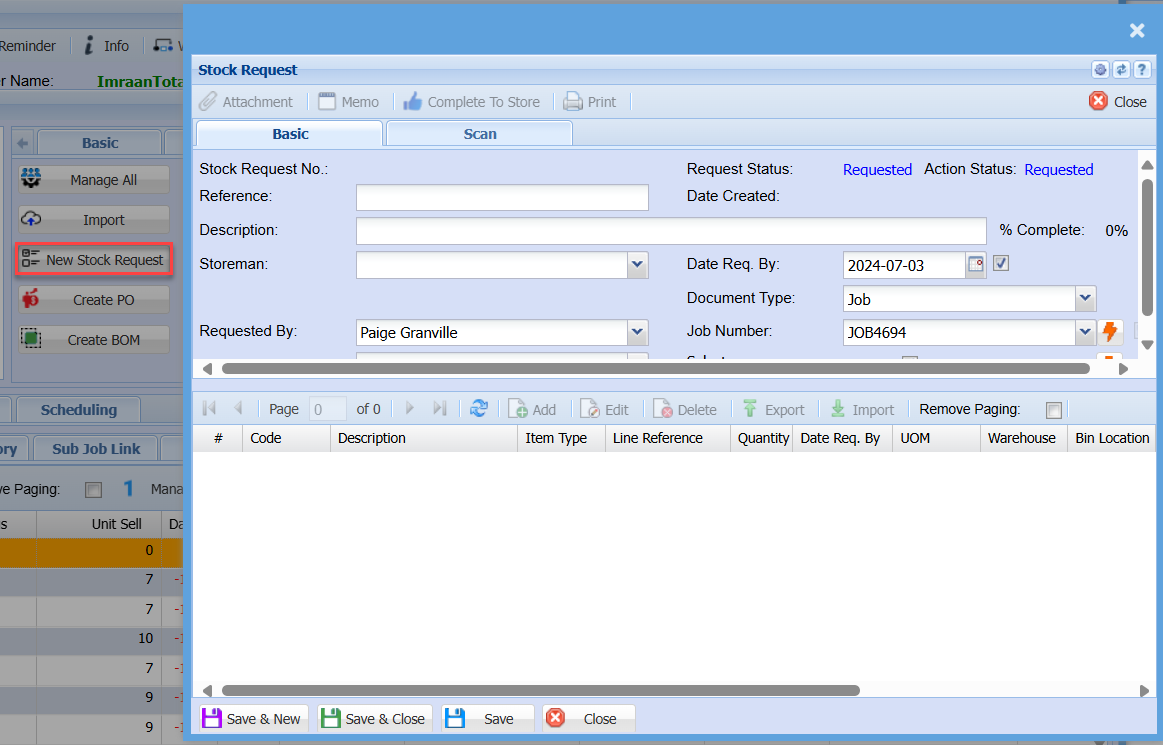
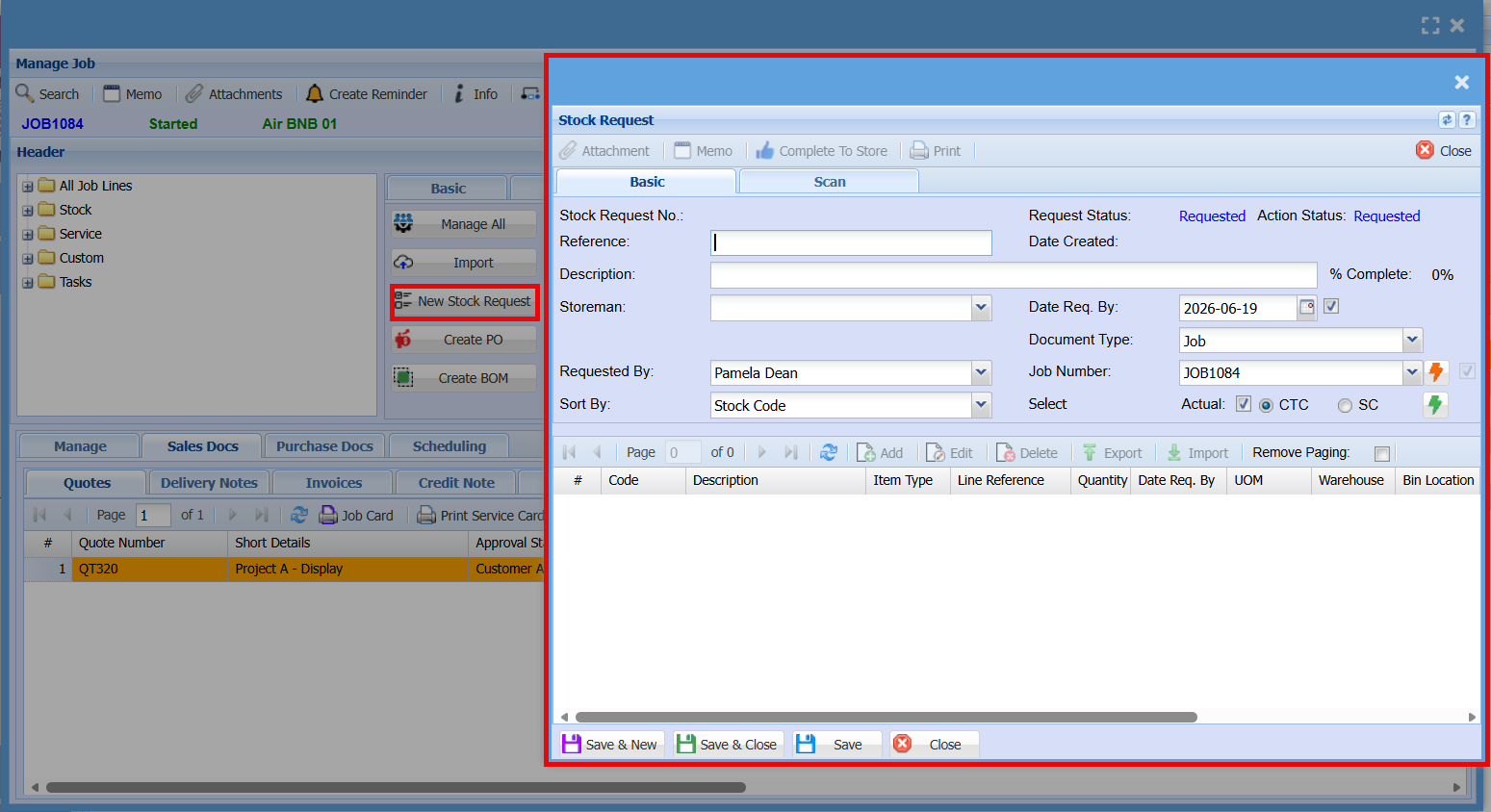
| Complete To Store |
|
| Stock Request No |
|
| Reference |
|
| Description |
|
| Storeman |
|
| Requested By |
|
| Sort By |
|
| Date Req. By |
|
| Document Type |
|
| Job Number |
|
| Select |
|
| Scan Barcode |
|
| Last Item |
|
| Last Result |
|
| Scan Log |
|
Create PO
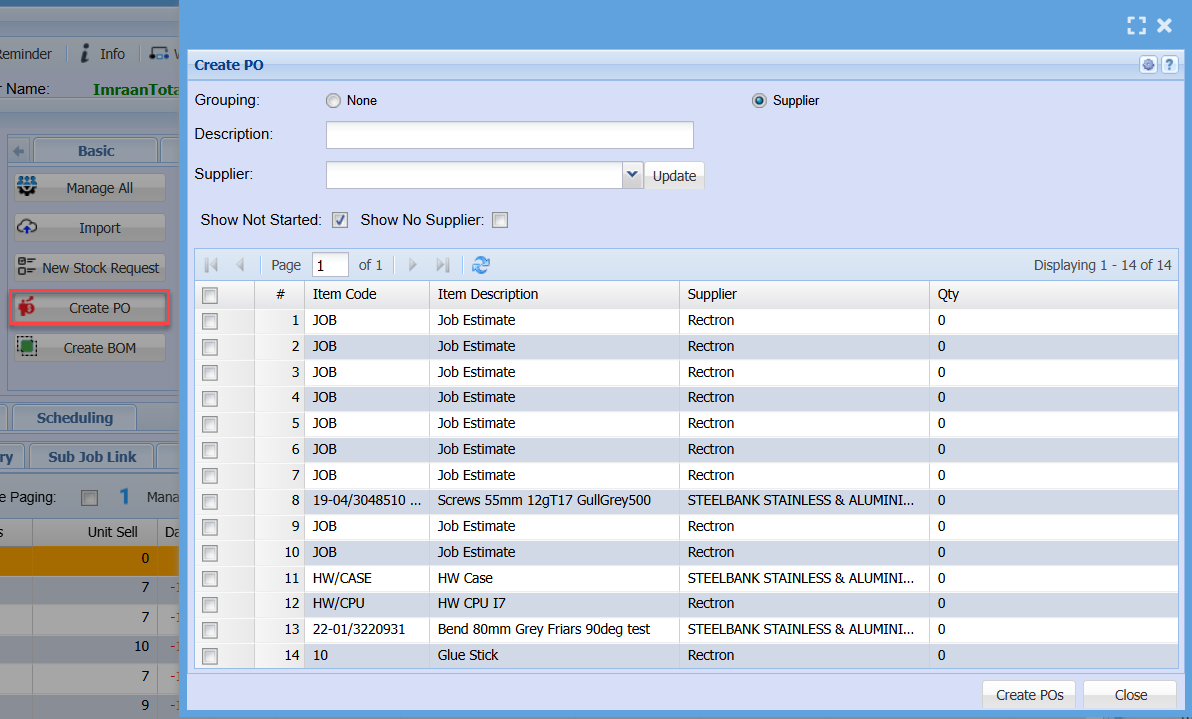
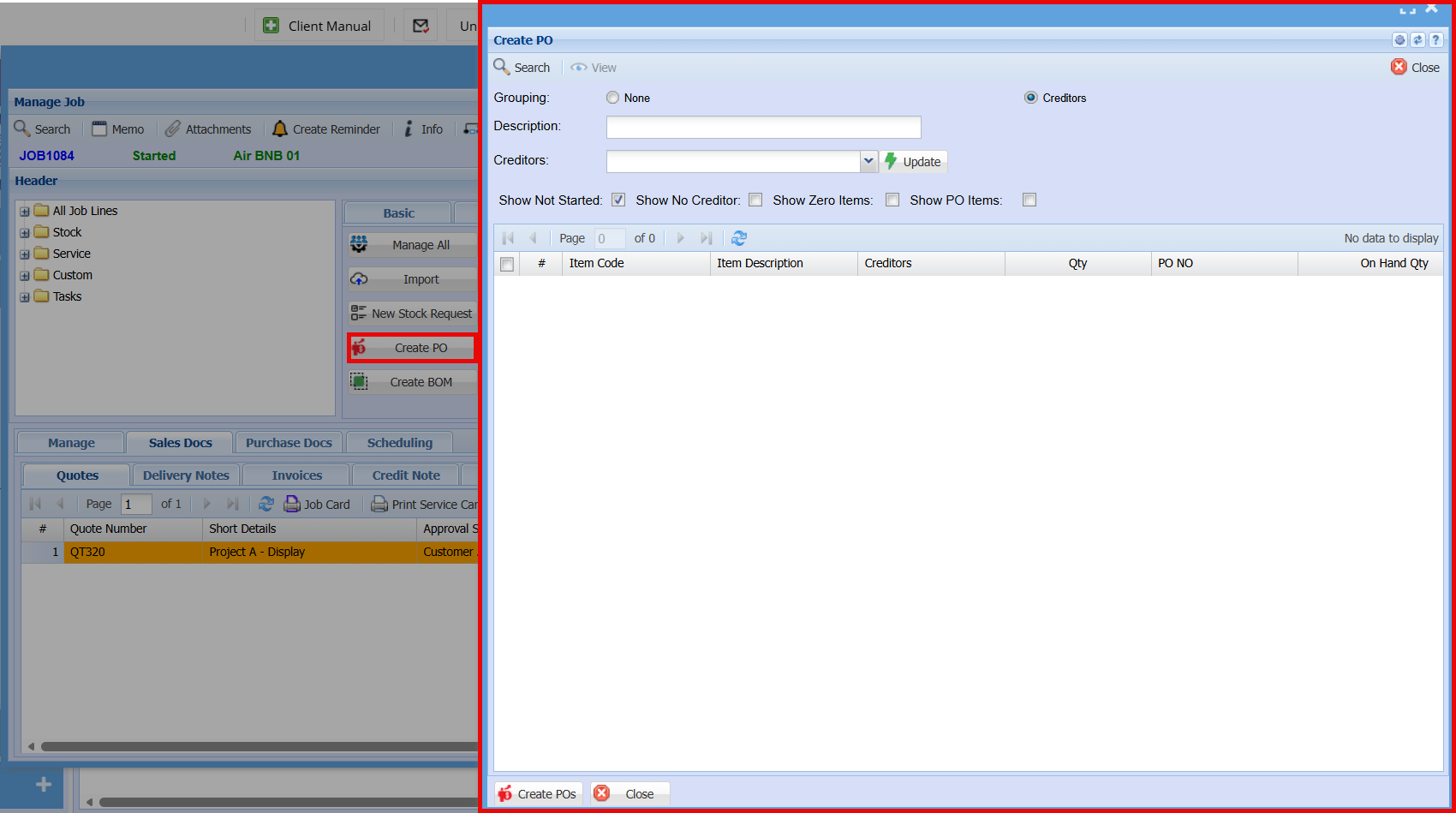
| Grouping |
Select None or Supplier |
| Description |
|
| Supplier |
|
| Show Not Started |
|
| Show No Supplier |
|
| Create POs |
|
Create BOM
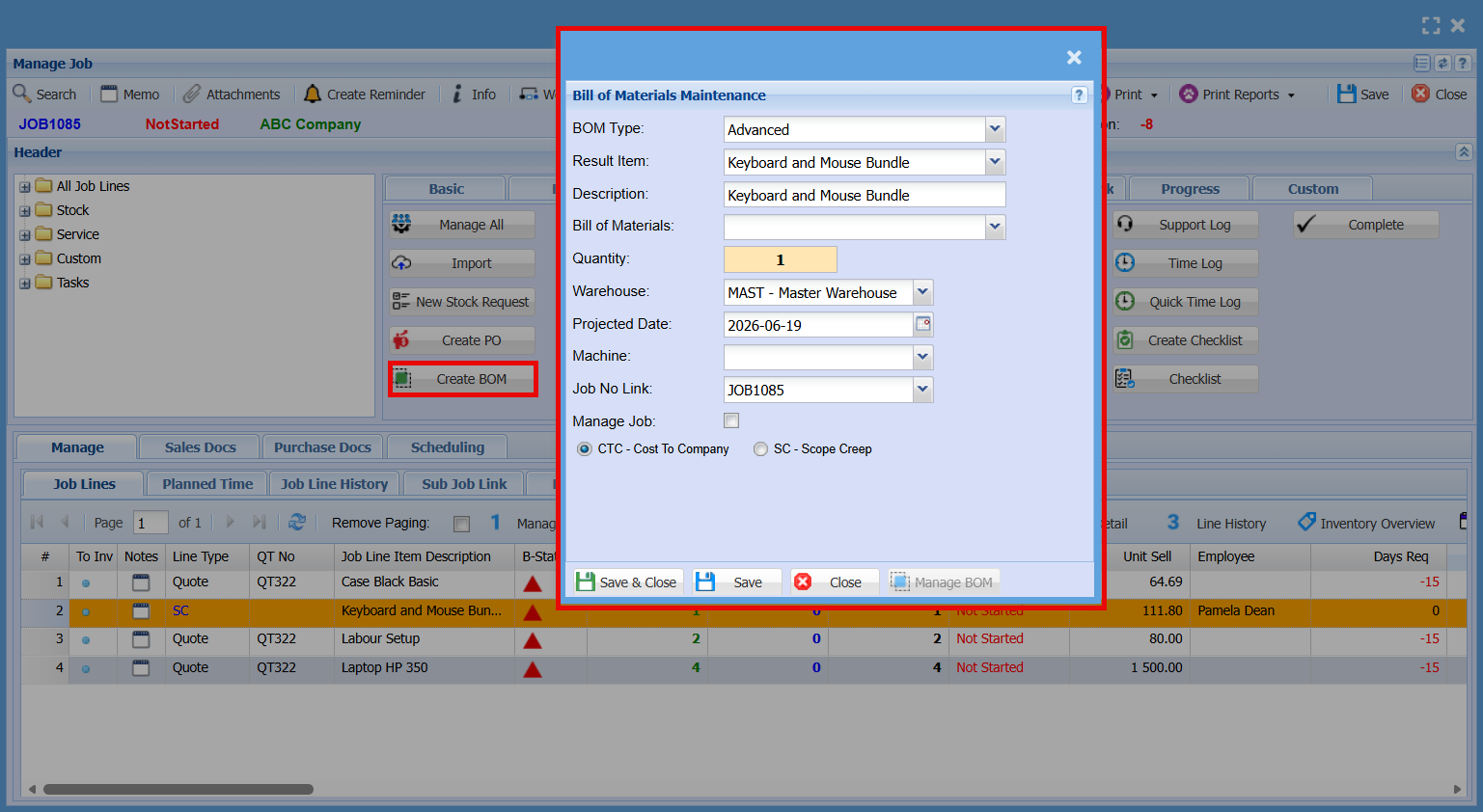
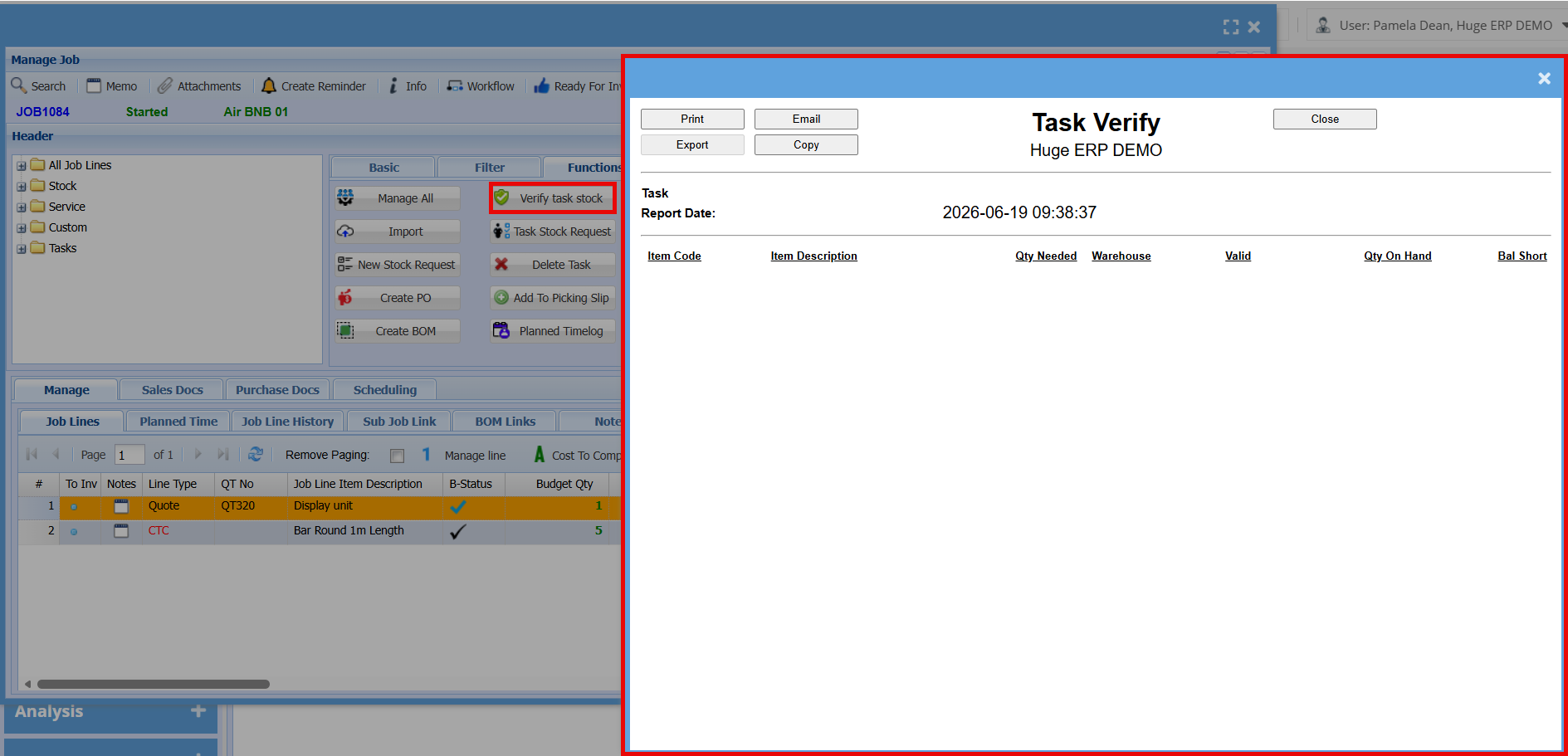
Verify Task Stock
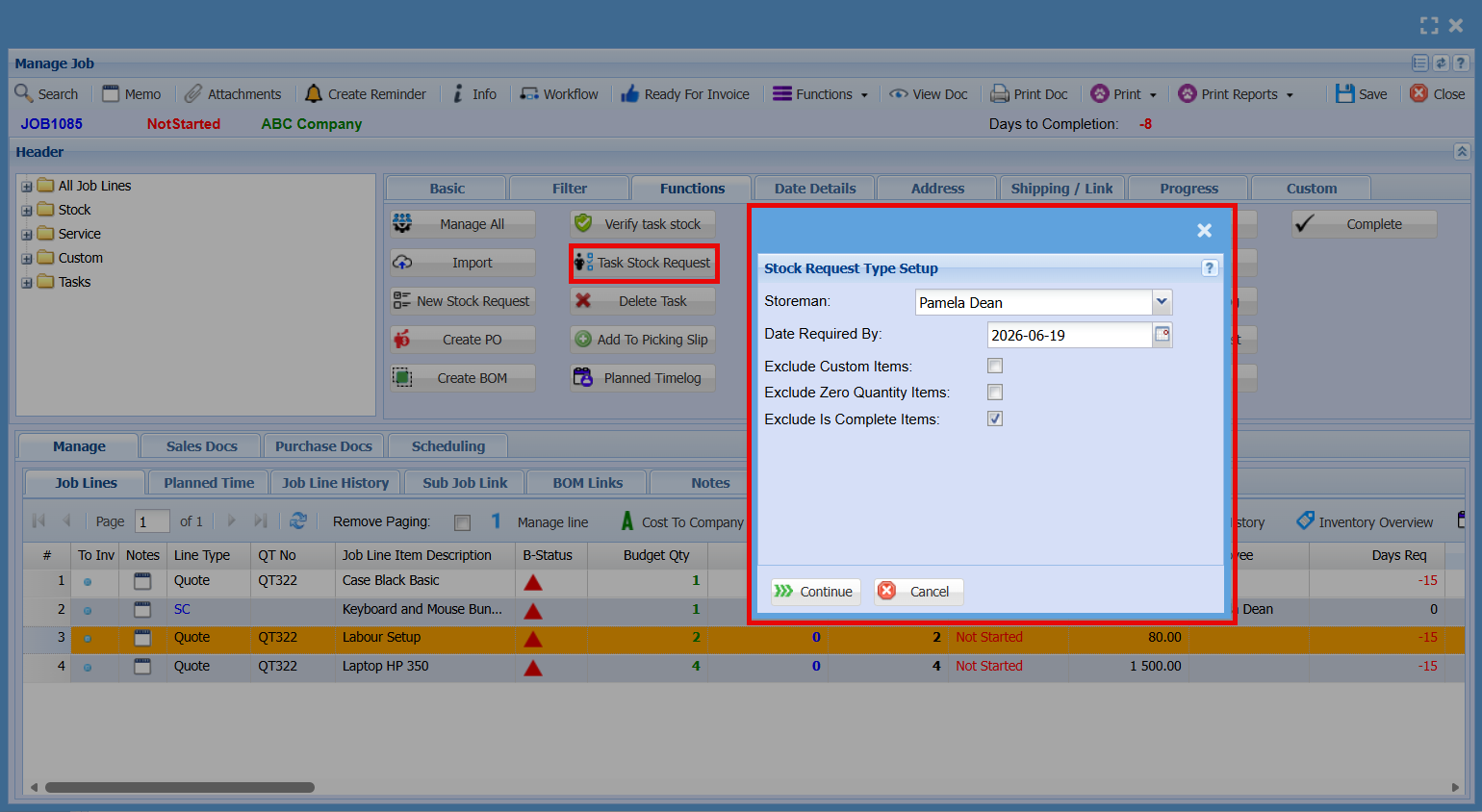
Task Stock Request
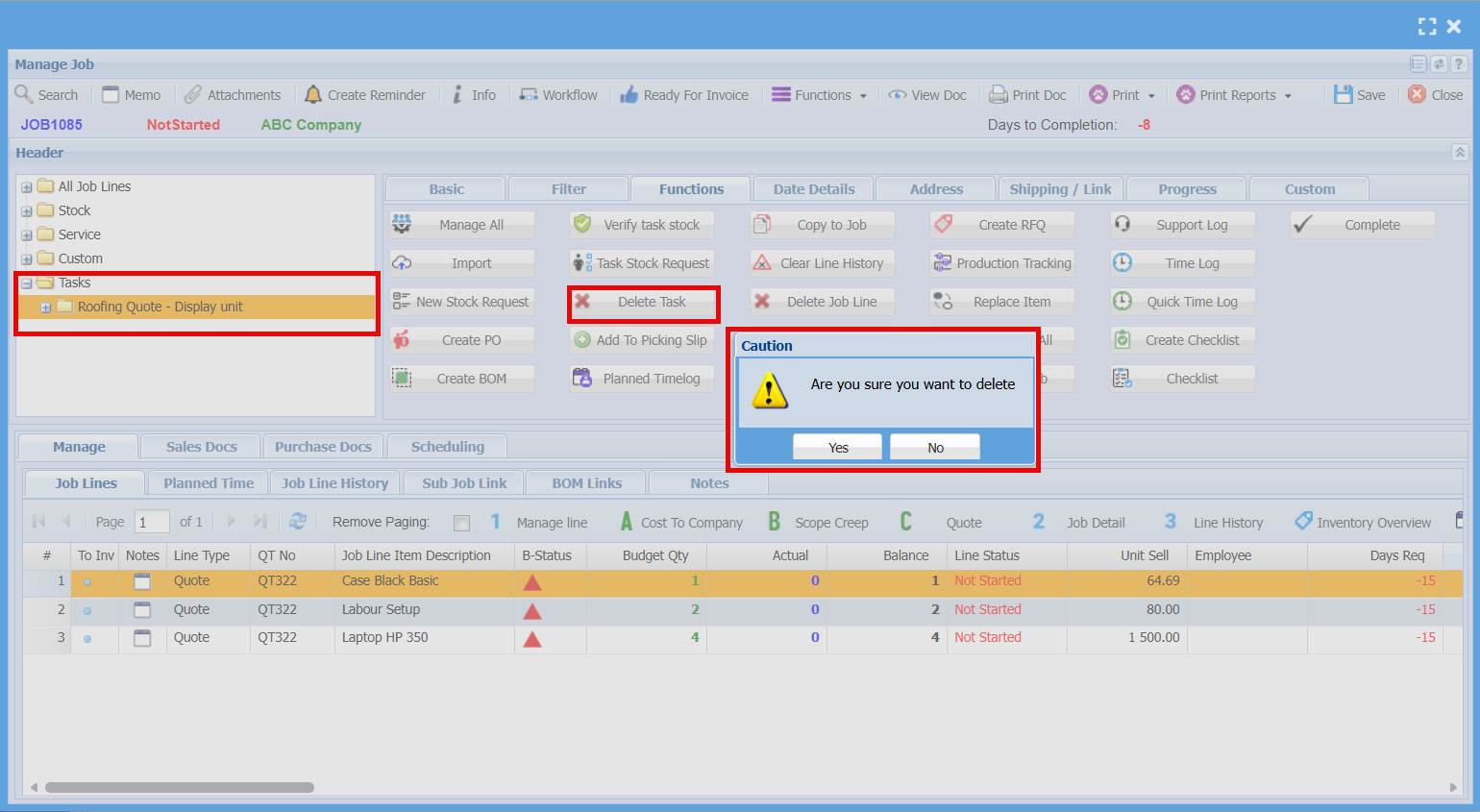
Delete Task
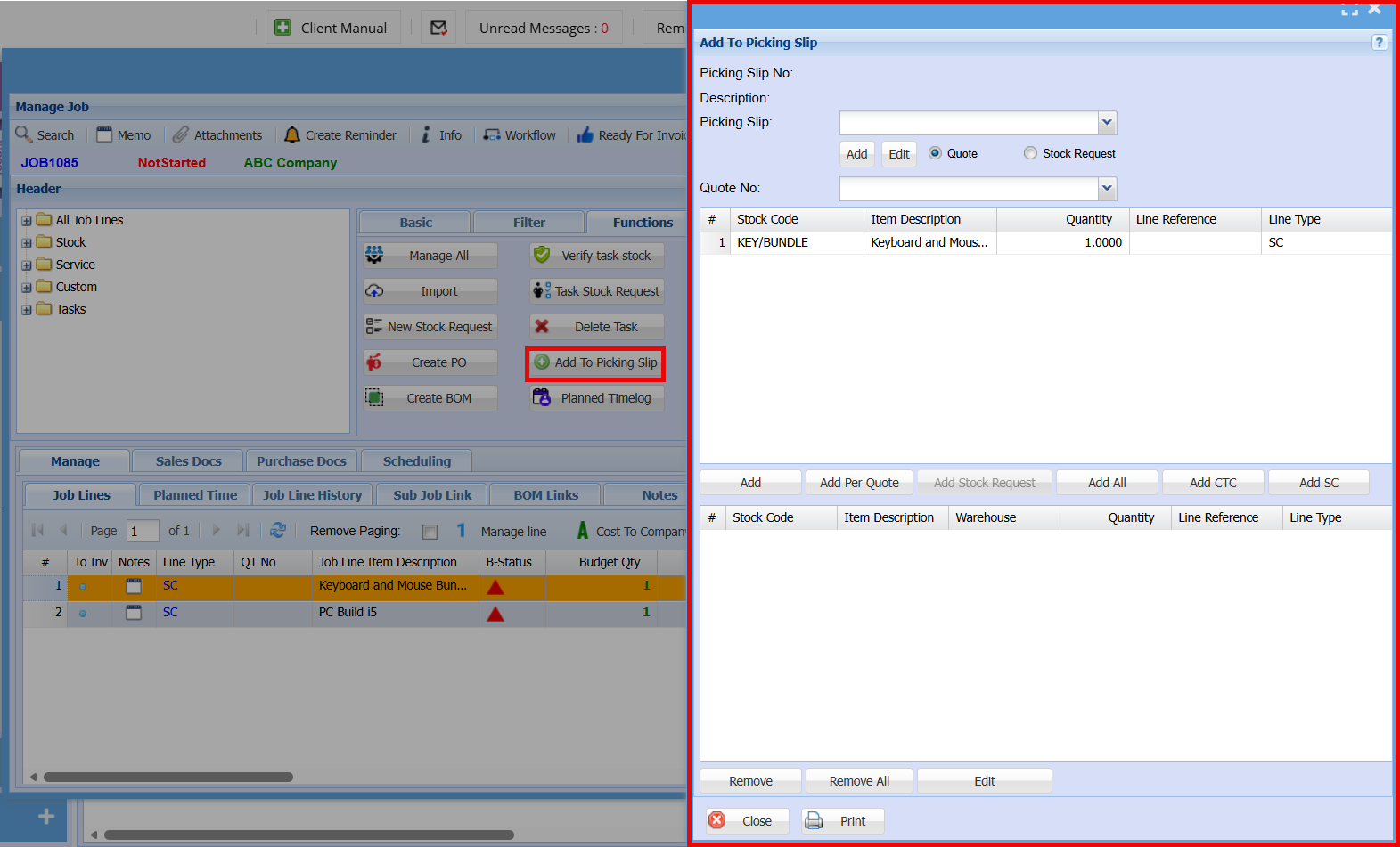
Add a Picking Slip
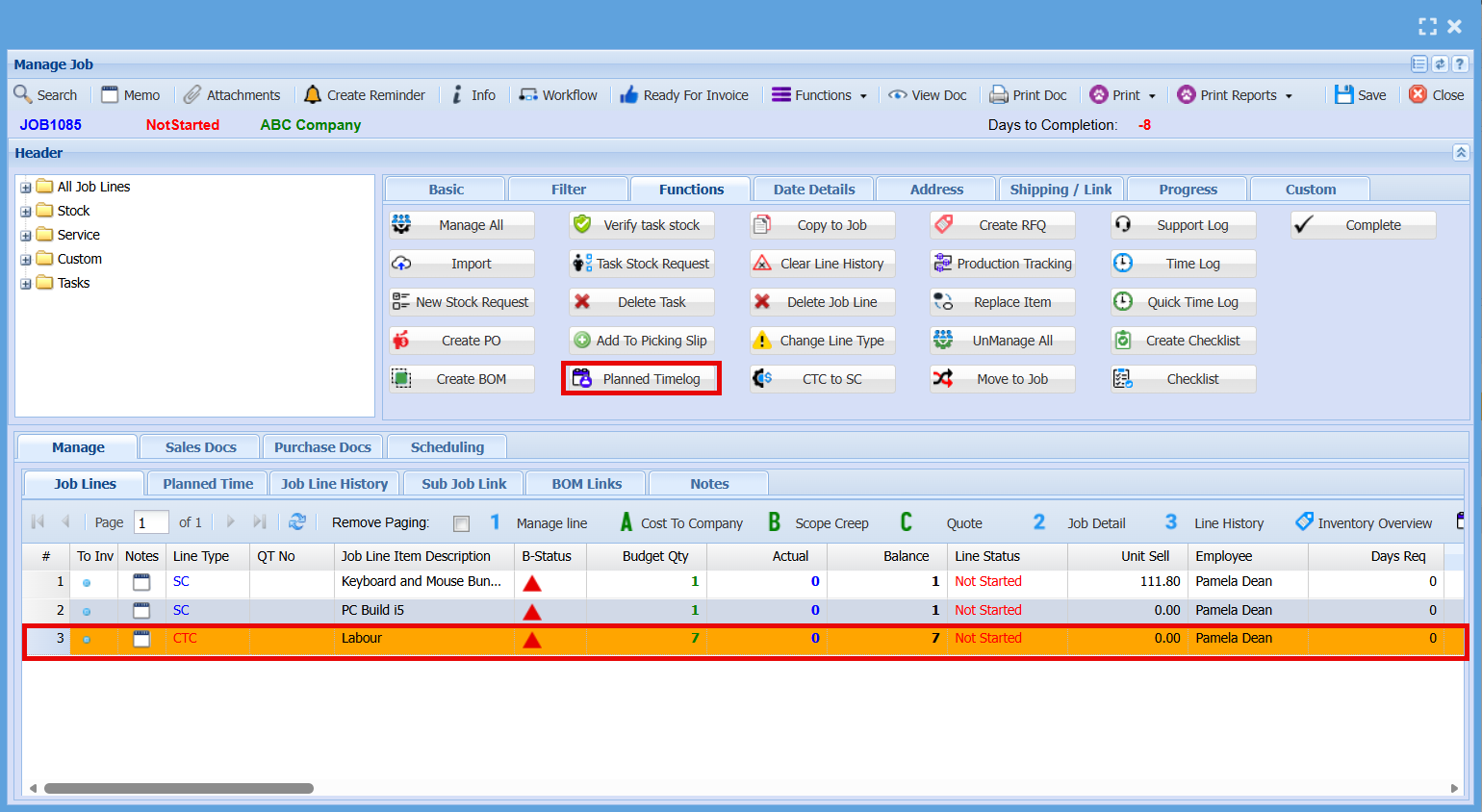
Planned Time Log
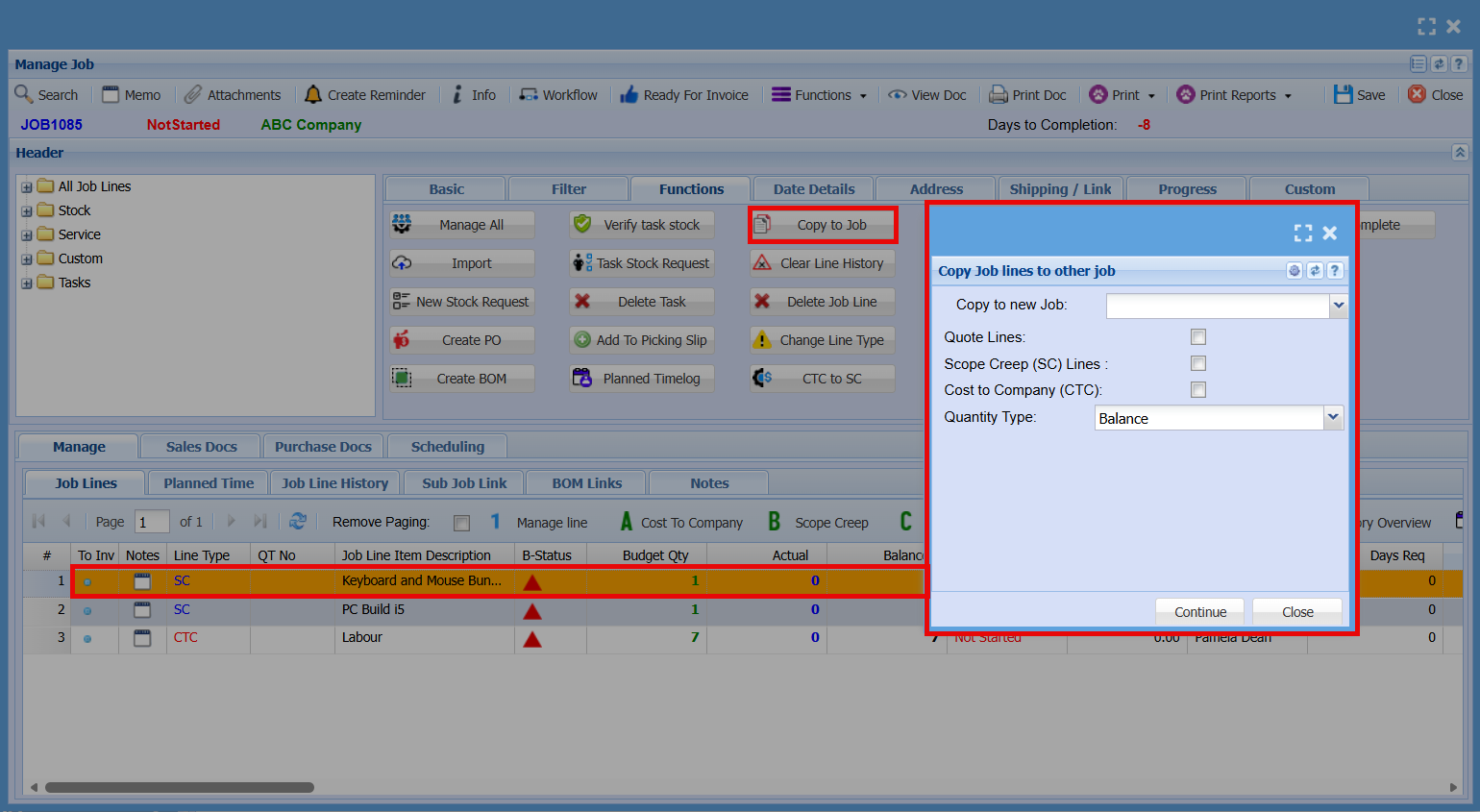
Copy to Job
Clear Line History
Delete Job Line
Change Line Type