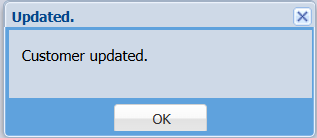
Change customer on Job
OneSystem canConfiguration > Security > System Utilities
The system provides a utility that allows you to change the customer on thean existing job, asprovided longcertain asconditions are met.
-
The customer can only be changed if NO invoices
arehaveprocessbeen created orcreatedprocessed against the job. -
changecustomerIf invoices exist, this utility willchangenot be applicable.
How to:
- Double click on the
job"ChangeandCustomer on Job" utility
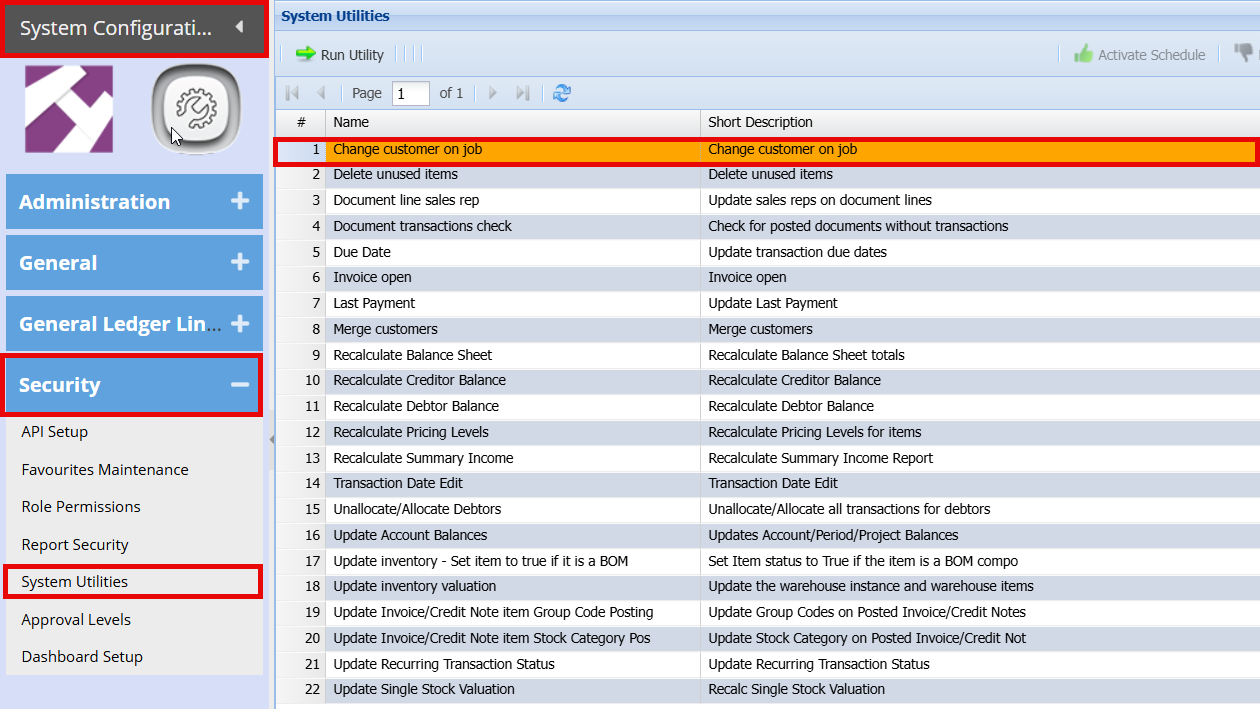
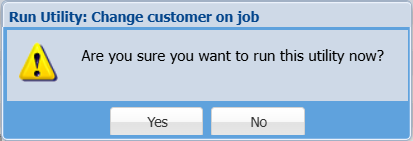
You will get a prompt that to confirm you want to change the quotes.customer.
- Click "Yes"
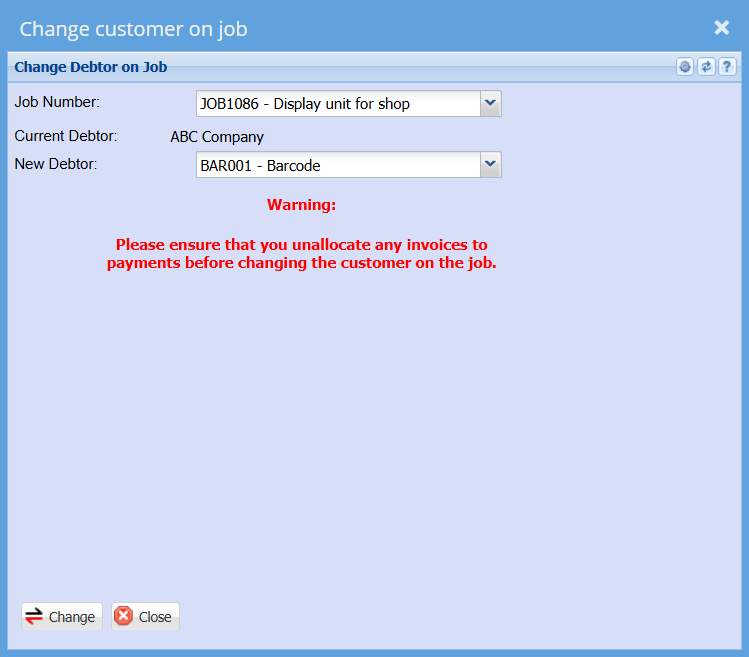
- Select the job number you want to change
- Select the New Customer
- Click "Change"
you .png)