
Attachment and Linkit (hyper links)
Attachment Grid Access
The system allows for attachments and hyperlinks to be added to documents.
Everywhere in the systemsystem, there is either a button or paper clip symbol on the grid.
.png)
The grid will display a paper clip which will have different colours indicating whether there is an attachment or hyper-linkhyperlink or both
| Paper clip Grey | No attachments or hyper-links |
| Paper clip red | attachments present |
| Paper clip green | hyper-links present |
| Paper clip blue | both attachments and hyper-links present |
Attachment Button access
.png)
It allows you to add additional information on a window that you are currently working on in the form of an attachment.
This can be additional documentation, for example, contracts, invoices from suppliers or documentation regarding a stock/ inventory item.
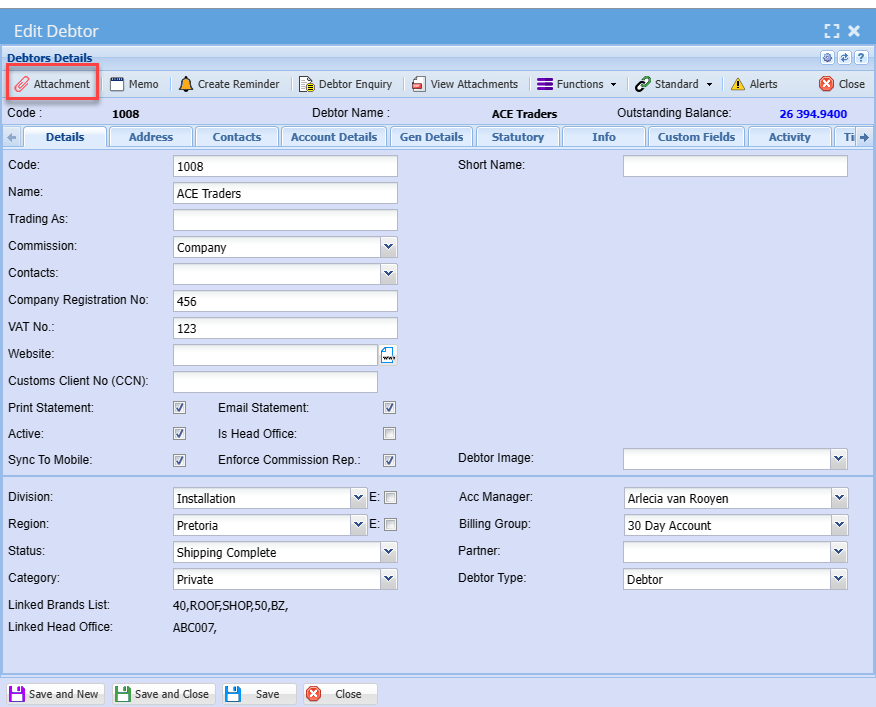
Attachment
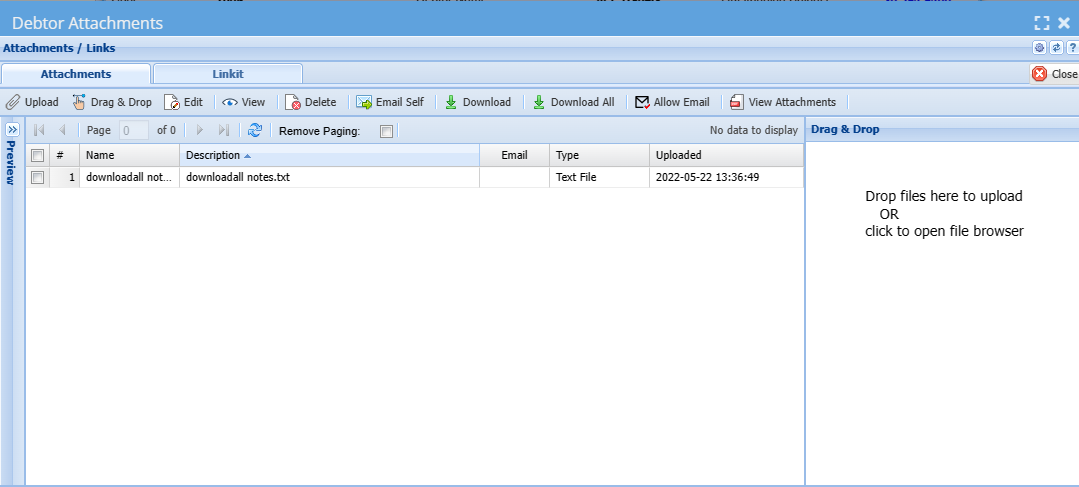
After clicking the attachment on the grid or on a specific window on the system it will take you to the window below. .png)
This is where you will be able to add an actual attachment or a hyperlink
Linkit (hyper-links)
.png)