Setting up restore password
System Configuration Module > Administration> FunctionsCompany DropProfiles> DownFunction Dropdown
More information on this button can be found at Password restore
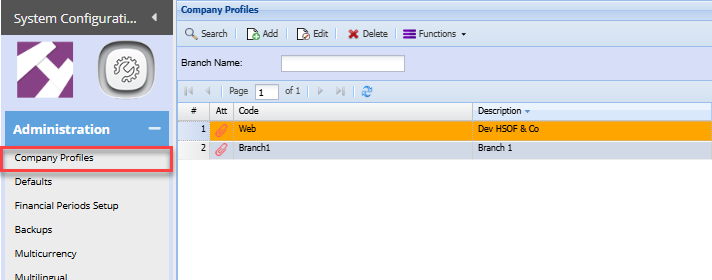
Edit the Company profile
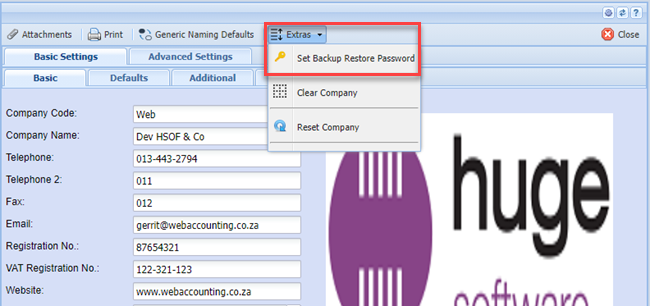
Click on the EXTRAFunctions TABDrop Down and thenselect onSet theBackup SETRestore BACKUP RESTORE PASSWORDPassword

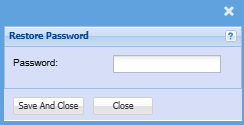
PutThe inwindow abelow passwordwill thatpop onlyup and you will know and then click on SAVE and CLOSEPurpose ofenter the secondaryrestore PASSWORD:password
be used for the following reasons:
| Backups
|