
Setting up restore password
System Configuration Module > Administration
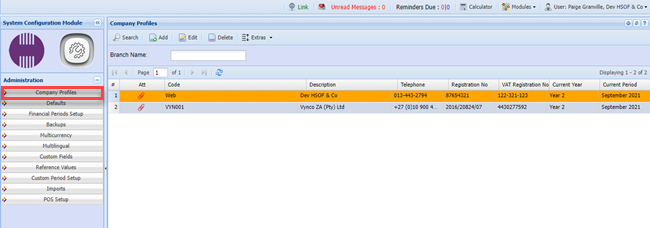
Edit the Company profile
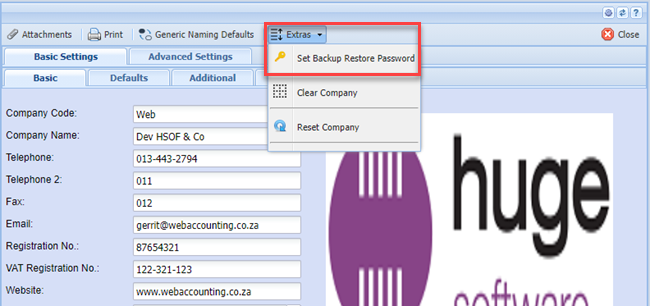
Click on the EXTRA TAB and then on the SET BACKUP RESTORE PASSWORD
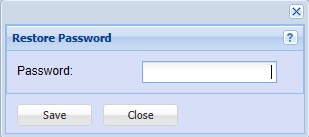
Put in a password that only you will know and then click on SAVE and CLOSE
Purpose of the secondary PASSWORD:
| 1 | Restoring Backups. |
| 2 | Downloading Backups off the system. |