
Add Financial Year
Systems Configuration > Administration> Financial Periods Setup
BeforeClick Add and fill in the information
| Description | Fill in the description (Example: Year 1) |
| Date From | Fill in the date from you |
| Date To | Fill in the date to you
|
Click On Extras tab and select from the drop down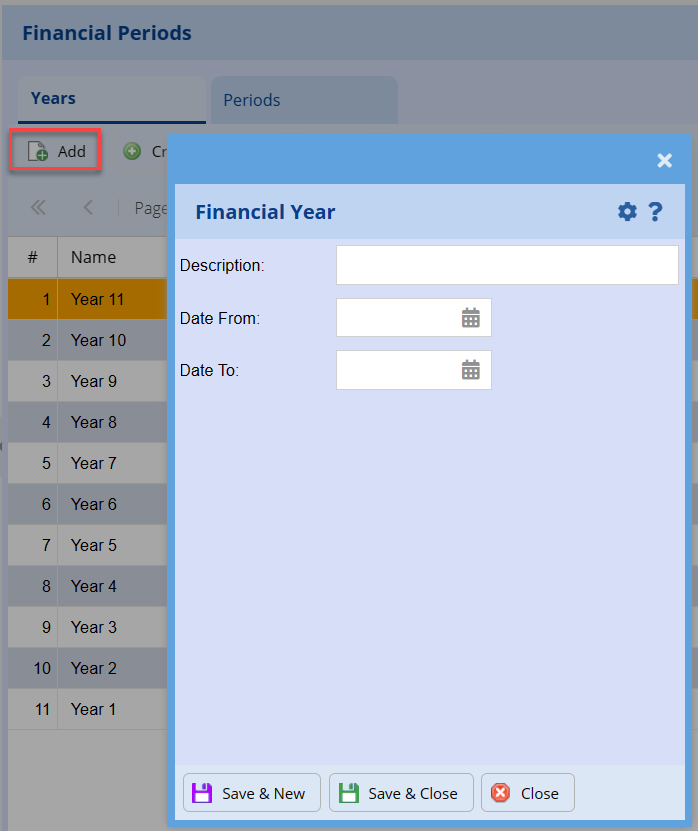
Select “Recreate Periods” Function
This function is usually done before you start your company
.png)
Message will come up to ask if you are going to recreate new financial years
.png)
Select the first date of the new financial year
New financial years has been created
For the periods to take affect, log out of system and then back in
Click OK to run Utility to recalculate.