
Group List
Group lists are used with Custom and Service Type items.
When an item is activated with Group list, it will replace the selected item with a list of multiple items in the document.
It uses the same item code, but replaces the description, cost and sell.
There is a setting that one can include the scanned item as part of the list.
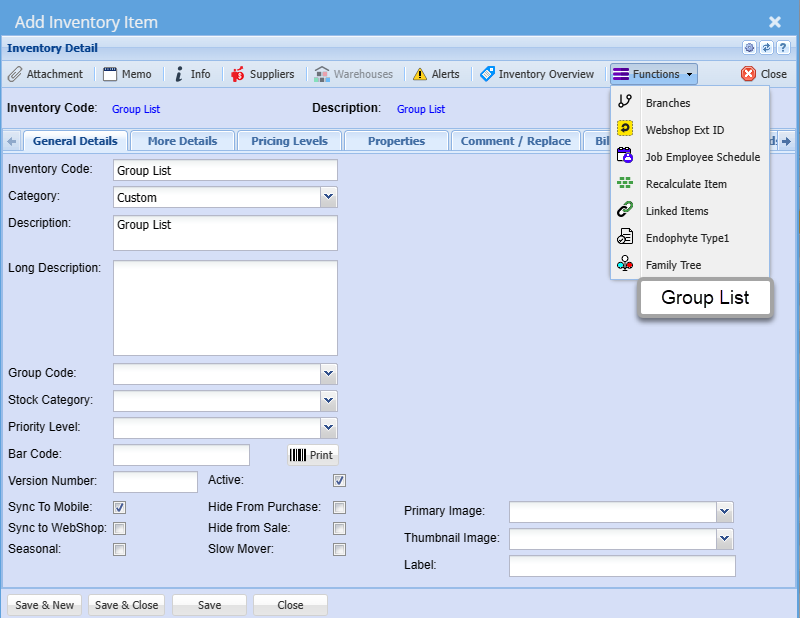
Group List setup
Setup the list of items to populate the document lines
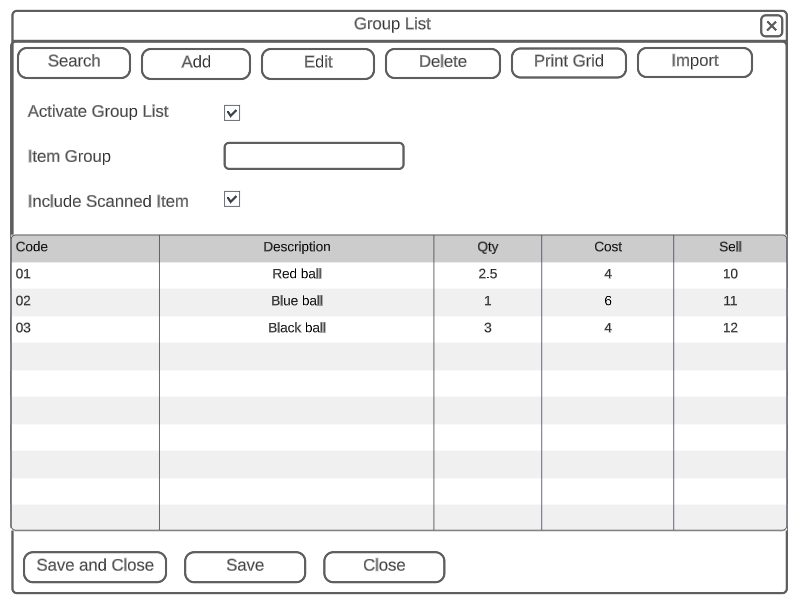
| Activate Group List | Activates this option to be used when adding lines to Invoice and credit note |
| Item Group | Populates each line of the group list with the item group |
| Include Scanned Item Group | When activated, the scanned item will be part of the list in the document |
| Code | Sequence in which items is inserted on the document |
| Description | The description used to override the description when adding to the document |
| Qty | Select the quantity to insert |
| Cost | Insert a cost |
| Sell | Put in a sell price |
Add Items
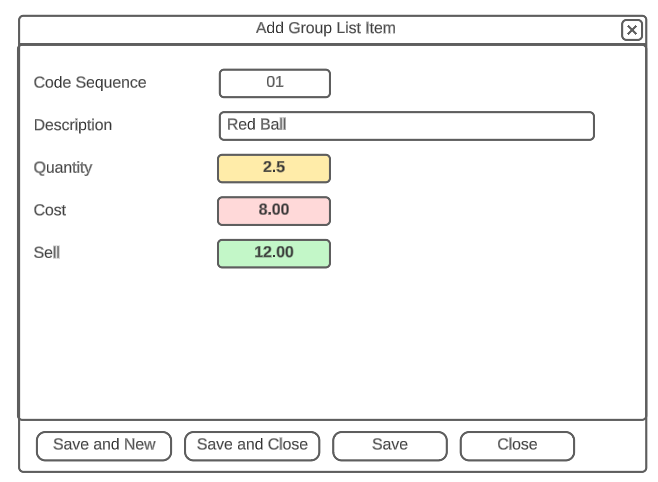
Document view