Add New Warehouse
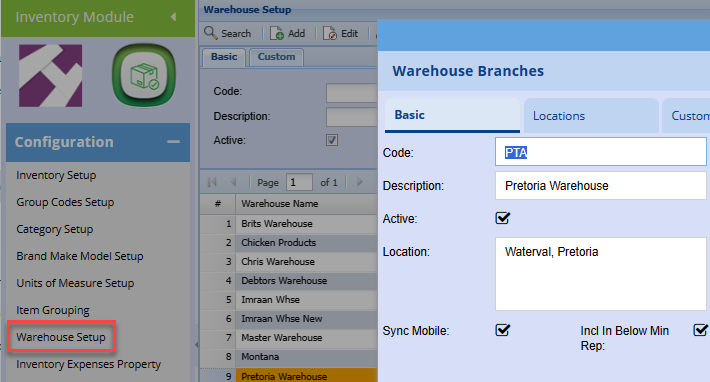
Inventory Module> Configuration> Warehouse Setup
Click Add to add a new warehouse
Enter a Code
Enter a Description
Click Save
.png)
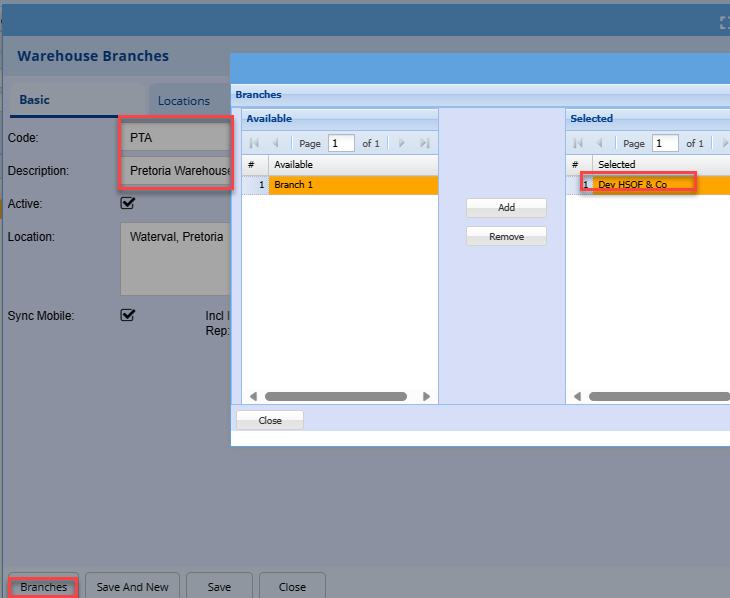
Branches Link
Warehouses .png)
Click |
|
| respective Branch to double click the required branch on the left to move to the selected grid on the right.
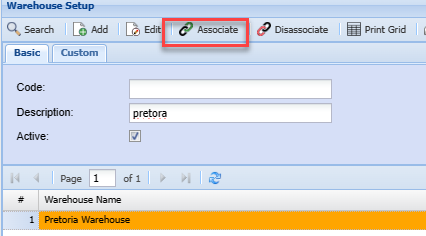
Warehouse item association:Once the warehouse | |
This feature allows one to have the flexibility to link specific items to specific warehouses. for instance, if you have multiple branches, all | |
to associate items: If all warehouses stock all items, then you can do a quick associate: Click once on the selected or new warehouse |