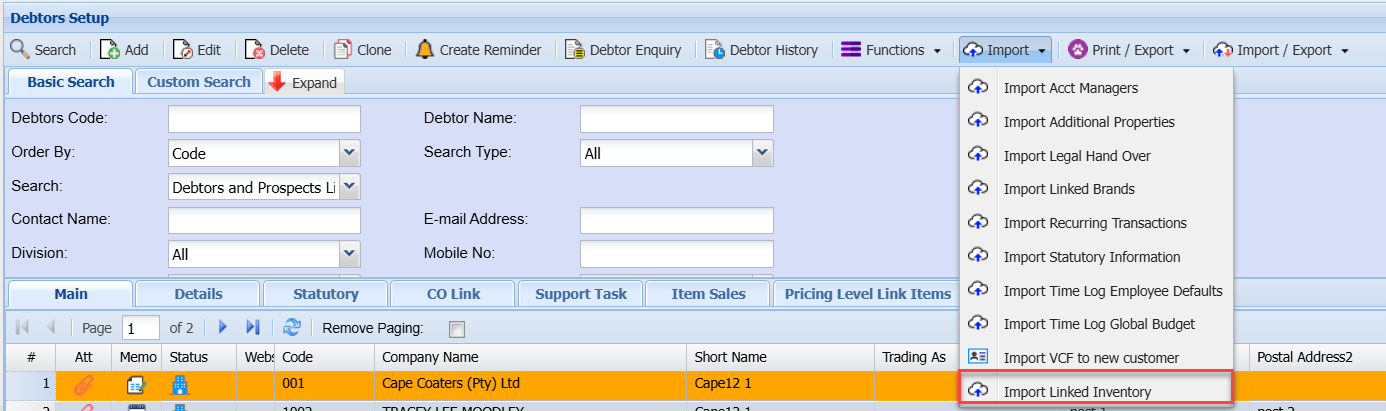
Import Drop Down Button
Import Drop Down
Debtors Module> Configuration> Debtor Setup> Import Drop Down n
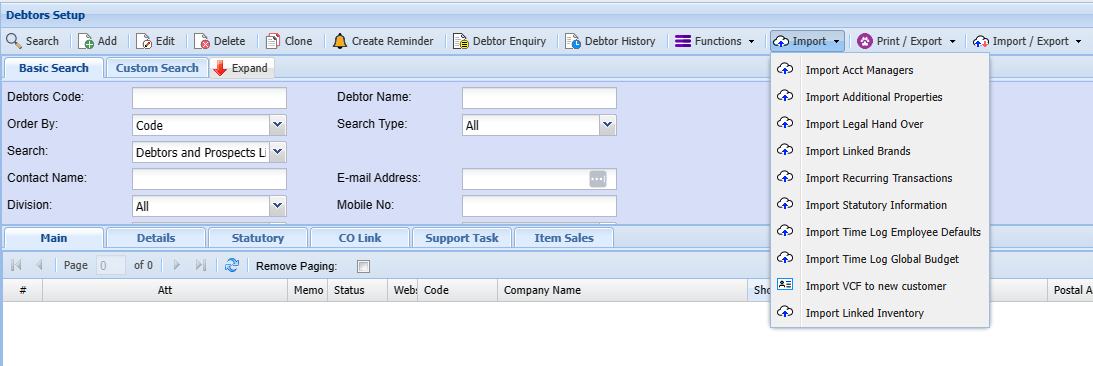
Debtors Module> Configuration> Debtors setup> Import tab
|
The import file needs to be a CSV file (Comma Delimited File) as illustrated below. Click on the Browse button and navigate to the location of the file to be imported. Select the file and click on Open. Click on Upload and follow the screen prompts. If there are any errors in the import the resulting report will display the problematic data in the import file. |
|
DebtorCode |
FirstName |
LastName |
|
ABC101 |
John |
Smith |
|
EFG101 |
Susan |
Jones |
|
KLM101 |
Paul |
Phillips |
|
XYZ101 |
Karen |
Williams |
Import Acct Managers.png)
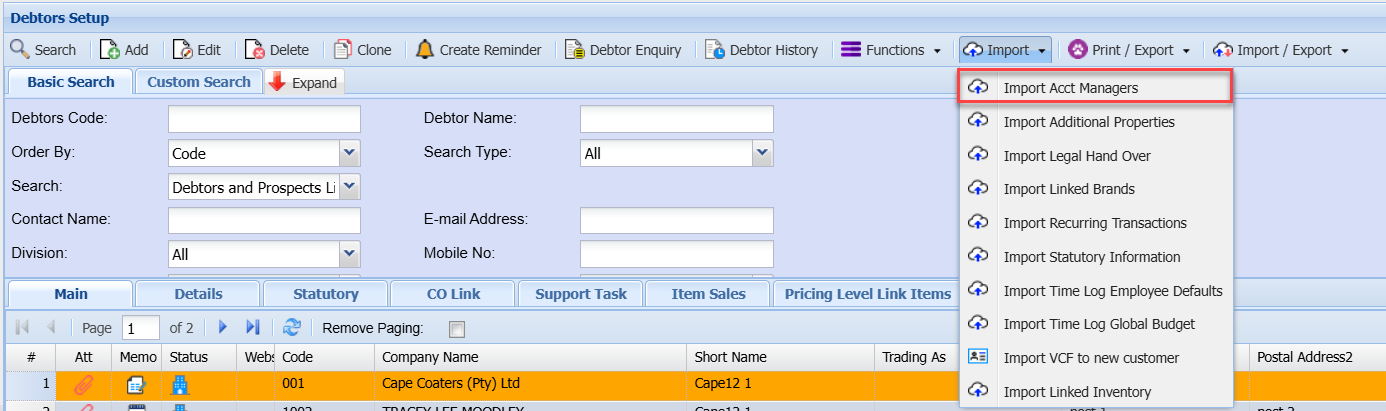
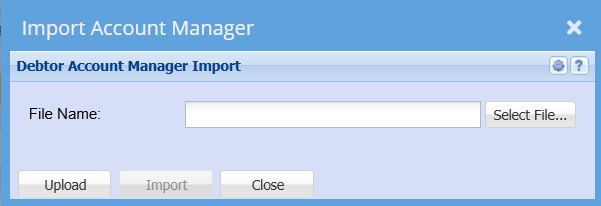
Import Additional Properties
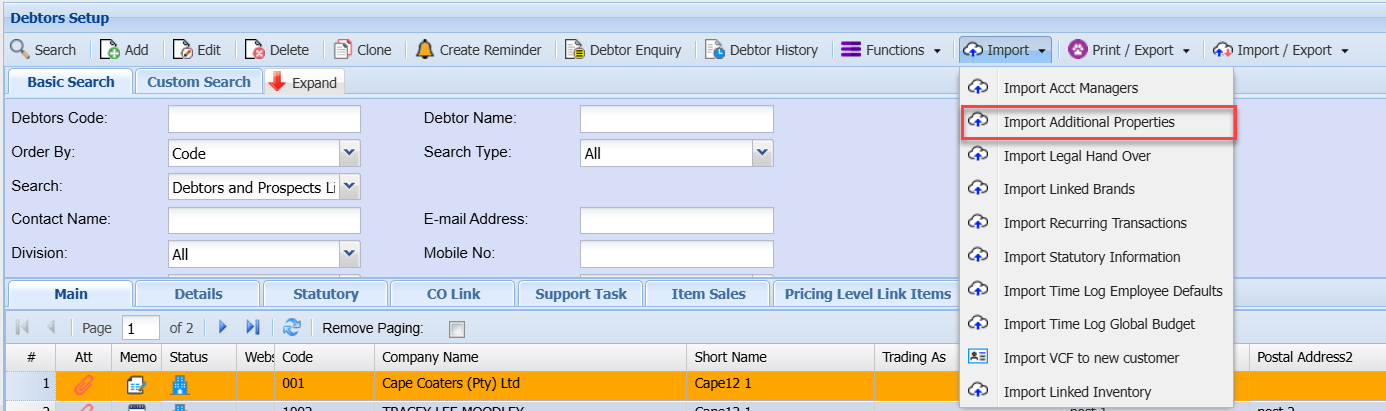
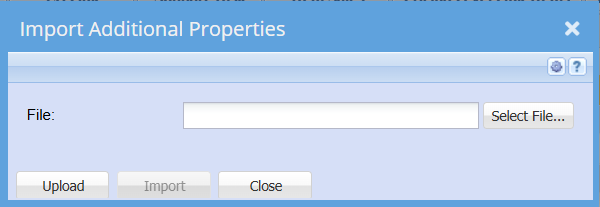
Import Legal Hand Over
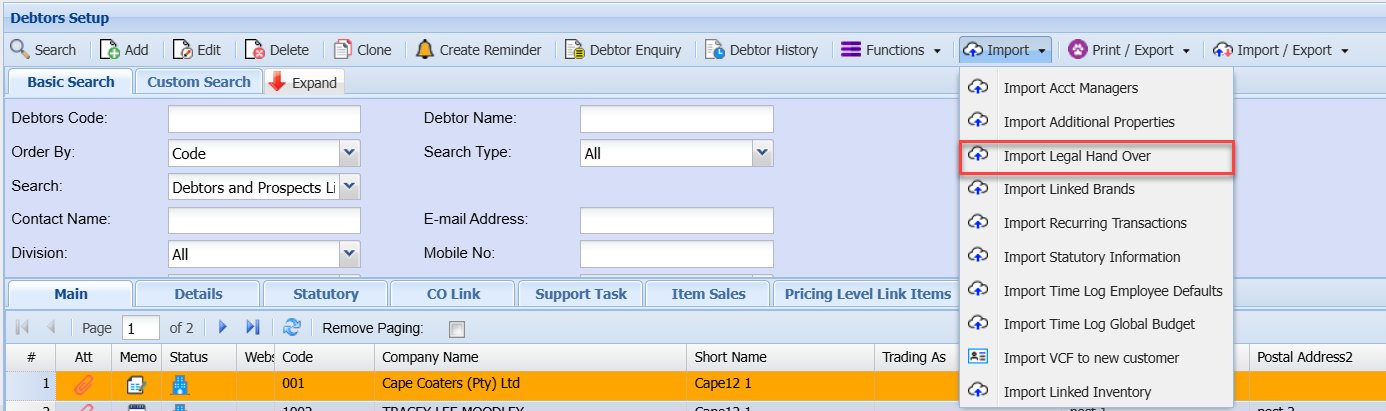
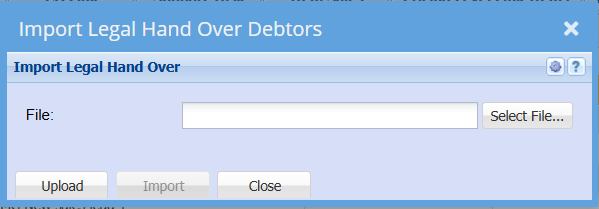
Import Linked Brands
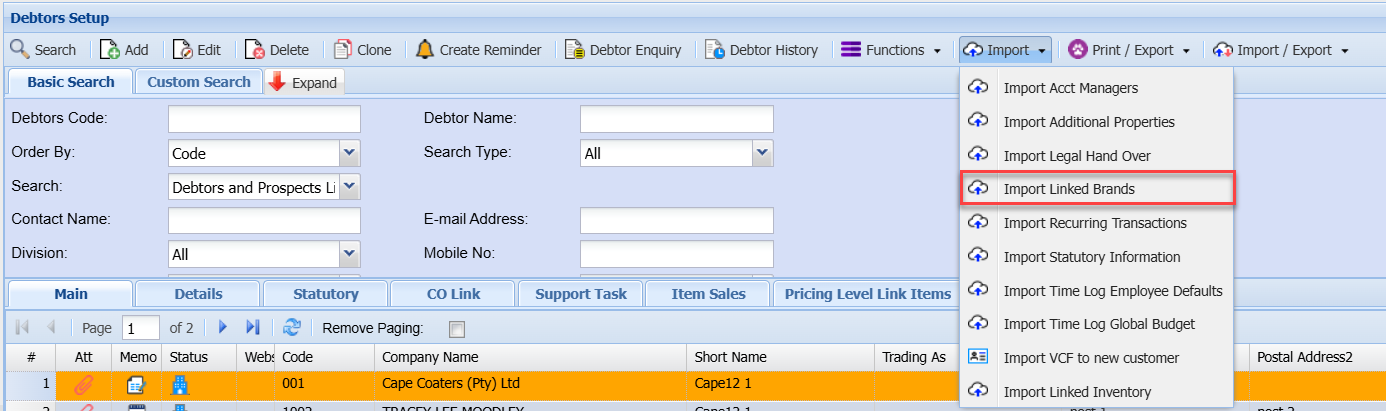
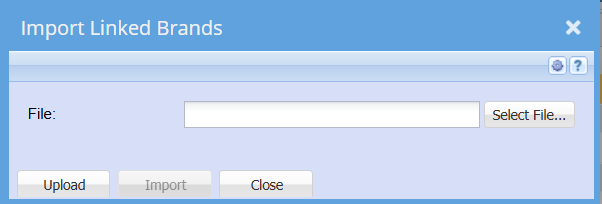
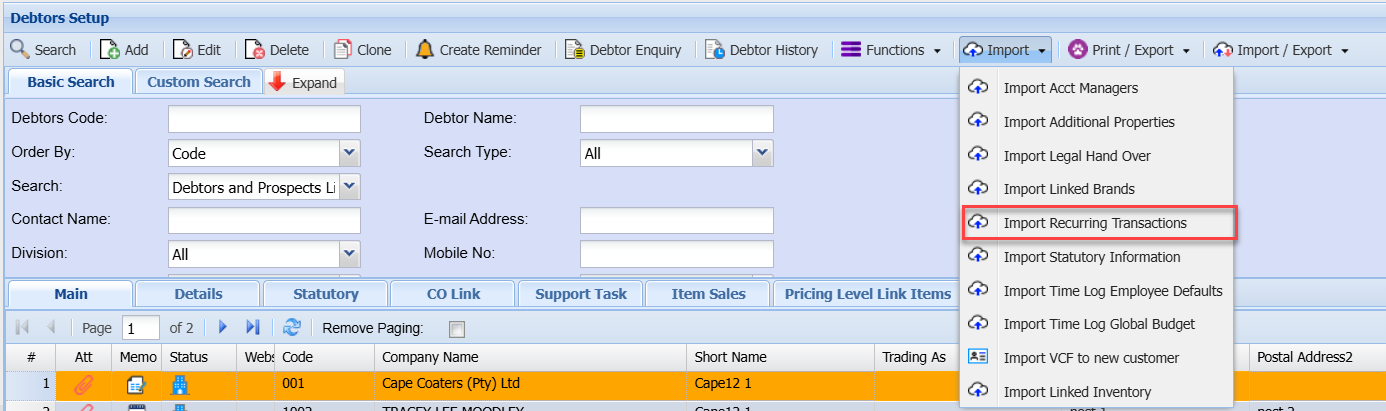
Import Recurring Transactions

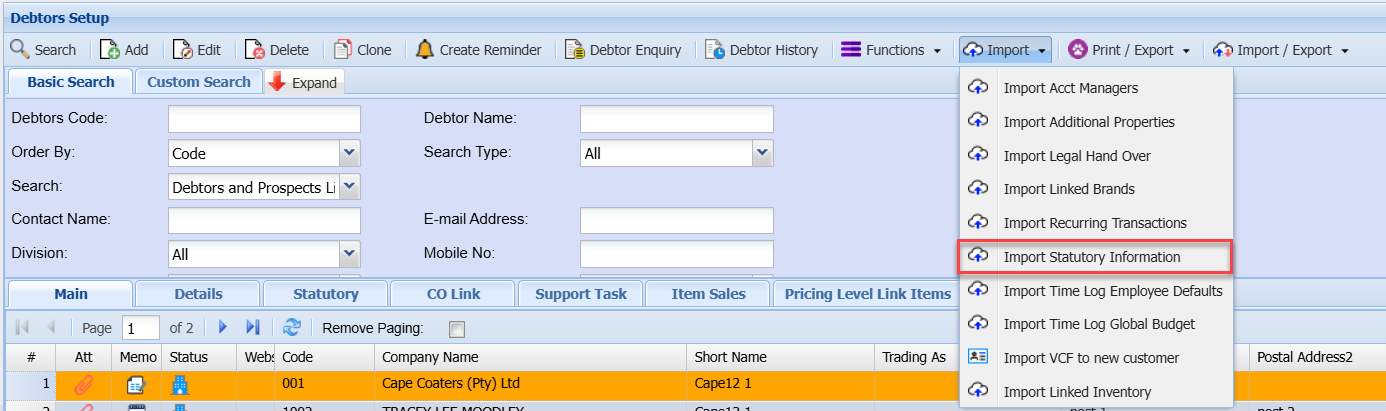
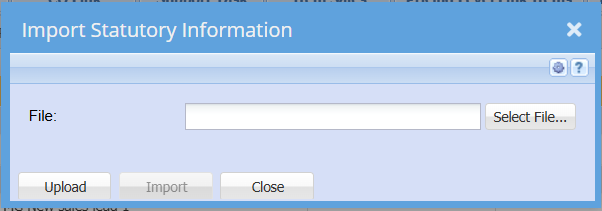
Import Statutory Information
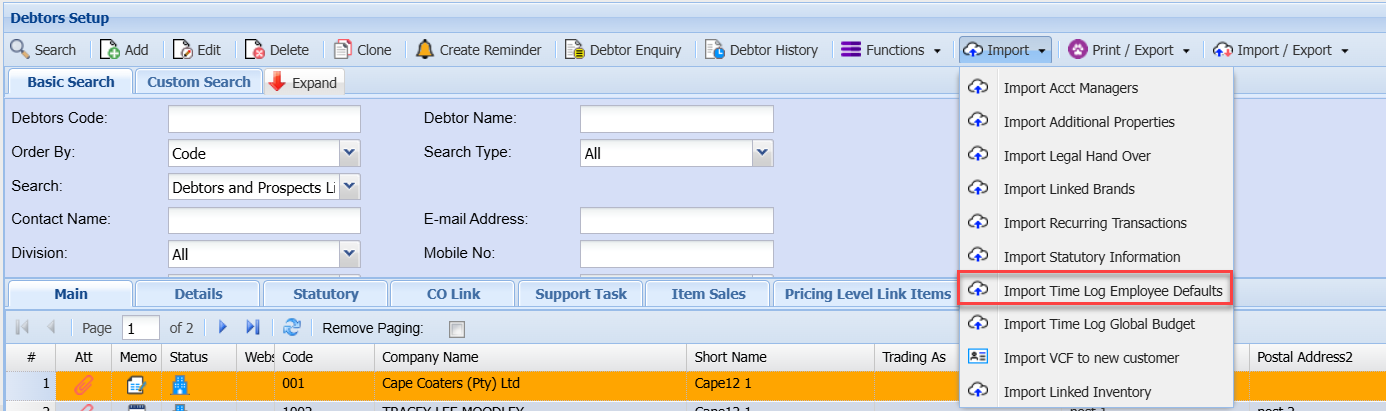
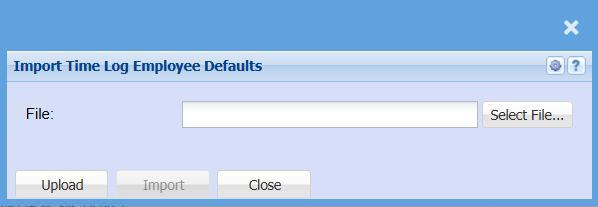
Import Time Log Employee Defaults
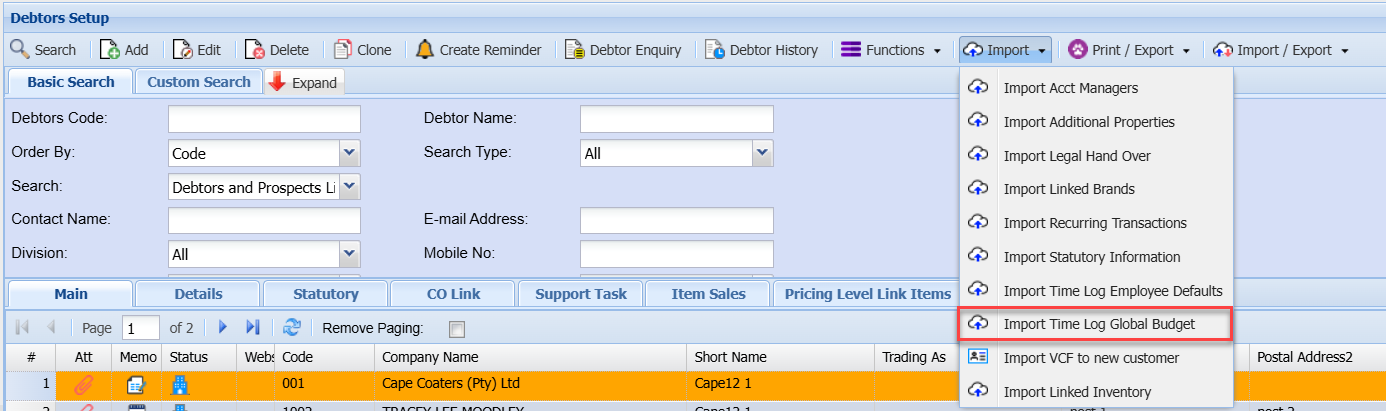
Import Time Log Global Budget
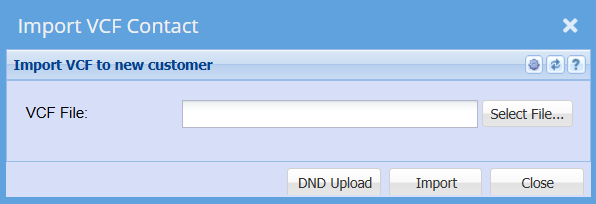
Import VCF to new customer
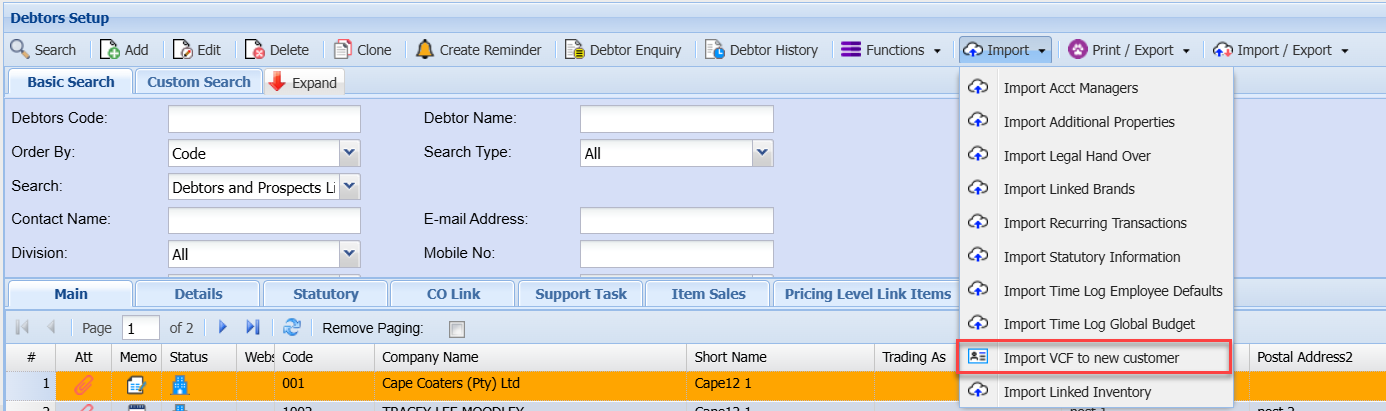
Import Linked Inventory