Creditors Setup
This is where the user creates a new Creditor or search for existing ones
Creditors > Configuration>Creditors Setup
System buttons
Search button allows a user to search using Basic Search Tab and Custom Search Tab
Creditors > Configuration>Creditors Setup

| to create a new creditor. | |
| Edit | to make changes onto an existing creditor. |
| Delete | to delete an existing creditor provided the creditor has no transactions linked to it. |
| Clone | to clone an existing creditor |
| Create Reminder | Allows a user to interact with the creditor via sms or email and only if the contact person has an email address for emailing and cell number for sms. |
Basic Search Tab
This contains basic filtering options to find a creditor
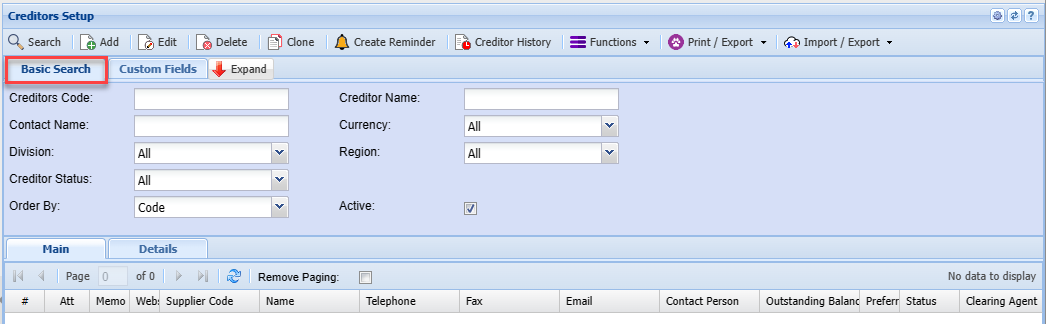
| Creditors Code | |
| Contact Name | |
| Division | |
| Creditor Status | |
| Order By | |
| Creditor Name | |
| Currency | |
| Region | |
| Active Tick |
Custom Fields Tab
Search by custom fields which have been setup for creditor filtering
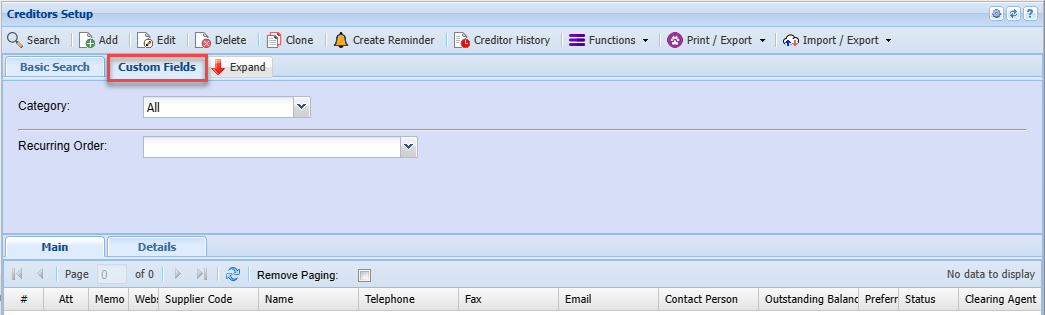
| Category | |
| Recurring Order |
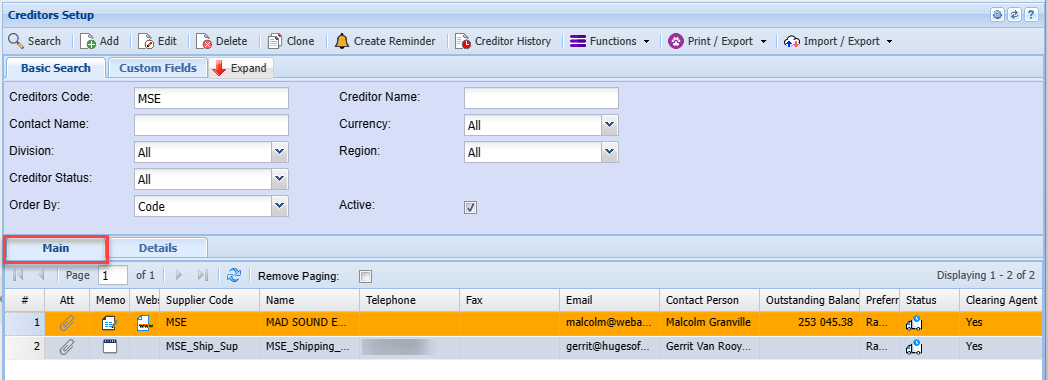
Main Tab
Details Tab
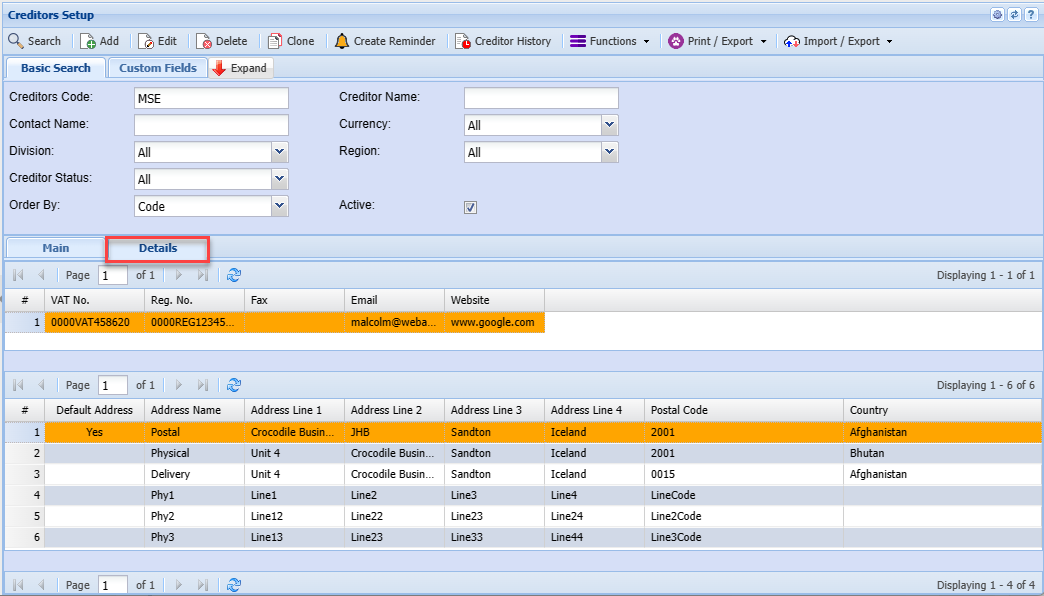
Allows you to see more details on the creditor you have selected