
Creditors Setup
This is where the user creates a new Creditor or search for existing ones
Creditors > Configuration>Creditors Setup
This is where the user creates a new Creditor or search for existing.System buttons
.png)
Basic Search Tab - if the creditor’s code in the basic search fields and other fields are left blank, this will bring back all the creditor’s listed in the system sorted alphabetically. If the cursor is placed on Name at the column head, this will sort the names A-Z or Z-A as preferred.
Custom Search, Custom search searches according to the category selection on the drop-down arrow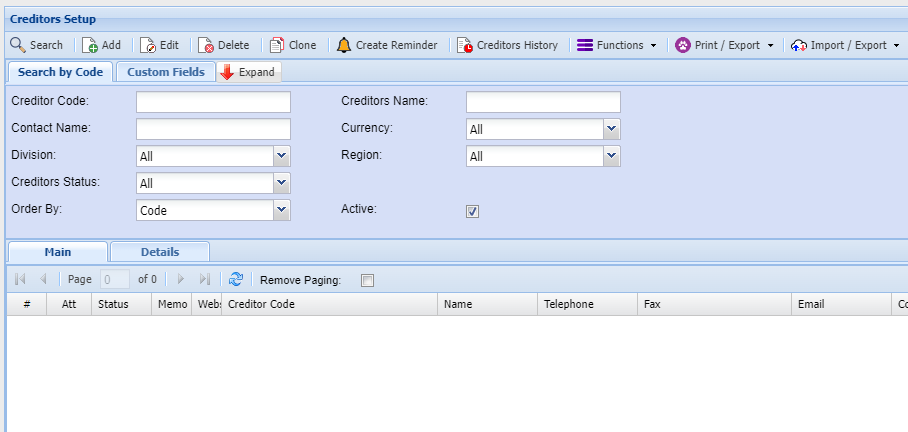
| Insert | to create a new creditor. |
| to make changes onto an existing creditor. | |
| Delete | to delete an existing creditor provided the creditor has no transactions linked to it. |
| Allows a user to interact with the creditor via sms or email and only if the contact person has an email address for emailing and cell number for sms. | |
| Print Tab | has two buttons |
| Print button | allows a user to print all the creditor’s listed in the system sorted alphabetically. |
| Export button | to exports creditors list to excel spread sheet. |
| Import Tab | has one buttons |
| Import Contacts button | Import from the excel sheet to the system |
Back to top