
Add Emailing List
Add Supplier Bulk E-mailing List
Creditors> Configuration> Email mailing List
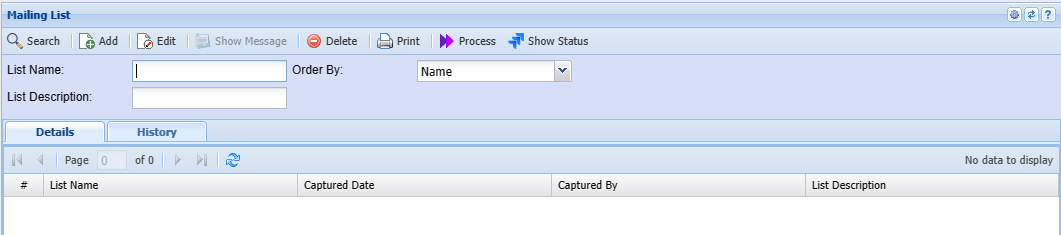
.png)
| List Name | Enter a name or code for your list |
| List Description | Enter a description for the list |
| Add | Add button opens up Creditors setup function that allows you to select from your supplier contact the email to add on the list. |
.png)
Enter creditor name on the creditor field
Select the contact by moving it to the right.
contact type gives an option to select either creditor , users or employees for your list
Add Bulk opens up an option to bulk insert the contact list
.png)
.png)
Process Email
.png)
Process mailing list is the part that allows a user to prepare the message to be sent. It has five buttons
On the white screen, that’s where the message detail is going to be and can be formatted according to users preference
| Subject | Message subject |
| List | The drop-down arrow allows a user to select the one list but while the tree search allows a multiple of email lists |
| Help | gives the header and a must Copy the bottom part to the header and the message will be read “Dear [ContactFirstName]” when processing |
| Attachment | allows a user to attach either a document or picture related to the message and has five buttons |
| Process | Processes the email |