
Add Emailing List
Add Supplier Bulk E-mailing List
Creditors> Configuration> Email mailing List
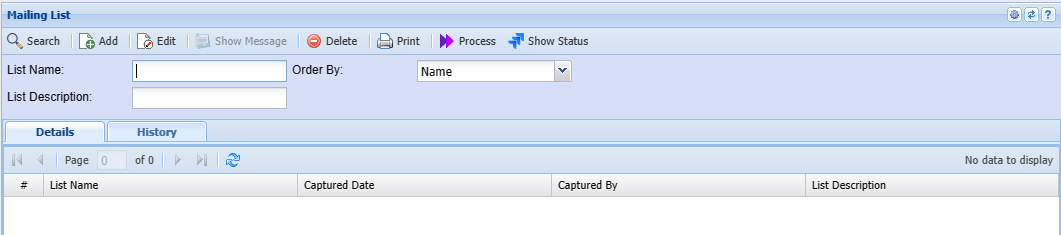
.png)
| List Name | Enter a name or code for your list |
| List Description | Enter a description for the list |
| Add | Add button opens up Creditors setup function that allows you to select from your supplier contact the email to add on the list. |
.png)
Enter creditor name on the creditor field
Select the contact by moving it to the right.
contact type gives an option to select either creditor , users or employees for your list
Add Bulk opens up an option to bulk insert the contact list
.png)
.png)