
Scansku Scanners Gesture Setting
When using the Webatar and swiping left and right you may find some conflict with swipe actions used in Webatar apps. Accidental swipes might trigger unintended actions.
To fix this please follow the below steps:
- Open Settings
Swipe up from the home screen and tap the Settings app. - Navigate to System Settings
Scroll down and tap System. - Tap on Gestures
Inside System, select Gestures. - Choose System Navigation
Tap System navigation. - Select 3-Button Navigation
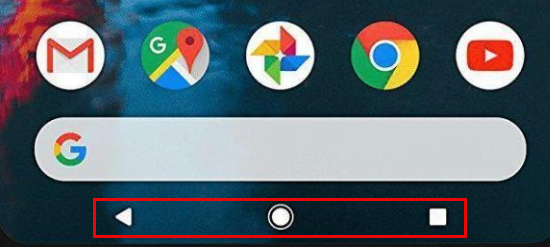
Choose the 3-button navigation option.
Your screen will now show the classic Back, Home, and Recent buttons at the bottom within the Webatar App as well.
No Comments