
Serial number scanning
The Webatar app allows one to scan via serial numbers
Only outwards serial number will check database to see if the serial number exists.
Inwards serial numbers do not check database, but will create new serial numbers.
Serial number scanning does not work with outwards which includes, Stock receive, stock adjustment, Credit note.
Only Serial numbers that are In Stock will sync to the device.
Serial numbers sync is off by default, click to activate serial number scanning.
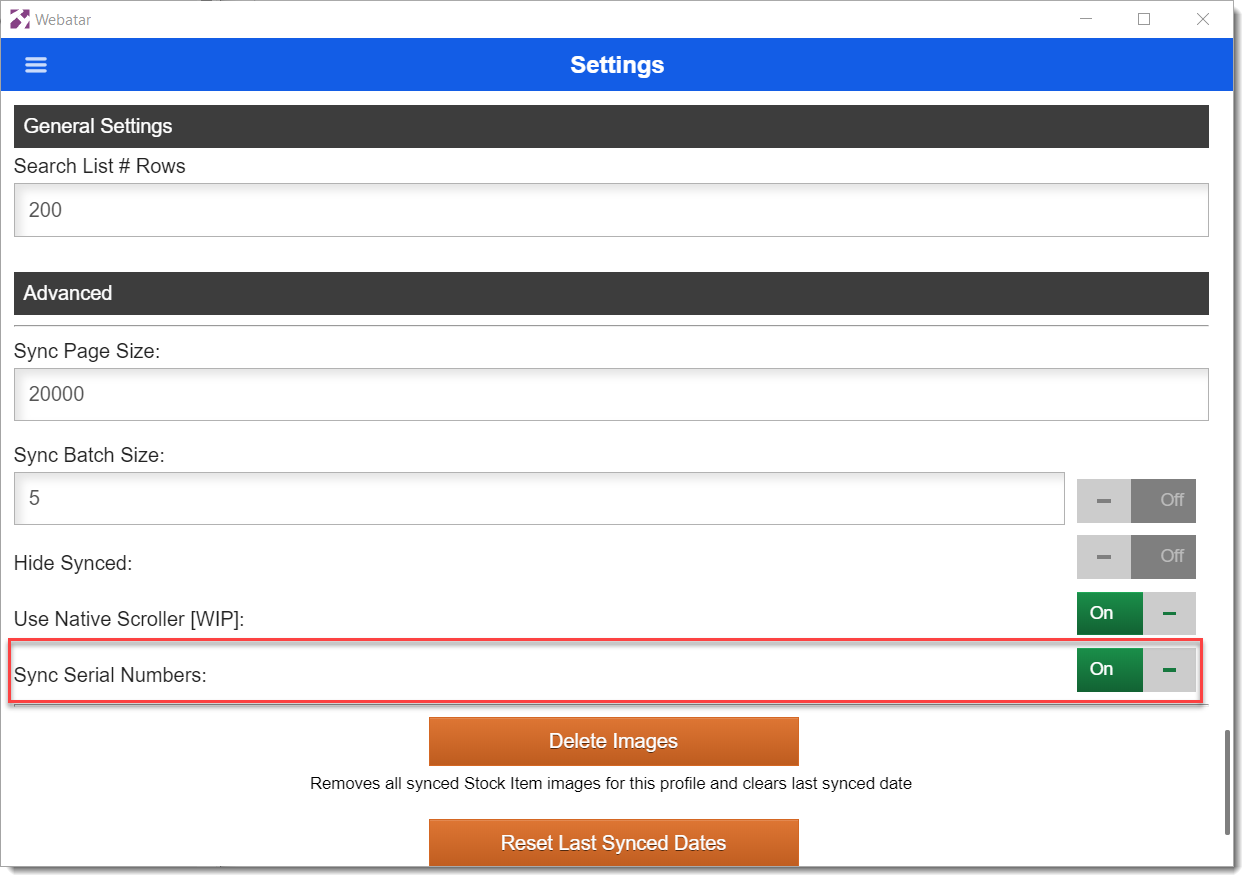
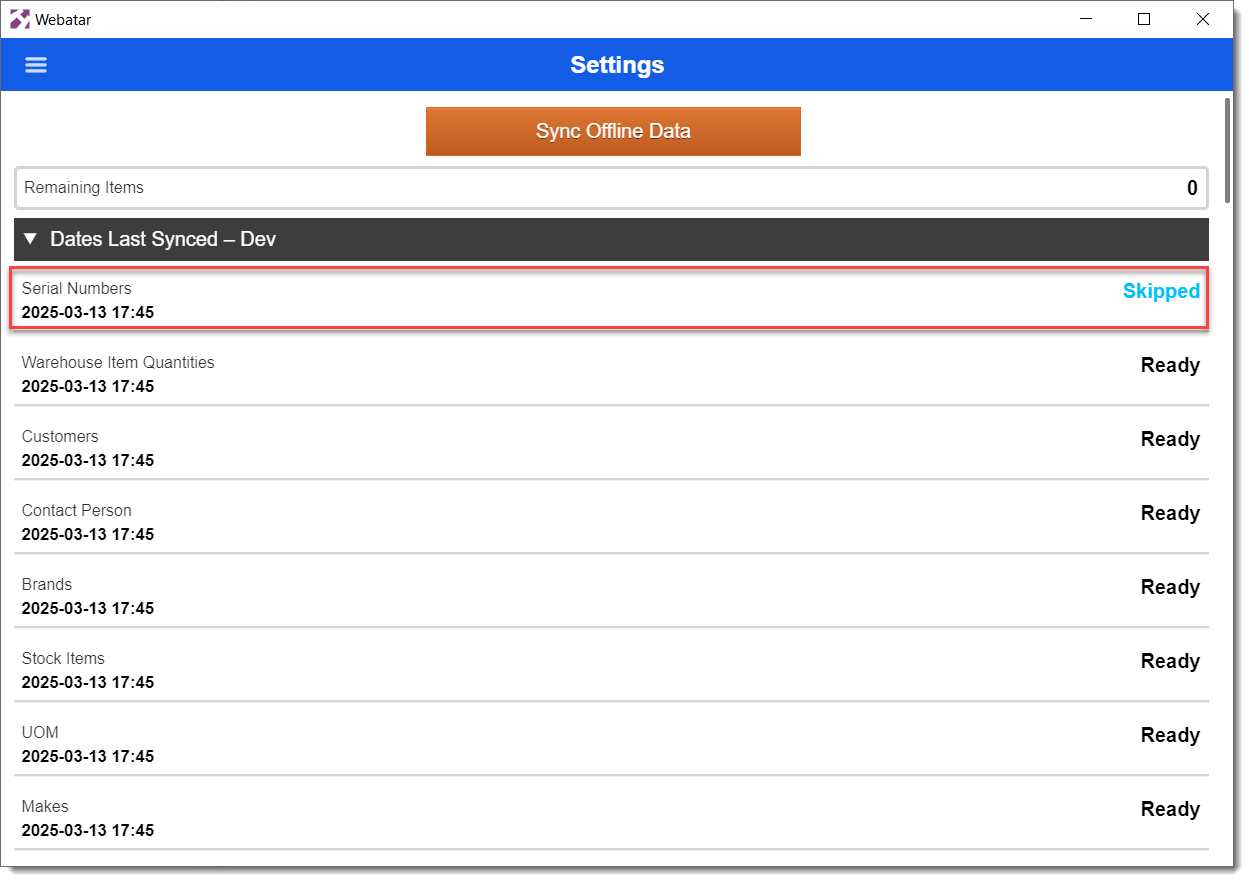
If Sync is Off for serial numbers, then the Skipped message will show on sync, otherwise it will sync
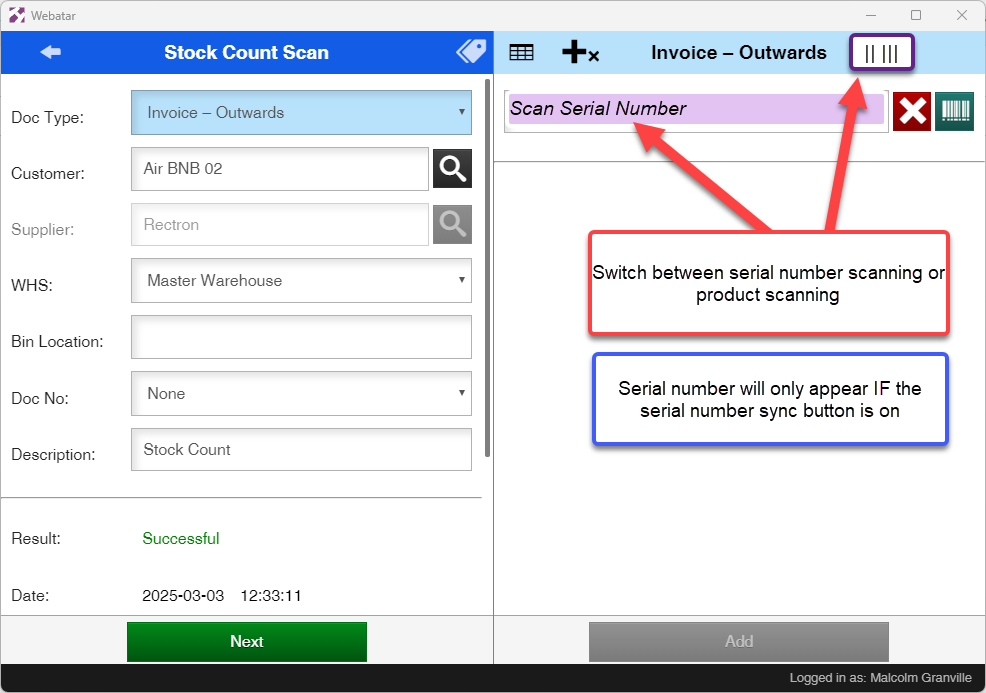
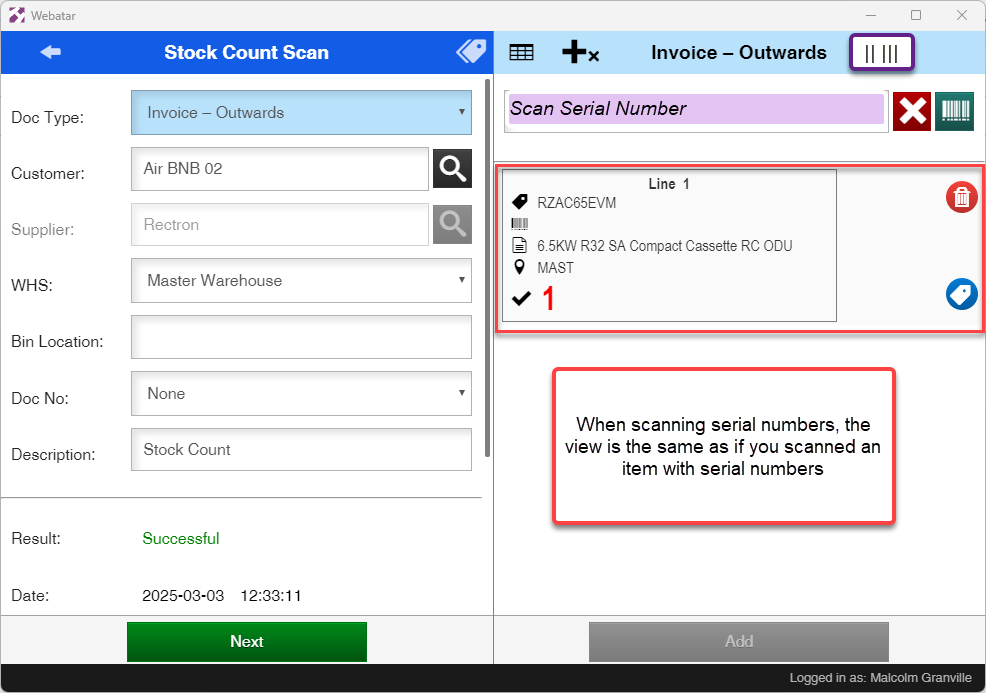
Serial numbers scanning button switch is only available if the Serial number sync button is active. When active the synced Serial Numbers will be searched if the scanned text does not match the barcodes or stock codes of any Stock Items synced to the app's database. If a serial number matching the scanned text is found, then the stock item for it will be added to the stock count and the serial number will be added for the item and the count incremented if it is new to the item.
If a serial number is scanned as a Stock Item into but does not exist in the app's database, then an error will show. One cannot scan OUT a serial number a stock item that does not exist or references a stock item that does not exist.
Serial item list will list the product and serial number linked to it
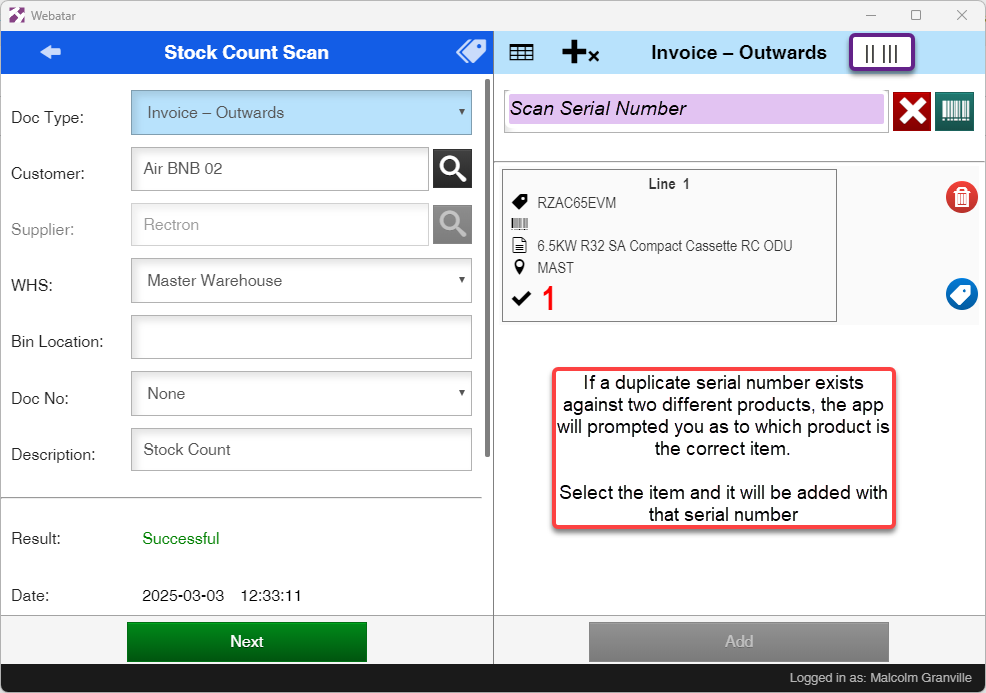
Duplicate serial numbers
App will prompt if it finds a duplicate serial number
Scanning Serial numbers directly to the item
When scanning serial numbers directly to the item from the serial number list for the item any serial number, including those which do not exist in the database, can be added provided they were not added before. When the serial number does not exist in the database however the list item will be flagged to indicate this.