Email to Huge ERP setup
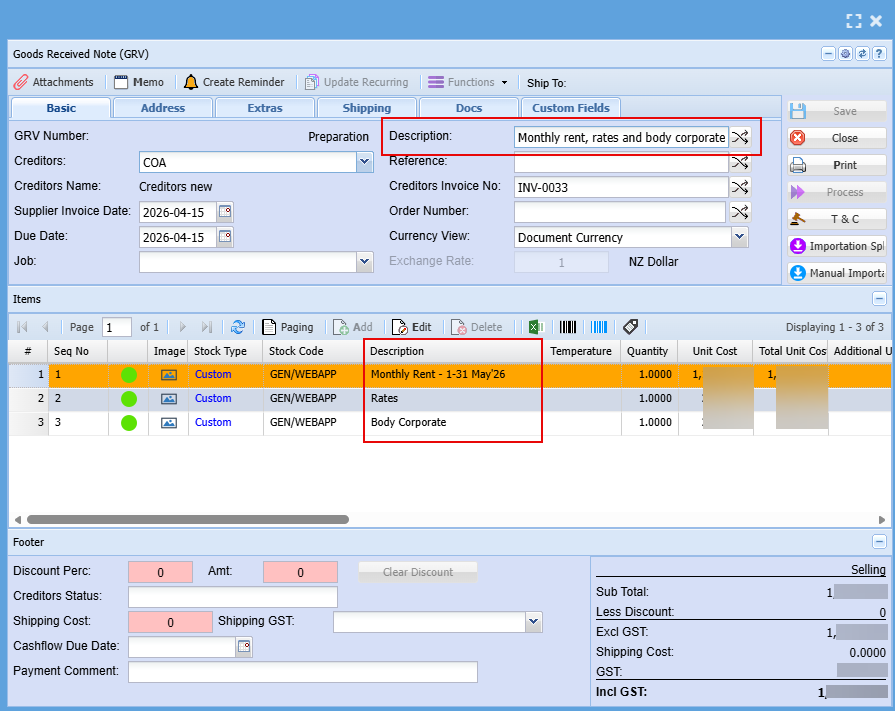
When the email is sent to the default email address. It will create a Purchase Order or GRV based on the setup.
The application will try to identify the supplier, but if it cannot, it will use the default supplier
Same goes for the line items, if the app cannot find the supplier item code, it will use the default Custom item.
The Payables Hub email utility will handle the following:
- Multiple attachments, will create multiple documents
- Only processes PDF documents
- Ignores statements
Setting default Supplier and Custom item
a. Setup a default custom type item
b. Setup a default supplier
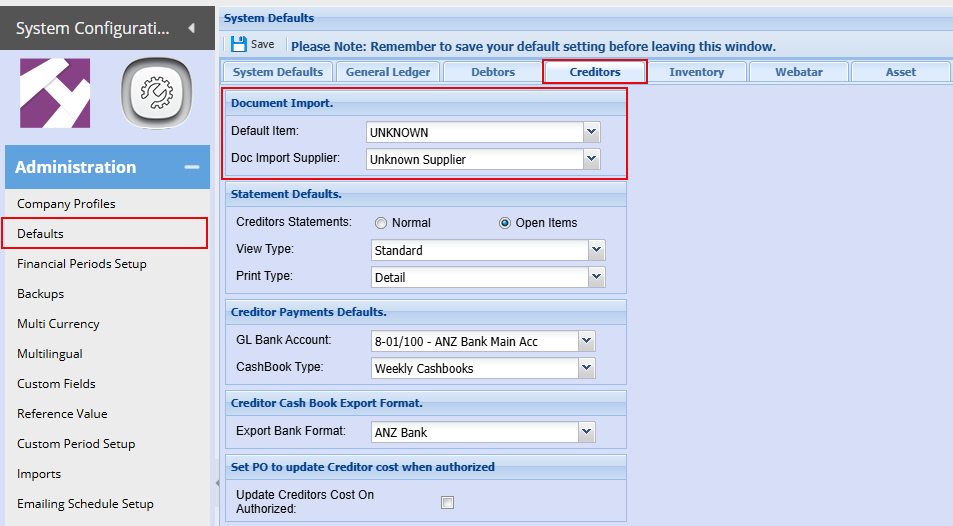
Unknown Item setup
Setup a custom type item called Unknown.
Make the sell price zero and set to amount
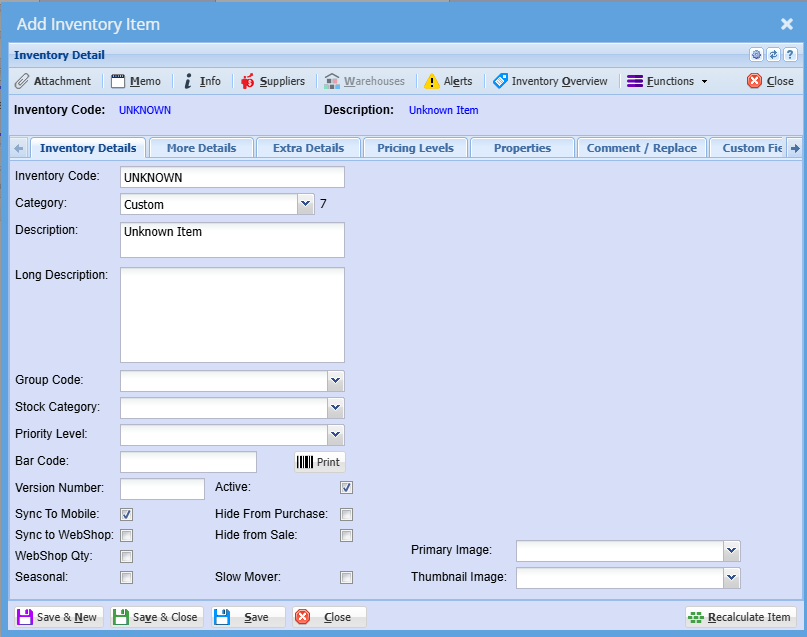
Unknown Supplier
Create an unknown Supplier
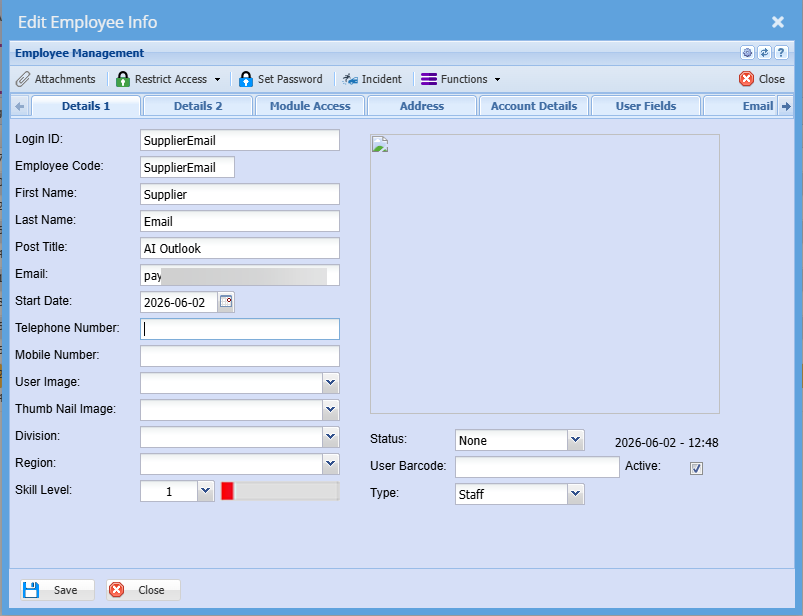
User Setup in Huge ERP
Setup a User for reading of emails - SupplierEmail
This creates a log against the user that we know has had an automatic document created from the Payable Email Hub
Creation of the supplier invoice as GRV
- The AI will summarize the invoice and put in as the Description
- The AI will create each line with the description, quantity and value