Updating Unit Cost Prices on Inventory Items
Log in to the inventory module, Configuration, Inventory Setup.
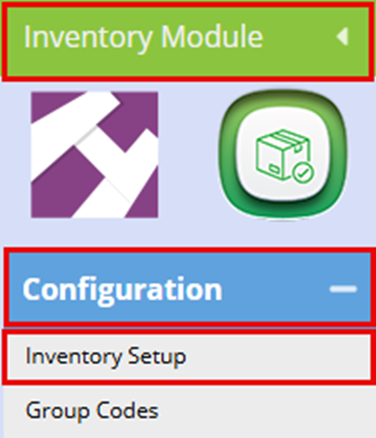
Type in the item code you are wanting to update in the Item code bar and click search.
At the bottom you will see the item pop up. Double click on this item.

Click on Supplier
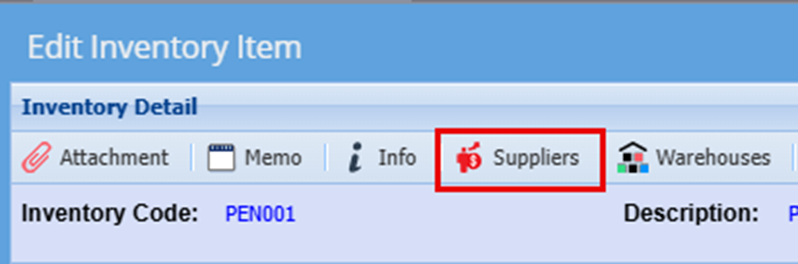
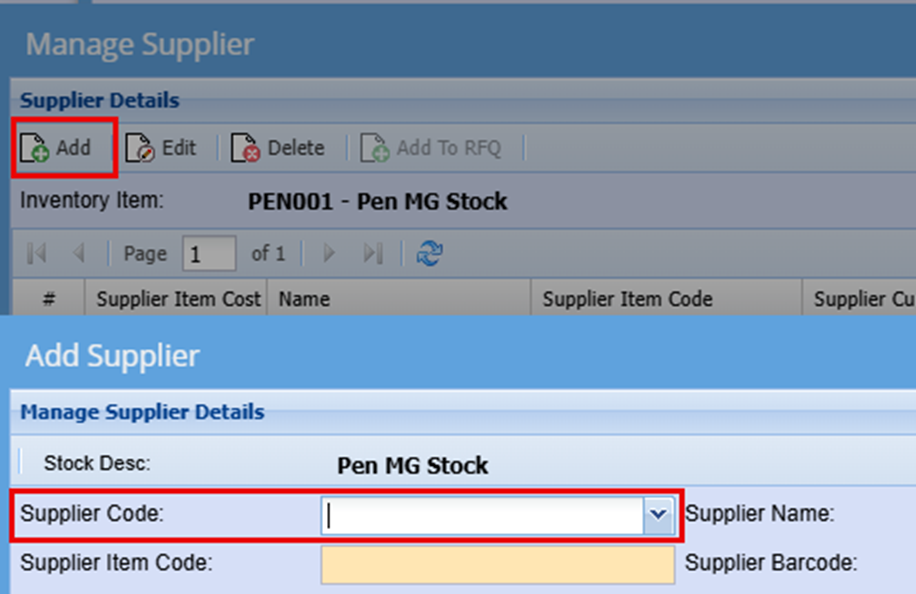
Click Add, a Add Supplier Window will open
Click the dropdown Arrow for the Supplier Code. Here you will find your already created suppliers list.
Select the supplier you want to add.
In the System Item Block Add the cost of this item from this supplier and click Save
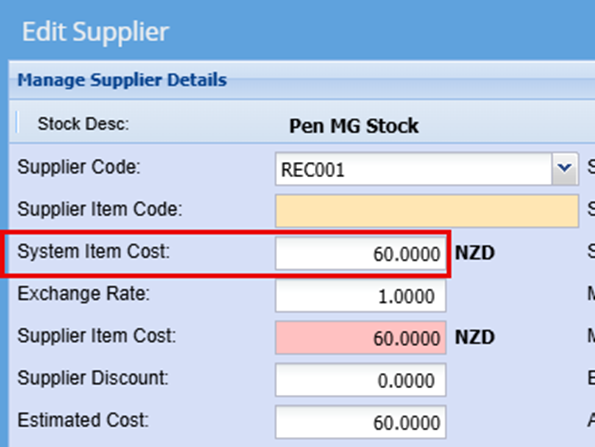
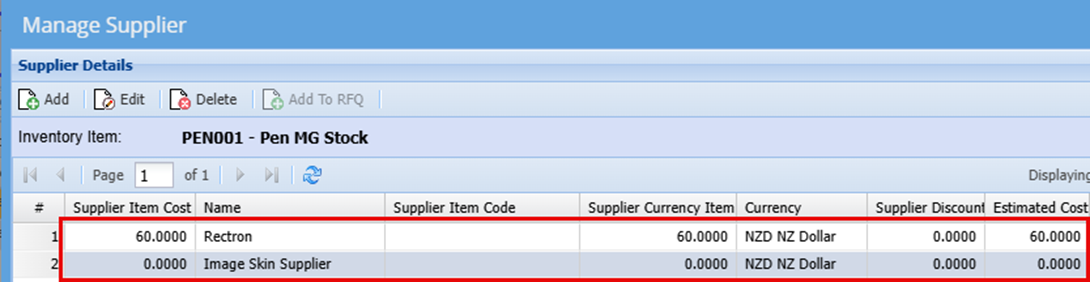
Once you have clicked save you will see that your supplier is now linked to the specific product with a Cost price.