Security Role Permissions
Setting Up Role Permissions
Video manual 2020 - Click Here
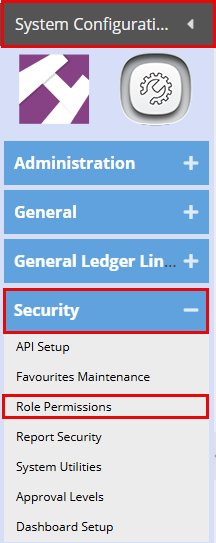
Log into the System Configuration Module, Security, Role Permissions.
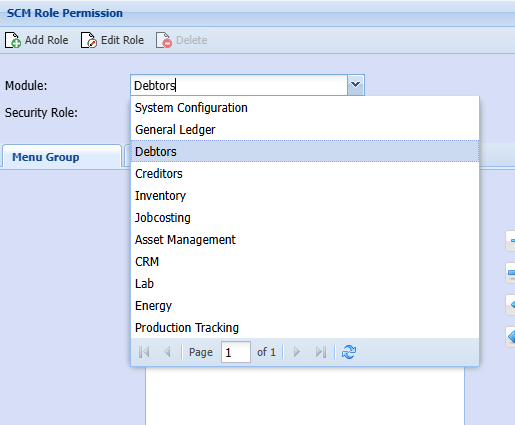
In the Modules dropdown bar, you will be able to select the module you want to create a new role for or modify an existing role with unique role permissions. Firstly, choose your Module.
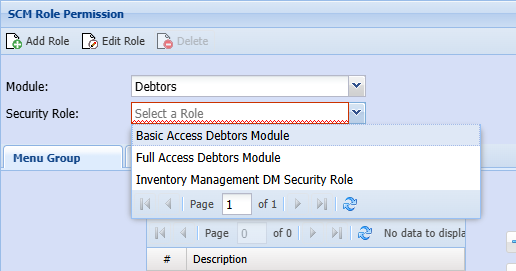
In the Security Role dropdown bar, you will find 3 preset options, each one allowing more or less access. Here you will also be able to adjust each Roles Permissions.
Select the Security Role Access you are wanting to adjust.
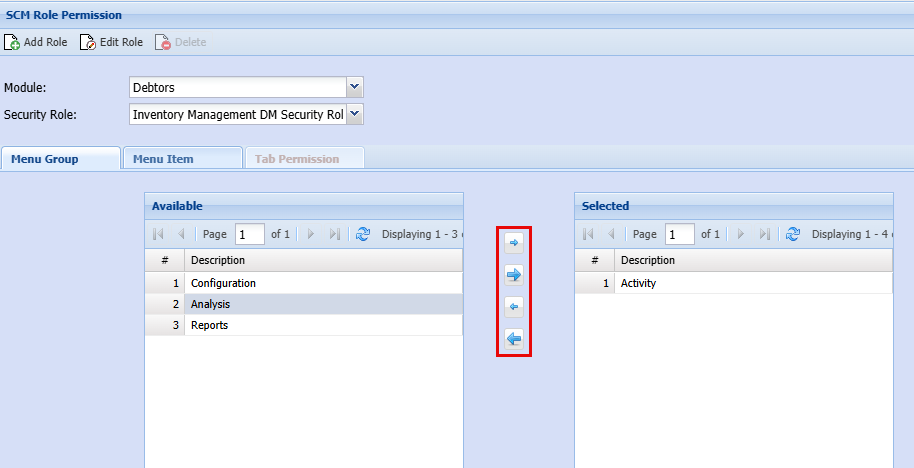
Using the arrows in the middle you will be able to add or remove access as needed.
This will give your staff the desired access on the main screen of each Module as below, these will either show or will not show depending on which access is selected in each Module.