
RFID Scan Program
The RFID Scan App Program is used to capture RFID Tag IDs.
The App is called RFID Scan
Program works with Android RFID scanners and readers
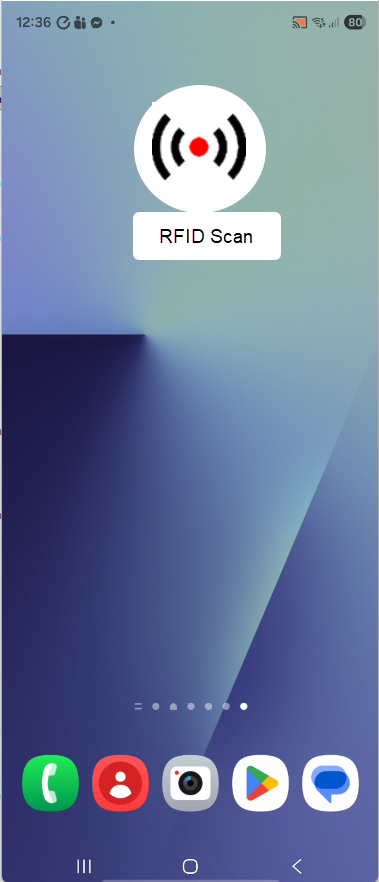
When clicking on the app, it goes to the Home page
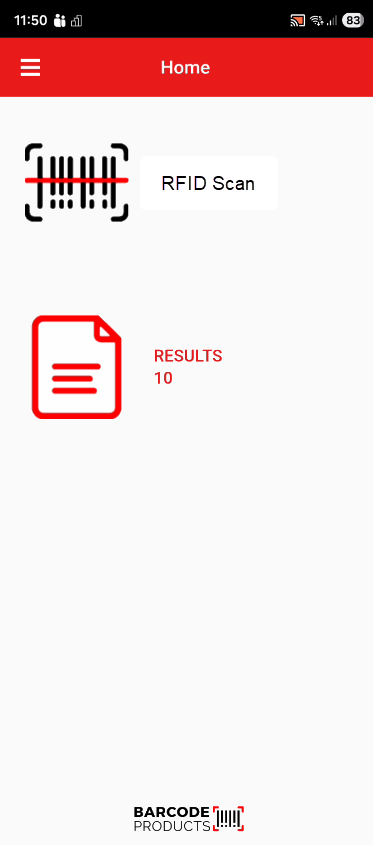
The app will contain the following
| Burger Menu | Where settings and other menus are accessed |
| RFID Scan | Where scanning of RFID Tags will take place |
| Results | System will keep a record of all scans |
| Logo | Barcode Products logo |
RFID Scan
This section is where scanning of the RFID will take place.
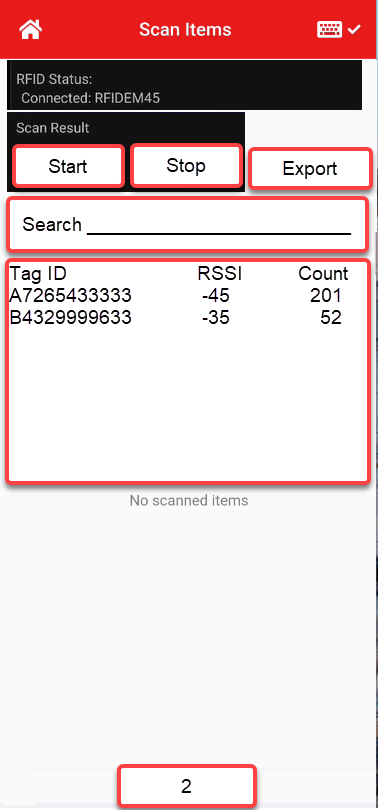
| RFID Status | Informs us which device is connected |
| Start |
Will clear the list Start scanning the Tag IDs |
| Stop |
Will stop the Scanning Save this to a database with unique name |
| Export | Will export based on the setup of the app eg. Clipboard, Export file, API etc |
| Search |
Quick search for Tag IDs, Highlights the Tags which contain those numbers |
| Result Table |
Shows the Tag ID, RSSI and Count RSSI will display the last scanned strength Count will display a number based on the number of times the Tag ID is scanned |
| Count |
The number of unique Tag IDs scanned |
Results
This section shows the saved results from each scan

| File Information |
File name - RFID20251105-001 Date and Time Scan started Number of unique Tag IDs scanned |
| Functions |
File can be Exported or sent to another program via the API App File can be Deleted |
The burger menu
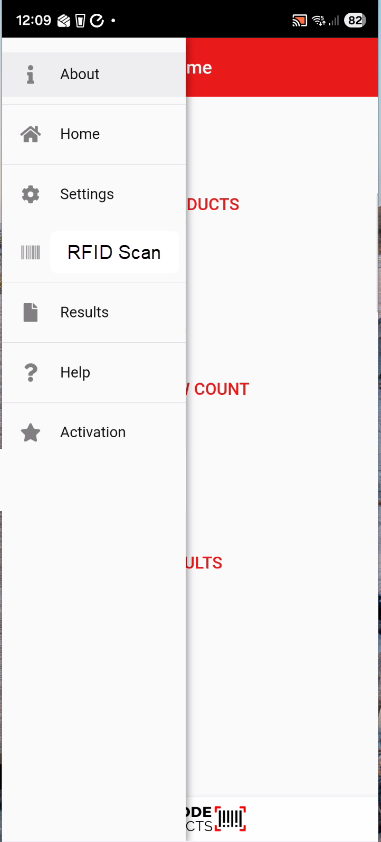
| About | Gives information on the app |
| Home | Takes the user back to the Home page |
| Settings | Some basic settings to define functions within the app |
| RFID Scan | Scanning the RFID tags |
| Results | See previous scanned results |
| Help | Takes one to the help menu |
| Activation | Activate this program |
Settings
View the basic settings for the app
This defines the Export function within the app

About
Shows what the program is all about
