
Setting User Report Favorite
Once you have checked on the column with the tick box with the report that you'd like to add to your favourites list.
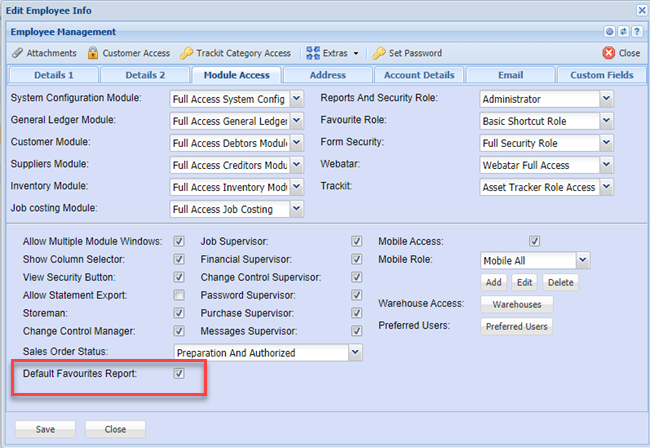
One can set the favorite report category to open up automatically.
Go to System Configuration > General > User Setup
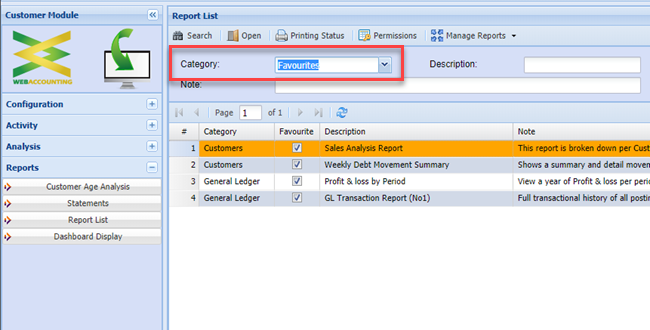
When accessing your report list, this will default to the Favorites category
No Comments