
Job Costing Module (JCM)
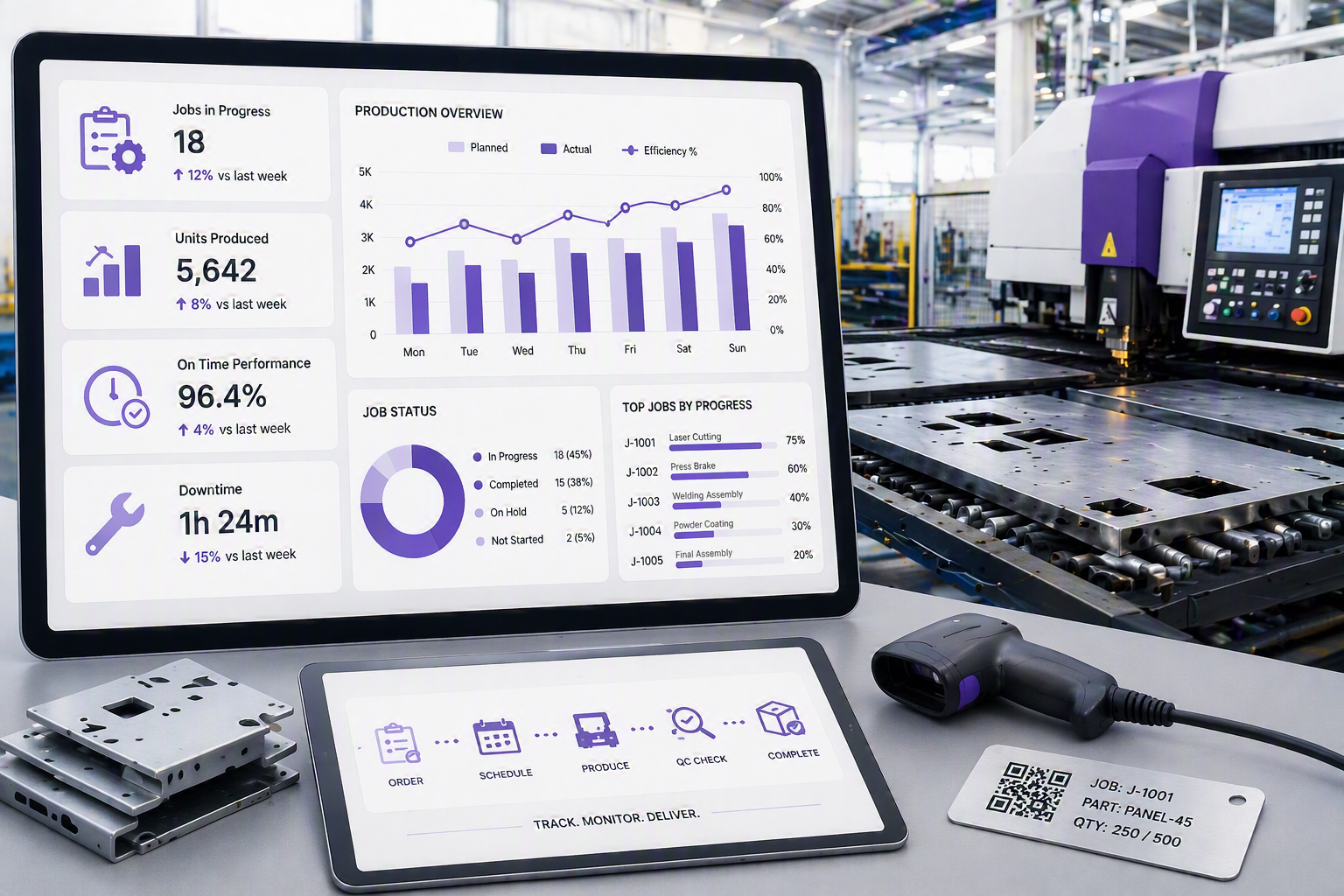
The Job Costing Module is asdesigned comprehensivefor asbusinesses that require detailed control over labour, materials, expenses, and profitability throughout the accounting sidelifecycle of Hugea ERP.job. Built
Specificationsreal-world forjob thiscosting requirements, the module wasprovides derivedcomplete from an actual Job Costing environment, where there was a multitude of variables.
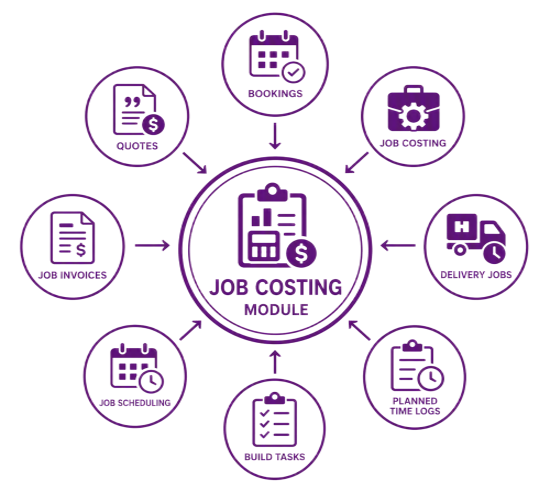
This module can be run separatelyvisibility from the restinitial quotation and approval process through to scheduling, production, delivery, and final invoicing.
The module enables businesses to create structured workflows using Bills of Materials (BOMs), track time and labour costs against individual jobs, manage checklists, and monitor progress in real time. Integrated job scheduling provides visual resource planning through drag-and-drop Gantt charts, while asset management and site information ensure teams have access to the systeminformation becauserequired to complete jobs efficiently.
Comprehensive costing and invoicing options allow businesses to invoice based on job progress percentages, actual usage, or completed milestones. Detailed tracking of thedeliveries, day-to-daycollections, changesmaterials, withinlabour, aand Job.expenses ensures Onceevery the Jobcost is completedaccurately allocated and readyrecovered. By comparing quoted costs to invoice,actual basicjob accountingperformance, rulesbusinesses aregain implementedgreater incontrol orderover toprofitability, manageproductivity, theand job.return on investment.
Before preparing
Key job,Benefits
- quoteAccurate job costing and authorisationprofitability processtracking isacross followed.labour, materials, Uponexpenses, receivingand an order, theactual job canperformance.
- commence.Centralised job Jobmanagement cardswith canreal-time bevisibility printedof byjob Department,status, Functioncosts, orprogress, Employee.site information, and assets.
- Structured workflows and quality control through BOM-driven processes, checklists, and task management.
- Efficient resource planning with integrated timesheets and drag-and-drop scheduling.
- Flexible invoicing and financial control using progress billing, actual usage invoicing, and quote-to-actual comparisons.
- Improved delivery, collection, and customer service management with full job traceability.
- Greater accountability and return on investment (ROI) through comprehensive reporting and performance analysis.

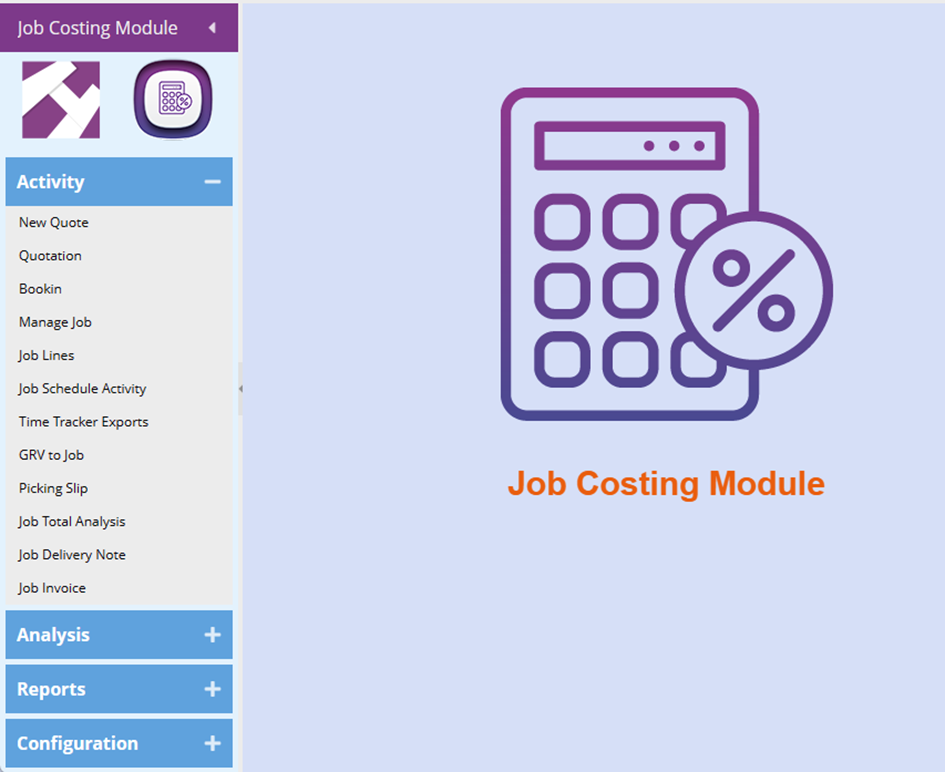
Job Costing Module (JCM) Features
|
JCM Features |
Description |
Benefit |
|
Job Costing Module |
A big module to control stock, labour and expenses to jobs |
Accurate costing of jobs Return on investment controlled |
|
Job Tasks |
A dynamic way of creating workflows from a Bill of Materials |
· Hide costs and materials from a customer · Accurate costing done for jobs |
|
Managing Job Costing |
View all details of a job cost and all linked documents that affect the job |
· One place view on job details · Check on Quote estimates to Actual work in progress |
|
Time sheets |
Link time sheets to jobs to capture costs based on tasks and hourly rate |
· Reporting on time for each employee · Check on time and costs allocated on jobs for accurate costing |
|
Checklists |
Create multiple checklists to a job
Add photos and indicate whether tasks are complete |
· Control of workflow for a job and staff member to complete · Prechecks to a job · On the job process checks |
|
Asset Management |
Capture site information for job |
· On hand information for a Job site · Technicians have full data accessibility |
|
Job Scheduling |
Schedule jobs, employees and teams Use a Gantt chart with drag and drop function |
· Use drag and drop functions for quick movement of resources · Visually view your jobs |
|
Bill of Materials Job costing |
Run a job cost with all the dynamics and costs Then create finished items from this job and put BOM finished items in stock |
Keep track of unforeseen costs on job BOMs |
|
Job Delivery Notes |
Create delivery notes before invoicing Multiple delivery notes to one invoice or multiple invoices can be produced |
· Flow of stock and job moving to a client · Progress of delivered items out of the factory |
|
Job Percentage Invoicing |
Create a progress percentage invoice on a job with multiple invoices over a period |
· Invoice before the job starts · Estimate costs versus actual costs · Ensure monthly profit and loss is consistent |
|
Job usage / actual invoicing |
Create an invoice with actual items used which will look the same as a traditional invoice |
· Invoicing actual item costs on the progress of the job · Compare item cost and selling from Quote estimate to actuals to invoiced |
|
Collect / Deliver |
Monitor the collection and delivery of goods via invoices Notify clients that their order is ready for collection |
· Track customer collections · Track customer deliveries |