
Landing page defined
Modules and mini icons
The landing screen may differ to what your Module landing page looks like.
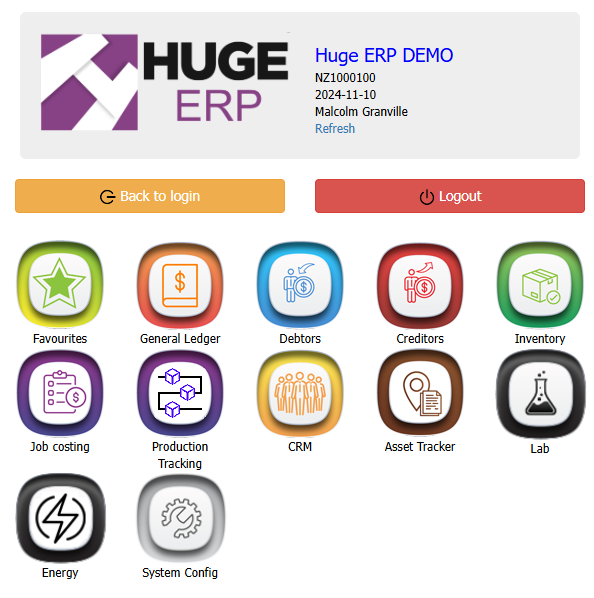
Main Modules
Modules are only visible if you have access to them, otherwise they will not display.
Module access in System Configuration > General > User Setup
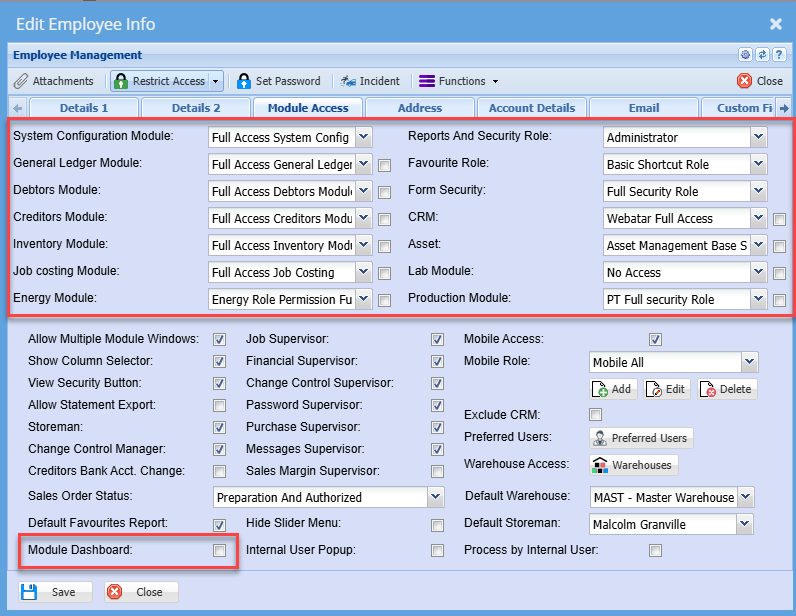
Mini Icons
This is setup at the user setup to allow for Dashboard view
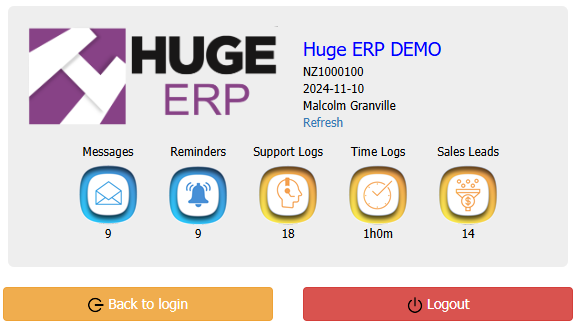
One of the reasons for the new mini-icons is to give the user a small dashboard.
You will be able to click on the icon to go directly to that section.
Icons will be grayed out if you don't have access to the module license.
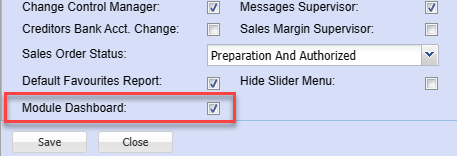
Definition of the mini modules
| Messages | this will show the number of messages you have outstanding |
| Reminders | this will show the number of reminders outstanding link to the user |
| Support logs | this will show the number of support logs linked to you (under the assigned to) |
| Time logs | this will show the current number of hours for the current month accumulative |
| Sales Leads | this will show the number of sales leads you have outstanding |
| Jobs | this will show the number of jobs assigned to you either as a job manager or job capture (if the job manager in job capture or the same only one count is done) |
No Comments