
Lab Sample Submit
Quick Add window allows users to add in a Lab Sample request
It has limited information
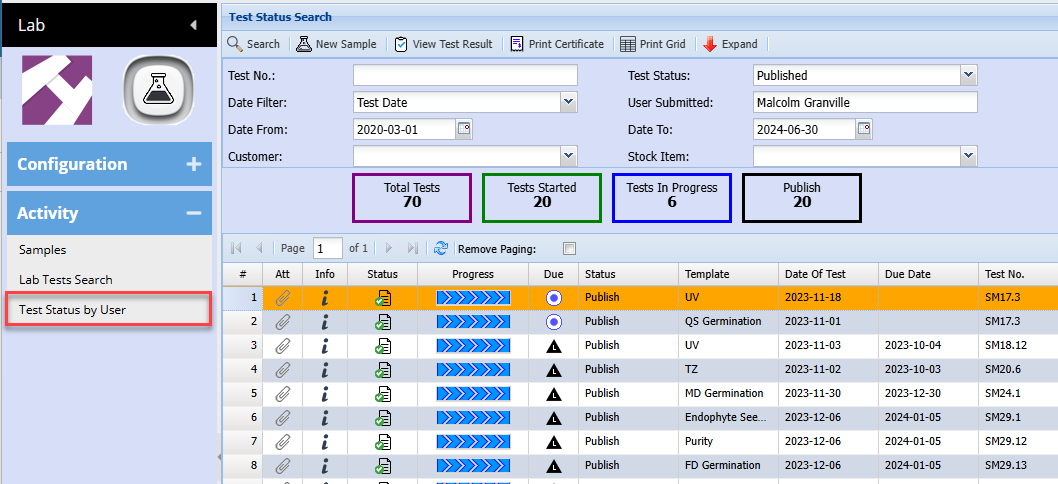
Test Status by User
This search is filtered by the user logged into the system.
Allows the user to check on all Samples submitted and their status
General Tab
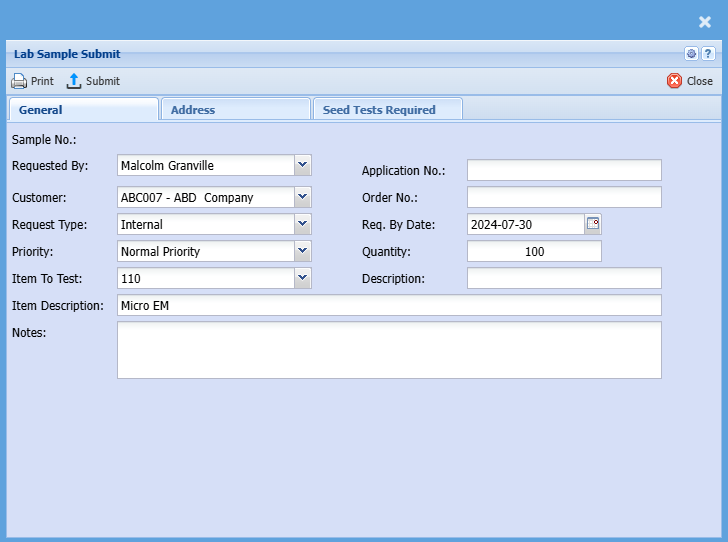
| General Tab | Details |
| Test No | Displays the Lab unique test number |
| Application number | The application number the user entered |
| Requested by | The name of the user who requested the lab test |
| Customer | Customer requesting Lab test |
| Order Number | The Order number the user entered |
| Request Type |
Internal or External (default to Internal) |
| Description | Description of Lab test to be done |
| Date Required By | Date the test is required, will default to 14 dates from issue |
| Lot/Line | Lot / Line information entered by the user |
| Priority |
Priority levels (defaulted to Normal) Low, Normal, Urgent, Very Urgent |
| Item to test | Item search on inventory list |
| Item Description | Description of item, can be changed |
| Quantity | The quantity to be tested |
| UOM | Unit of Measure of selected item |
| Kind | Enter the kind of item |
| Cultivar |
Enter the cultivar |
| Test Type | Enter Test Type |
| Notes | Enter a Note |
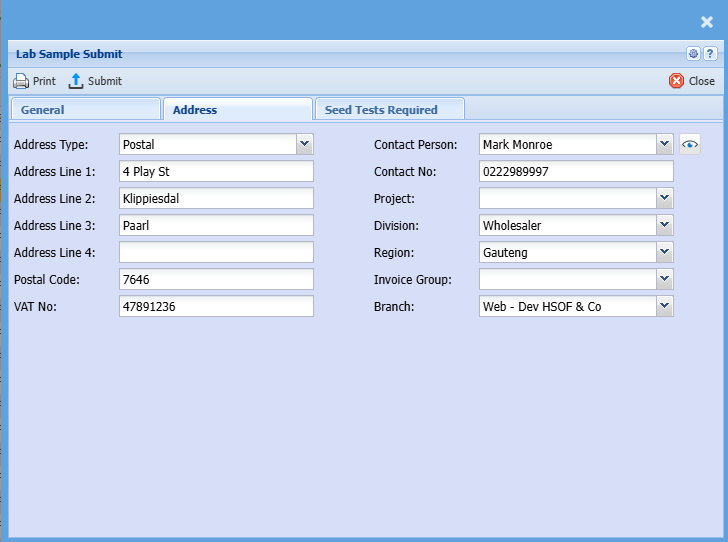
Address Tab
Tests Required
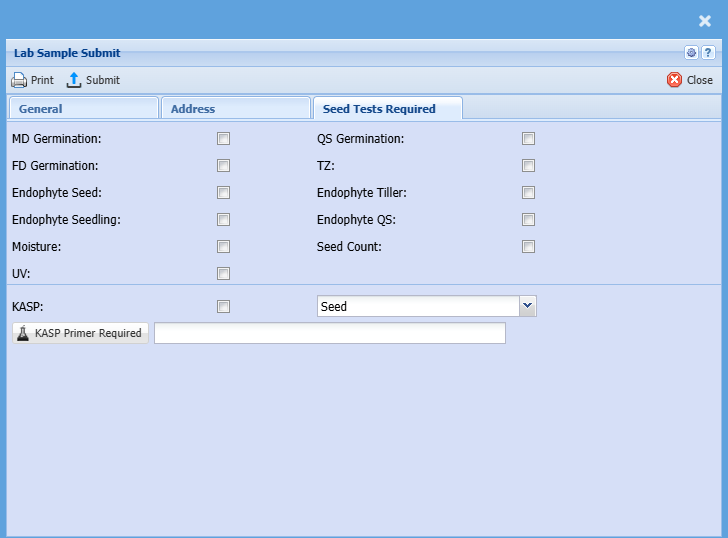
| Tests Required | Details |
| Grid of listed tests | Tick the tests required |