
Lab Test Templates
Lab test templates are predefined set of tests templates setup
Tests are grouped for various industrials
User can setup the group that they want to view
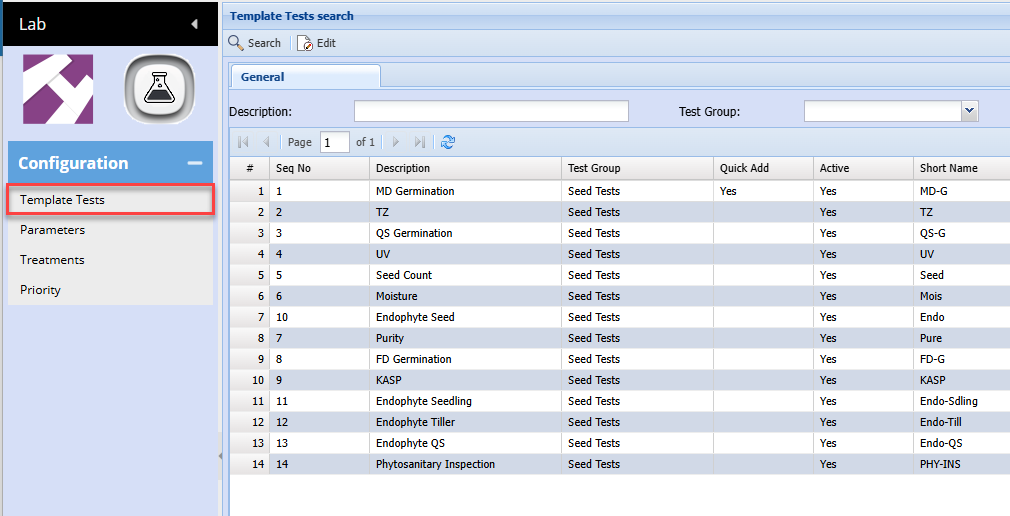
| Test Types | Details |
| Search button | Search the Predefined tests |
| Edit |
Edit the test to put recommended, Test parameters in Can change the Test Description |
| Test Description | Search the grid for a specific test |
| Test Group | Dropdown of predefined industry tests |
Edit Test Template
SEED001 - MD Germination test
There are three types
| Tabs defined | Details |
| Details | Standards for each test with defaults |
| Test | The test varies according to the test |

| Test Type | Details |
| SEED001 | MD Germination test |
| Test Description | Description of test - this can be edited |
| Active | Test is active or inactive |
| Test Type | Predefined tests - This cannot be edited, but shows as to which name is given to test |
| Test Group | Predefined industry group of tests, This cannot be edited, but shows which industry the test belongs to |
| Sequence | The sequence of test to be shown on the quick add test |
| Show on Quick Add | Indicate whether this test will show as a list item on the quick add test |
| Recommended | Add in text to show when the test is added to a Lab test |
| Test Parameters | Add in text to show when the test is added to a Lab test |
| Treatments | Add in text to show when the test is added to a Lab test |
| Test results | Sample of what test results view will look like when added to the Lab Test |
Add Treatments button
This adds in the Treatments description into the Treatment field

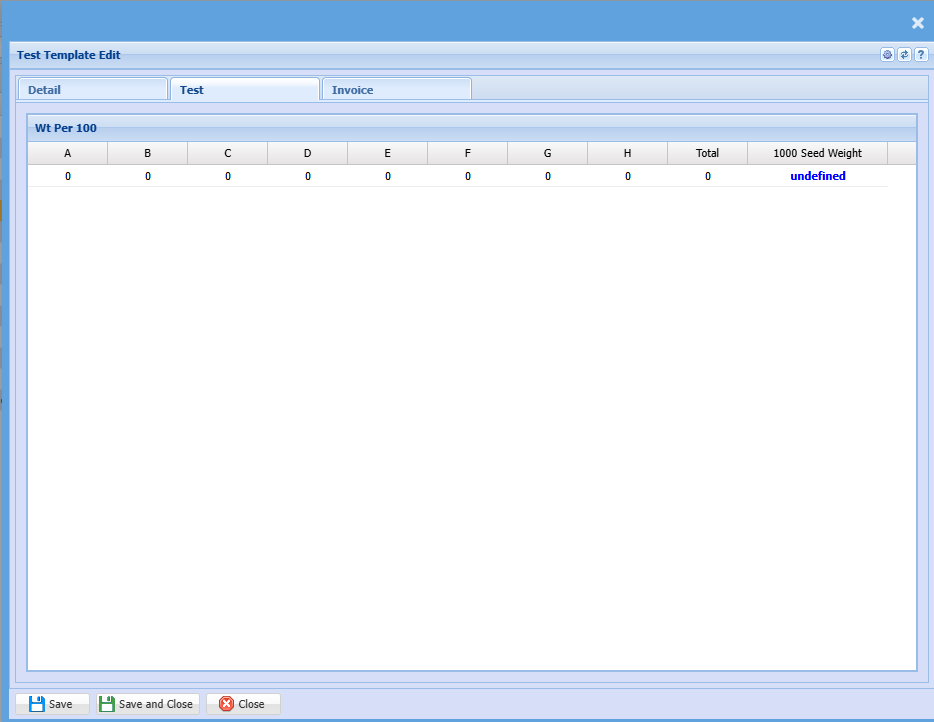
The test tab
Each test will have its own defined layout
Invoice Tab
Define the Service or custom item to invoice for test when invoicing
