Module Access
The Laboratory Management Module, also known as the Lab Module.
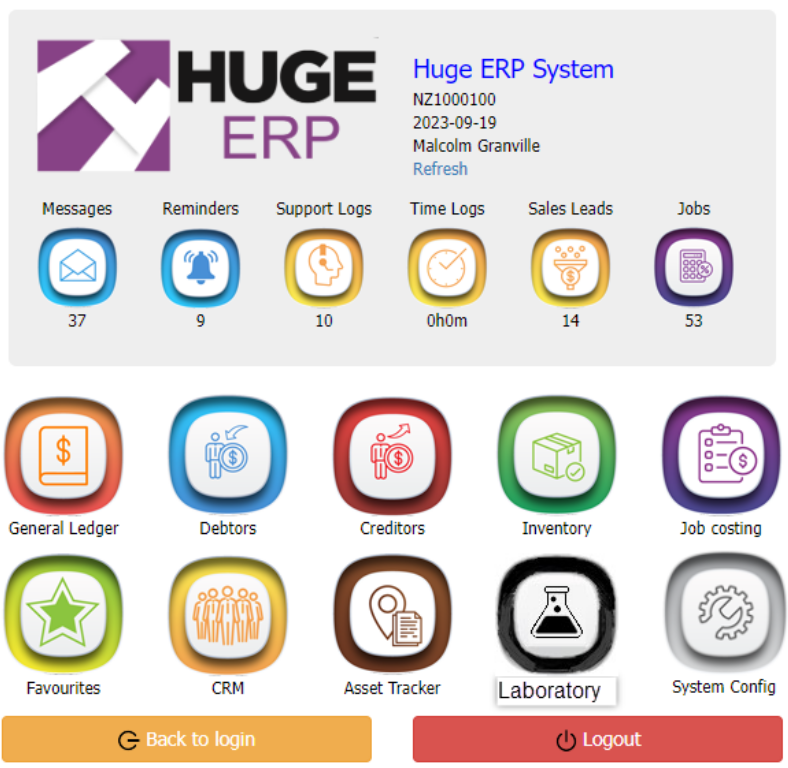
To access the Lab Module, Click on the Laboratory button
Module access
Laboratory Menus
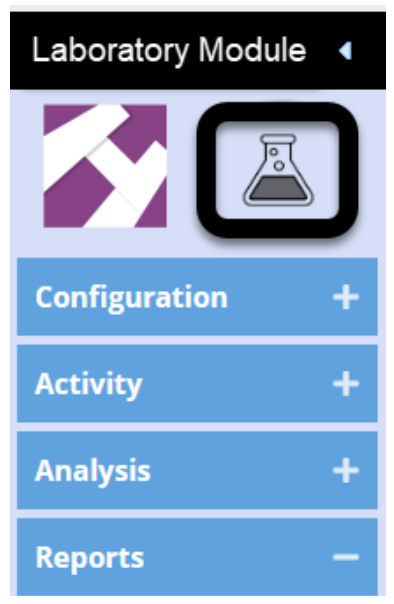
| Configuration | |
| Test Priority | Setup Test priority with colours and icons |
| Lab |
Assign test names and make active |
| Test Parameters | List of Test Parameters |
| Treatments | List of Treatments |
| Activity | |
| Window to allow users to log a |
|
| Main Laboratory Sample search window | |
| Lab Action logs | View all Lab action logs |
| Lab Test Search | Searches all the tests done |
| Analysis | |
| Completed |
|
| Reports | |
| Report List | View a list of Lab Reports |
Role Permission
Create Role permission for Lab access
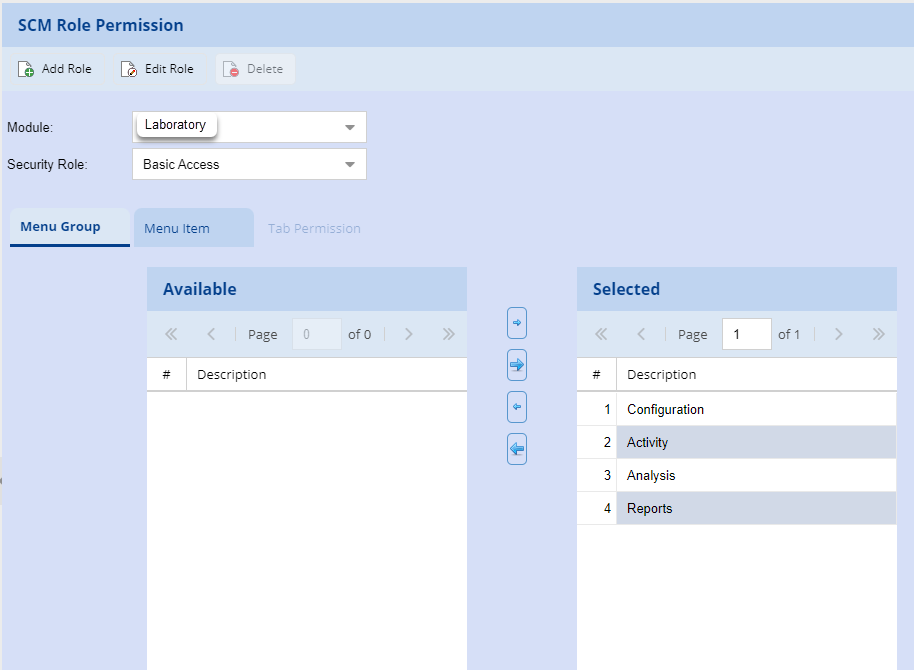
Setup User access rights

Reference Values for Lab Tests
This is used to allocate an auto number to the Samples submitted

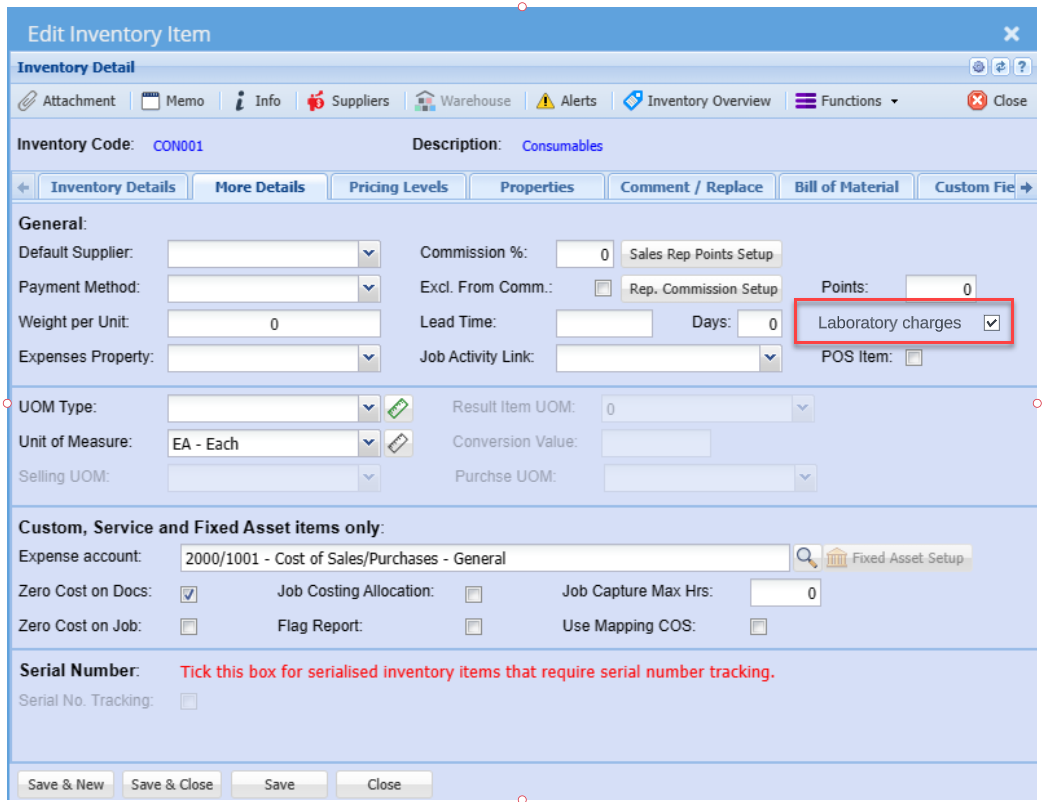
Mark items to be charged in the Lab test charge tab