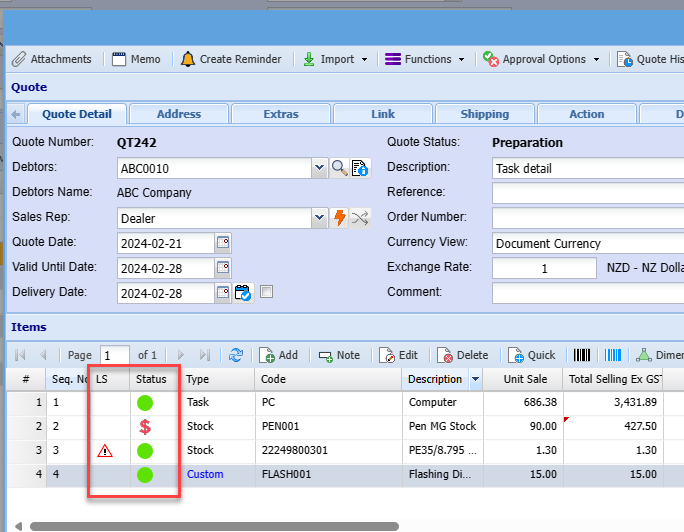
Sales Document Line items icons
The following icons appear on sales documents
|
Icon |
Details |
|
|
RFQ and Drop Ship ticks are both activated |
|
|
RFQ is active |
|
|
Drop Ship is active |
|
|
Item has a line discount on it |
|
|
Item is selling below cost value |
|
|
Line item OK |
|
|
No stock |


There are two status columns
LS = Line Status (this column only shows if the item does not have stock, there is no other icon status)
Status = Line status of item