
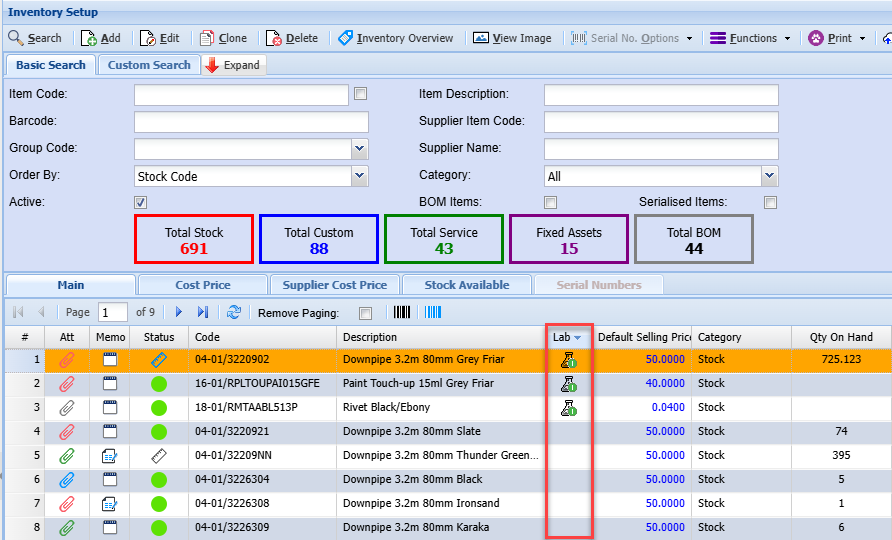
Inventory Lab Status Icons
These icons inform the user whether a test sample was submitted to the lab.
| No Icon | No test has been done on this item |
|
|
One active test submitted |
|
|
Two active |
|
|
Three active |
|
|
Test completed within 6 months |
|
|
Test completed greater than 6 months but less than a year |
|
|
Test completed more than 1 year ago |


Icons do not automatically update when searching the grid.
Icons are updated as follows:
- When editing a stock item and saving
- Manually running the function to update test icons
- Setup an automatic task to update icons every day
Manually update the icons through Functions menu
This will update all items with the icon
