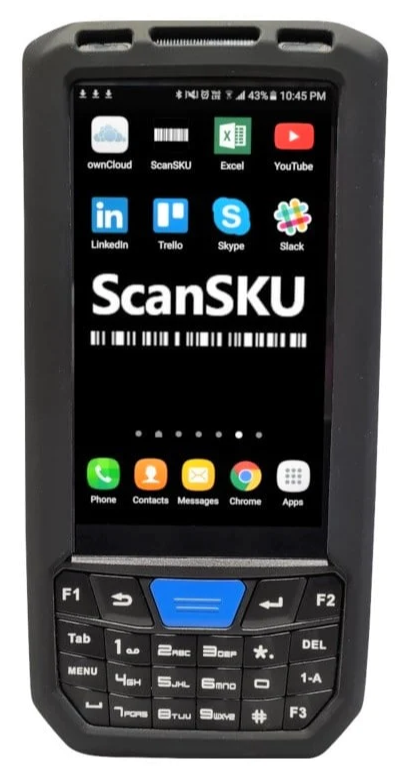
ScanSKU Device
The device is an external purchase to use with the software
The device is uses three basic apps
- Stock Take count used for Purchase Orders, Sales orders, stock count and stock take
- ScanSKU lookup
- Picking slip for Sales order
Setup device
There are two basic setups required
- Keyboard Mode
- Enter key
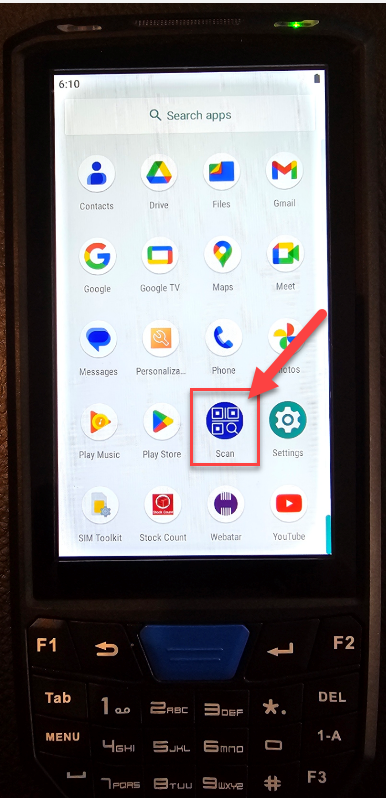
Under apps, go to Scan app
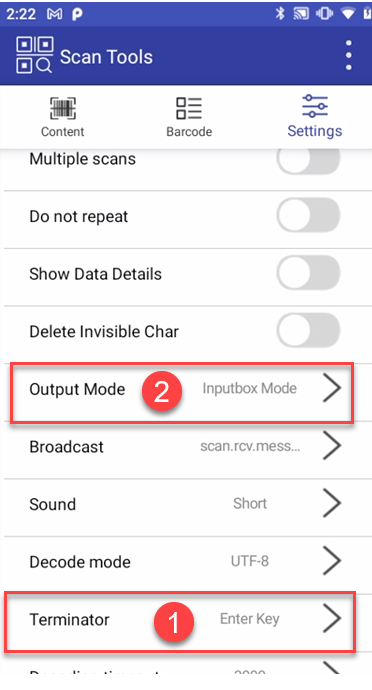
Click on Settings and find the two settings
Output Mode - must be Keyboard
Terminator - must be Enter Key