
New Purchase Order
CaptureTo capture a new purchase orderorder, after clickingClick on the Plus + button
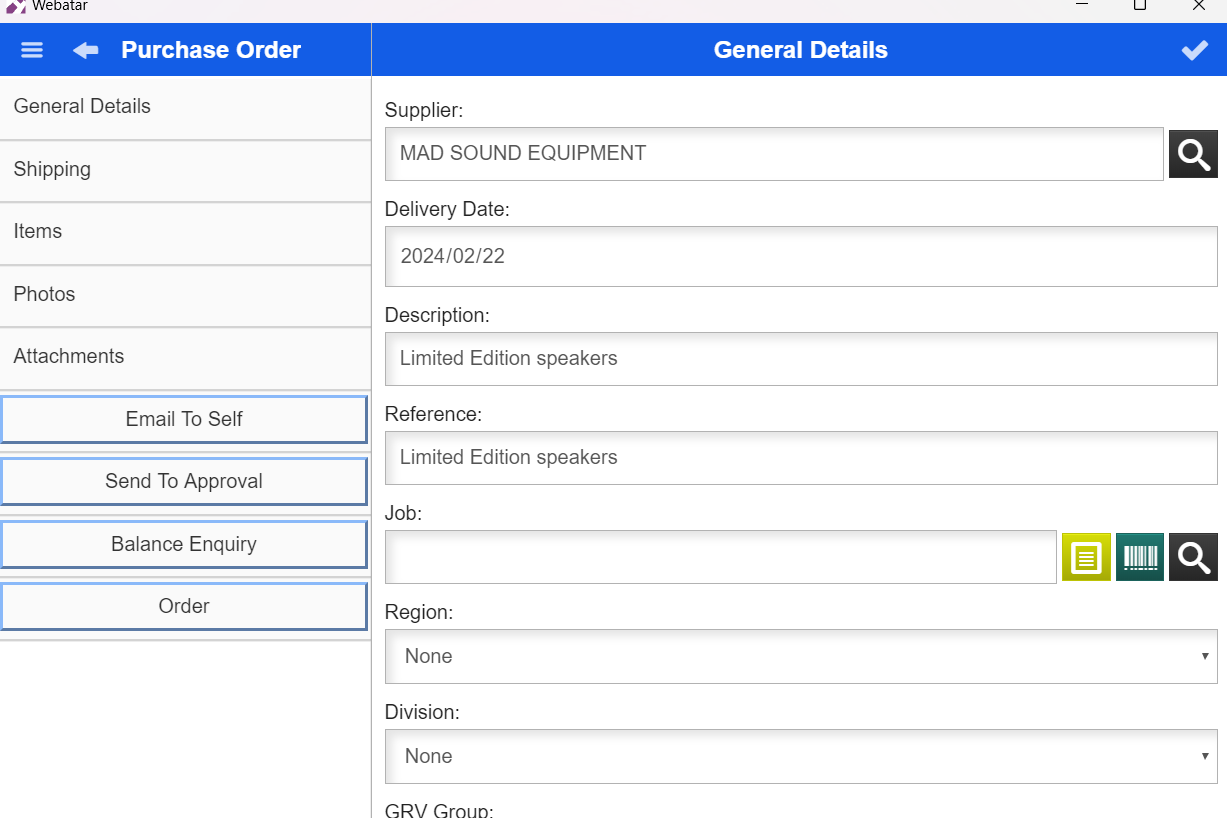
GeneralThen add general Details
| Supplier |
Enter the supplier for the purchase order |
| Date |
The date date and can also be changed |
| Description |
Enter a description of the |
| Reference | Enter a reference |
.png)
Items
Adding new items to the Purchase order
Click on the Plus + button to add new items
.png)