
24. PO Report
Job Costing>Reports>Reports List
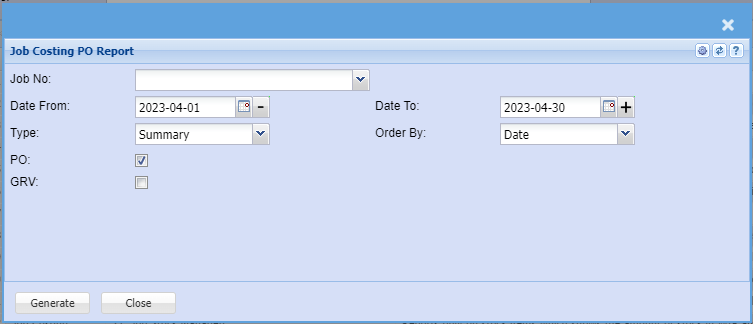
This report will show you stock which is sitting in Purchase Order which is relevant to a Job.
In the Job Number section enter the Job number
You can run this report
| a. | Summary |
| b. | Detail |
Shows the report on Purchase Orders waiting to go to a specific job. Report is group by Job
Number and shows various
POs against that job number.
| Job No | select the job number for the report |
| Date |
Select the Date From and the Date To |
| Type | Select the |
| Order By | Select the Order |
| PO | Include the |
| GRV | Include the GRV by ticking the box |