
24. PO Report
Job Costing>Reports>Reports List
This report will show you stock which is sitting in Purchase Order which is relevant to a Job.
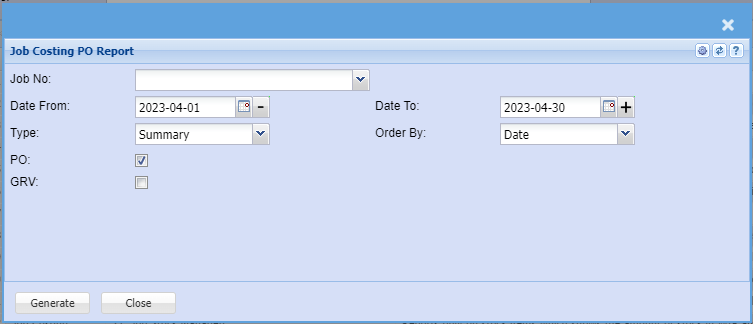
In the Job Number section enter the Job number
You can run this report
a. Summary
b. Detail
Shows the report on Purchase Orders waiting to go to a specific job. Report is group by Job
Number and shows various
POs against that job number.
Job No – select the job number for the report
Include the PO or GRV by ticking the boxes
Select the Date From and the Date To
Select the Type and the Order form drop down arrows.
Generate button – to run the report
Close button – to close the form