
21. Job Stock Managed
Job Costing>Reports>Reports List
This report shows what stock is on hand, how much stock is in WIP and how much stock has been used on the report
Reports only on stock items which shows the amount of stock in WIP and how much has been managed. Reports only per job.
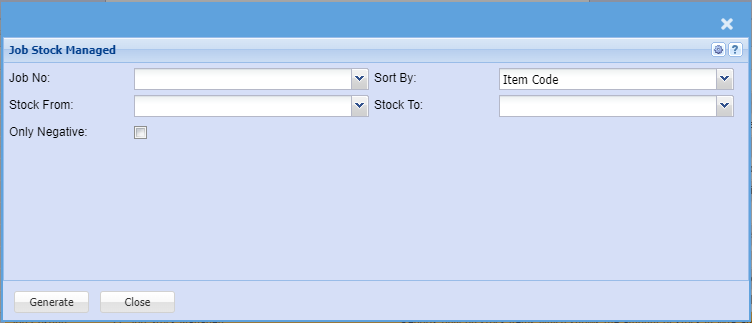
Reports only on stock items which shows the amount of stock in WIP and how much has been
managed.
| Job No | to select the Job number |
| Sort By | Sort the report by selecting one from the drop down arrow |
| Stock From |
select stock from and the Stock To or leave blank to pull all the stock for the report. |
| Only Negative | to include negative jobs |
Generate button – to run the reportClose button – to close the form