
20. WIP Summary
Job Costing>Reports>Reports List
WIP Summary will give you the value or quantity on the job and compares this to the Budgeted (Quote) to Actual (WIP) that has been completed on the Job.
Allows one to view a single job either by quantity or value per item of what has been budgeted versus the actual and the balance difference.
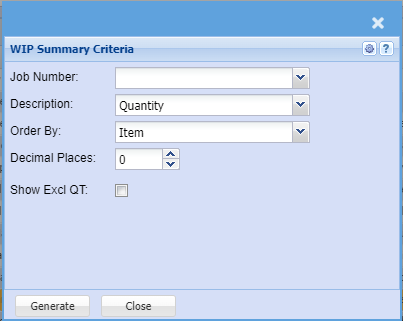
This report allows one to view a single job either by quantity or value per item of what has been budgeted
versus the actual and the balance difference
Select the Job Number, the Description or Sort the report by selecting one field from the drop down arrow
Generate button – Takes the information entered in the above fields and generates a print layout version.
Close button – closes the form