
Warehouse Levels
Inventory module>Reports> Reports List
Allows a selection of minimum, maximum, reorder level quantities which is setup in the inventory warehouse setup. Gives the quantity needed in different levels.
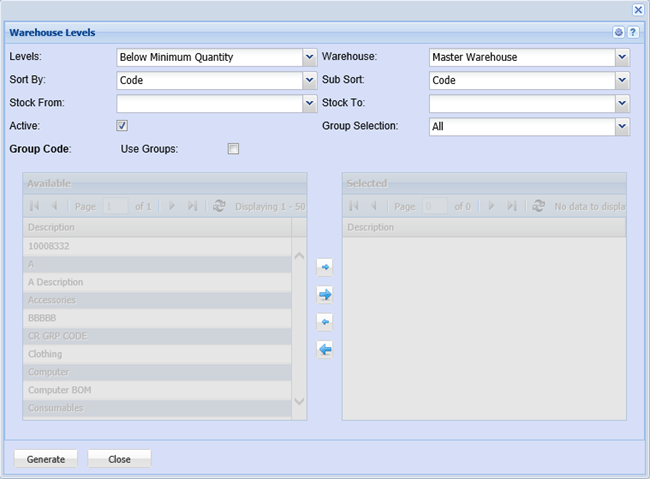
To generate the report, select options from the following fields below.
Levels – select the level option from the drop down arrow
Warehouse – select the warehouse from the drop down arrow
Sort By – sort the report by selecting one option from the drop down arrow
Sub Sort By – select sub sort option from the drop down arrow
Stock – select the stock from and the stock to, for the report
Active – this will pull out active warehouse levels only for this report when selected
Group Codes – this option allows the user to select the group codes by using arrows to the right hand column
Generate button – to run the report
Close button – to close the form